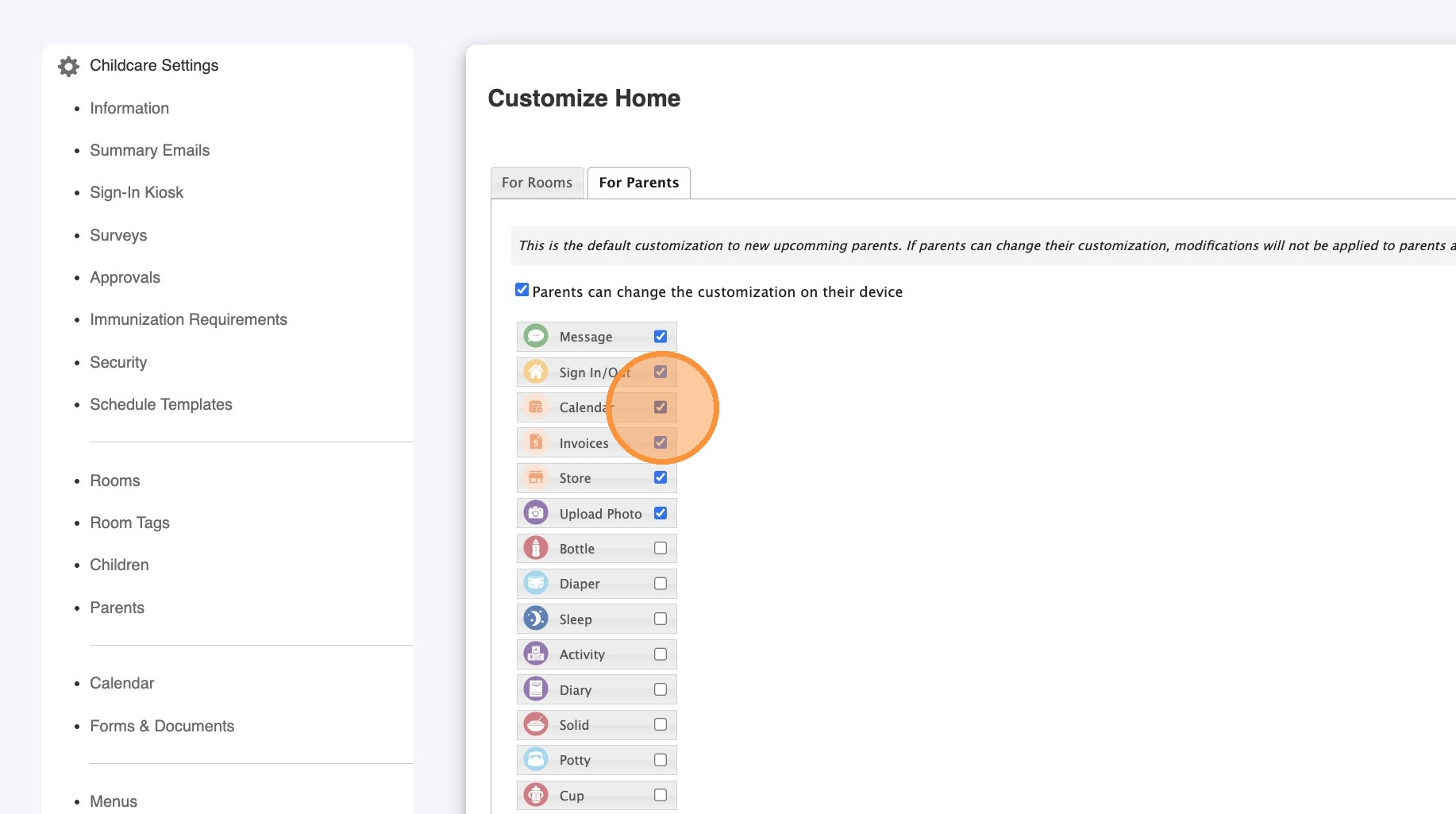
Parents can now access Calendar, Invoices, and Store directly from their home page with new quick-access buttons—while still finding them in the menu.
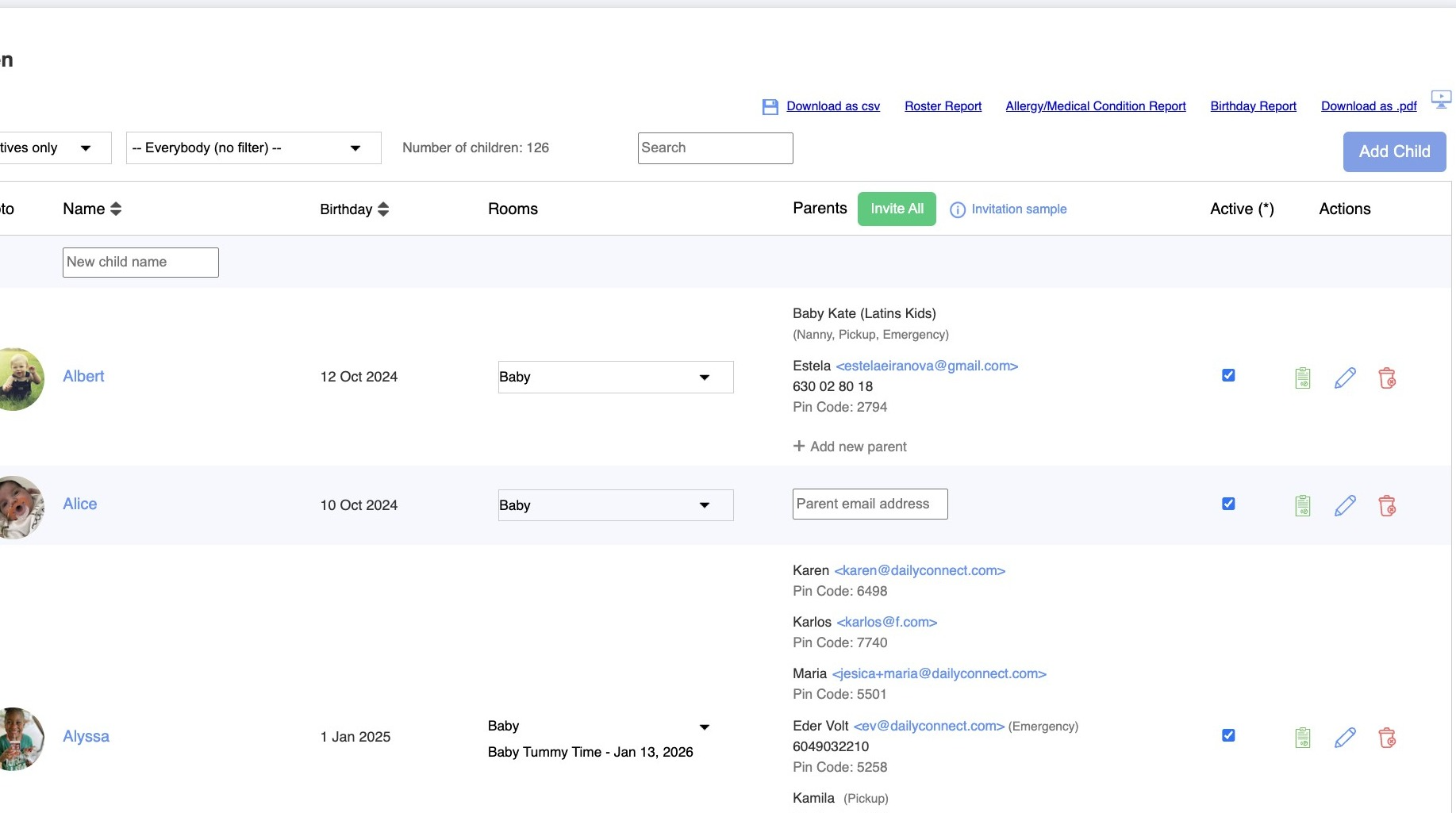
1. Navigate to dailyconnect.com
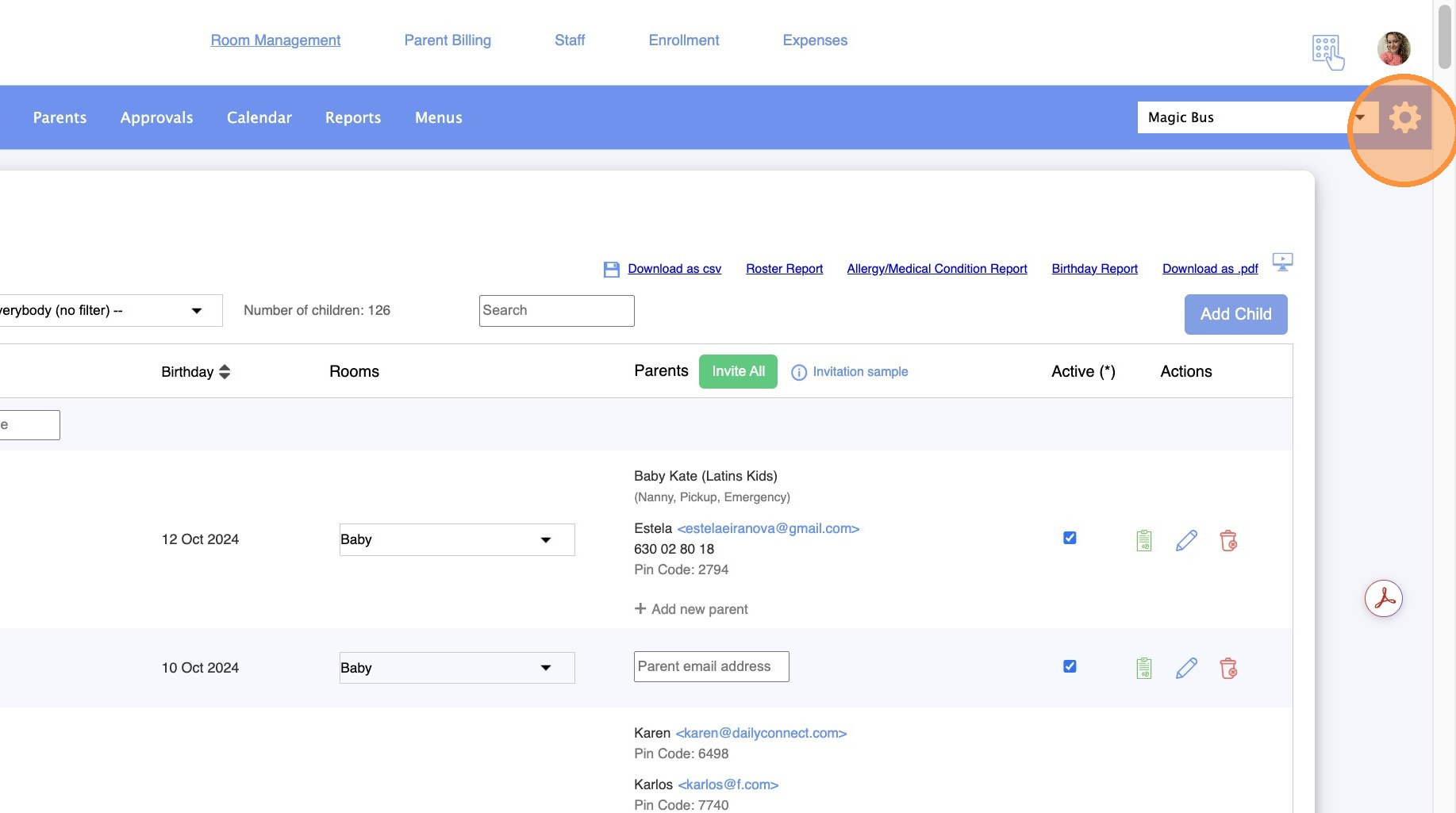
2. Go to Childcare Settings
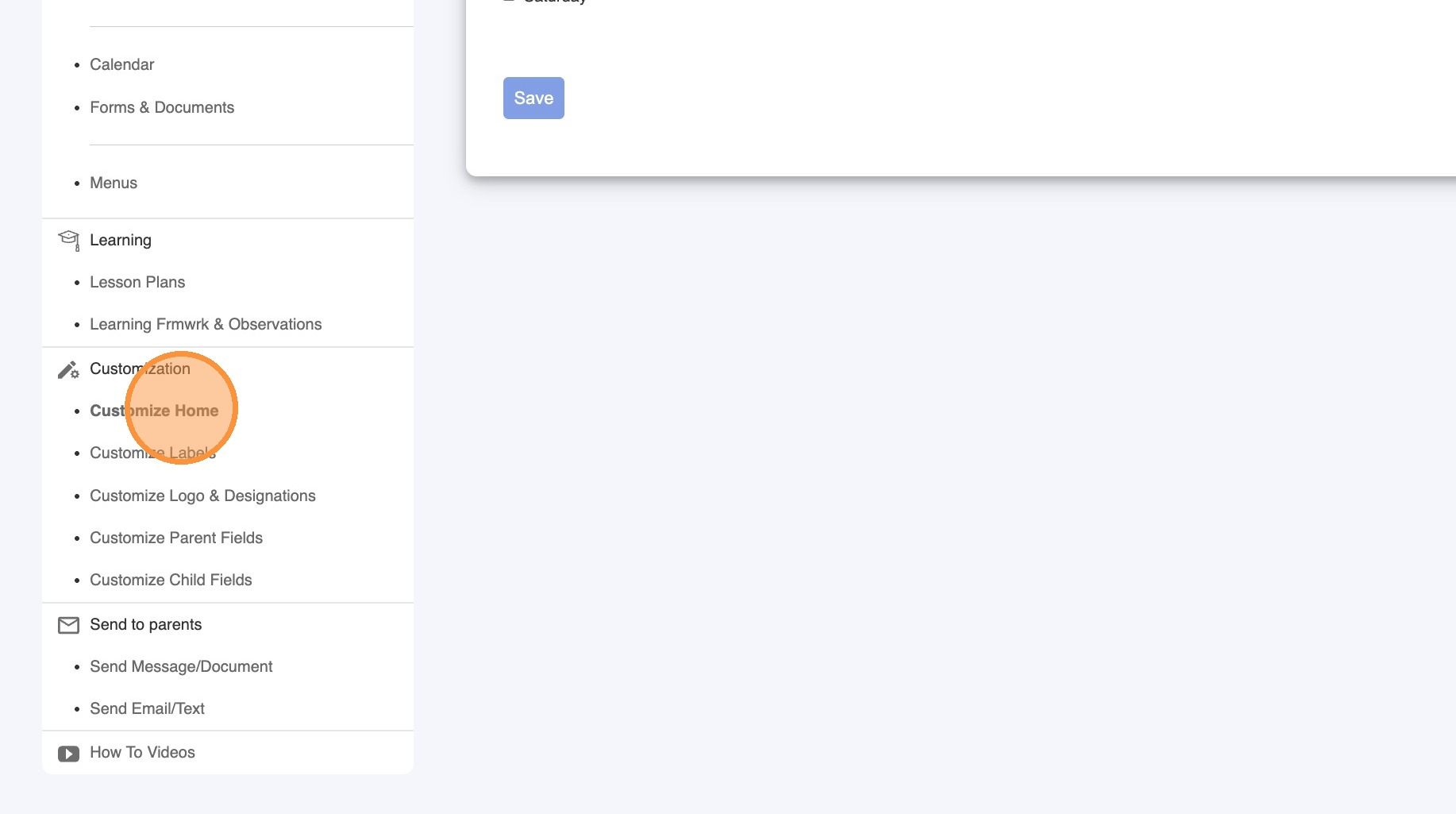
3. Click "Customize Home"
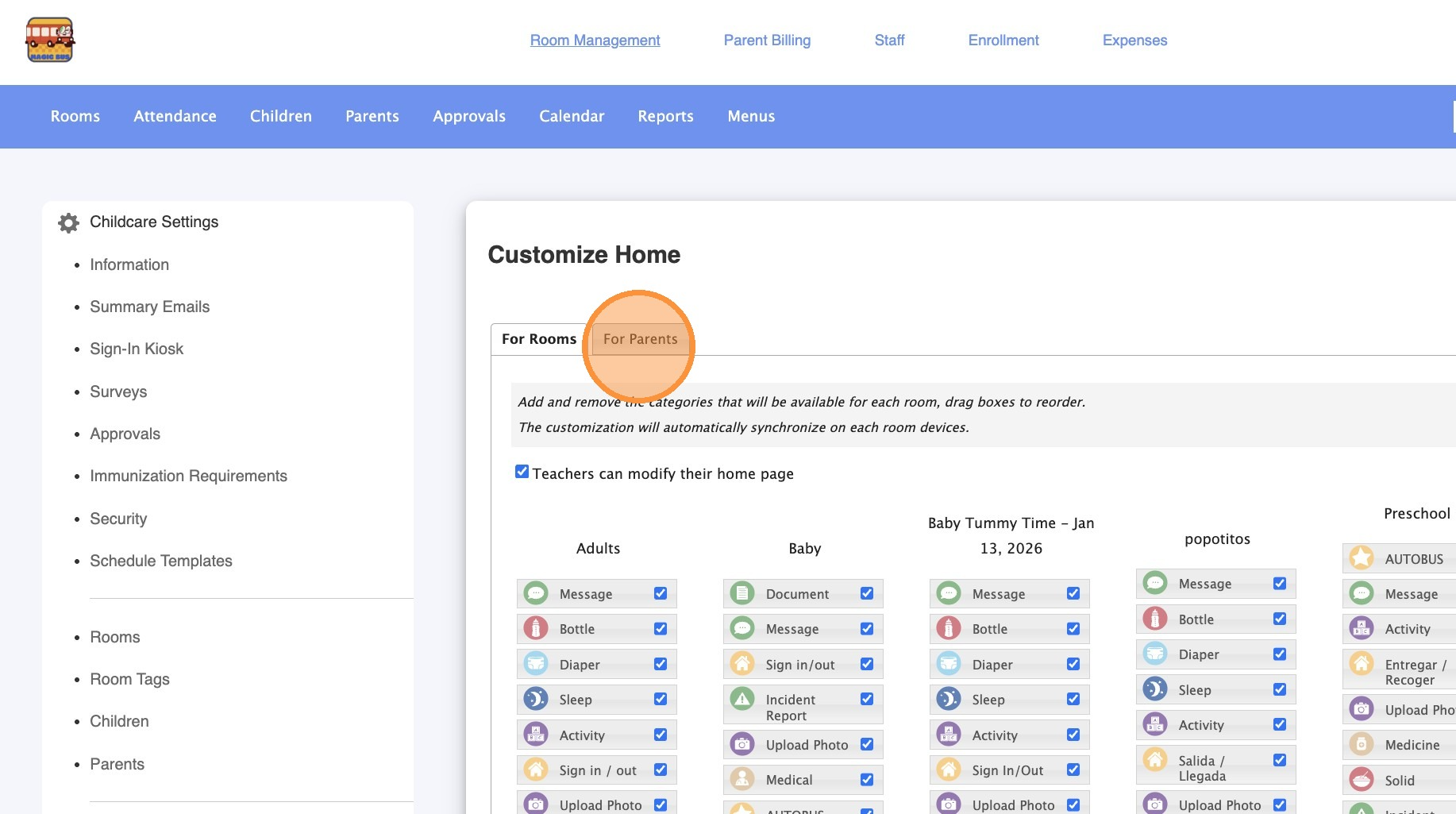
4. Click "For Parents"
5. Select the icons you want the parent to have access to.
Was this article helpful?
That’s Great!
Thank you for your feedback
Sorry! We couldn't be helpful
Thank you for your feedback
Feedback sent
We appreciate your effort and will try to fix the article