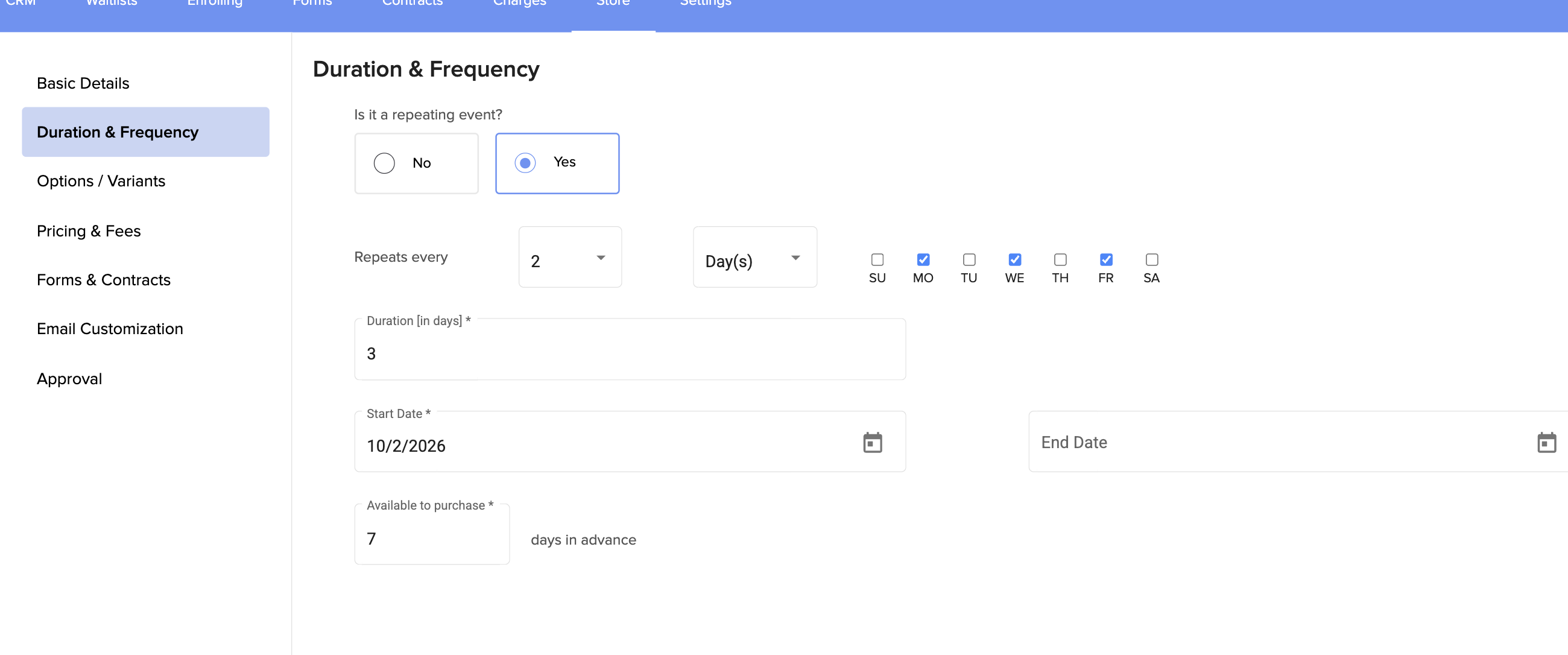
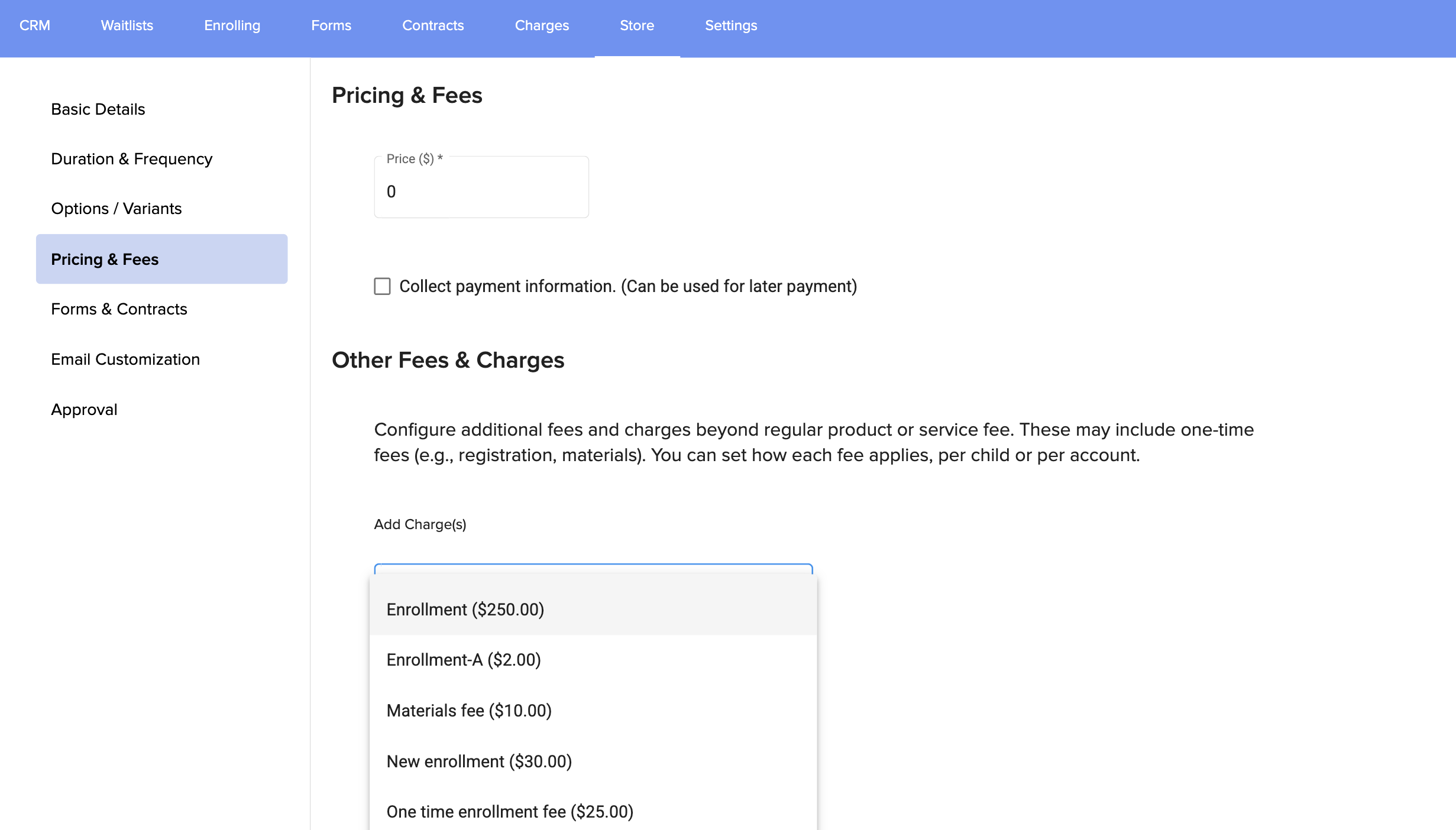
7. You can also add charges or fees that you have already created in the system, or not:
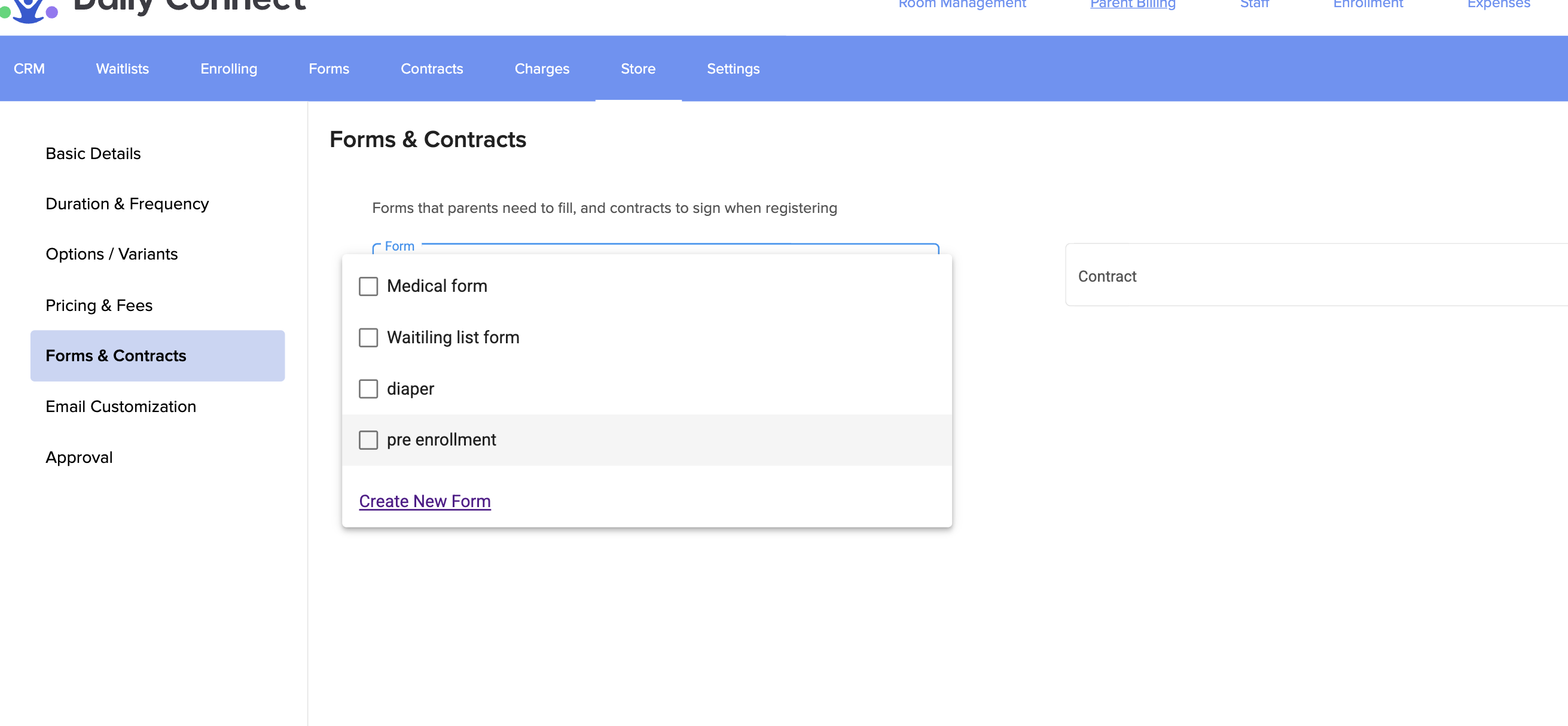
8. In this section, you can associate forms and/or contracts , where you can collect the necessary information to offer your service.
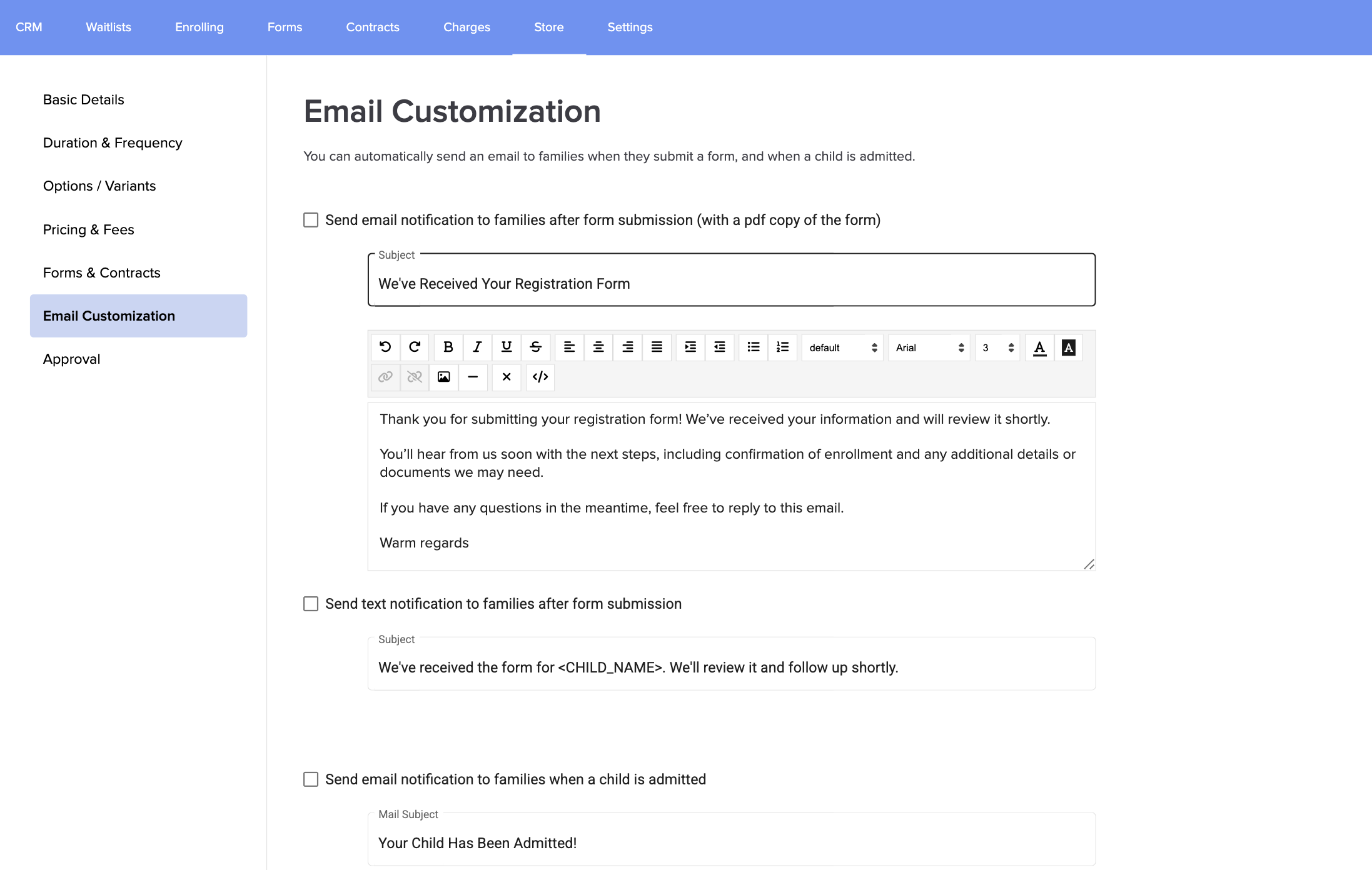
9. In the email customization section, you can customize the emails/SMS that parents will receive (if you want) when they submit the form and/or when the child is admitted:
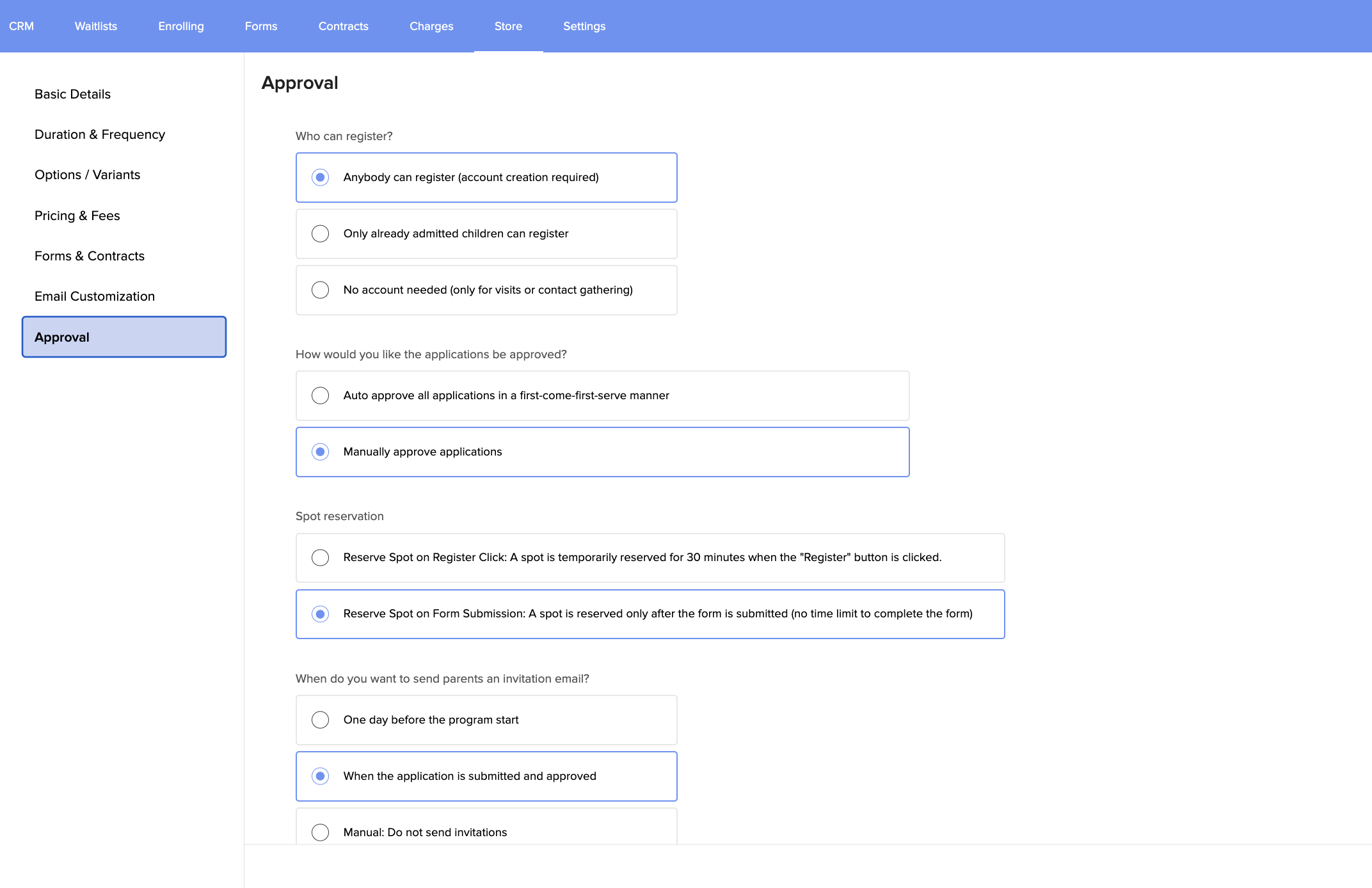
10. In this section, you can choose who can submit requests for your services (registered parents or non-registered users), how parents’ requests are approved, and other important settings to manage your products.
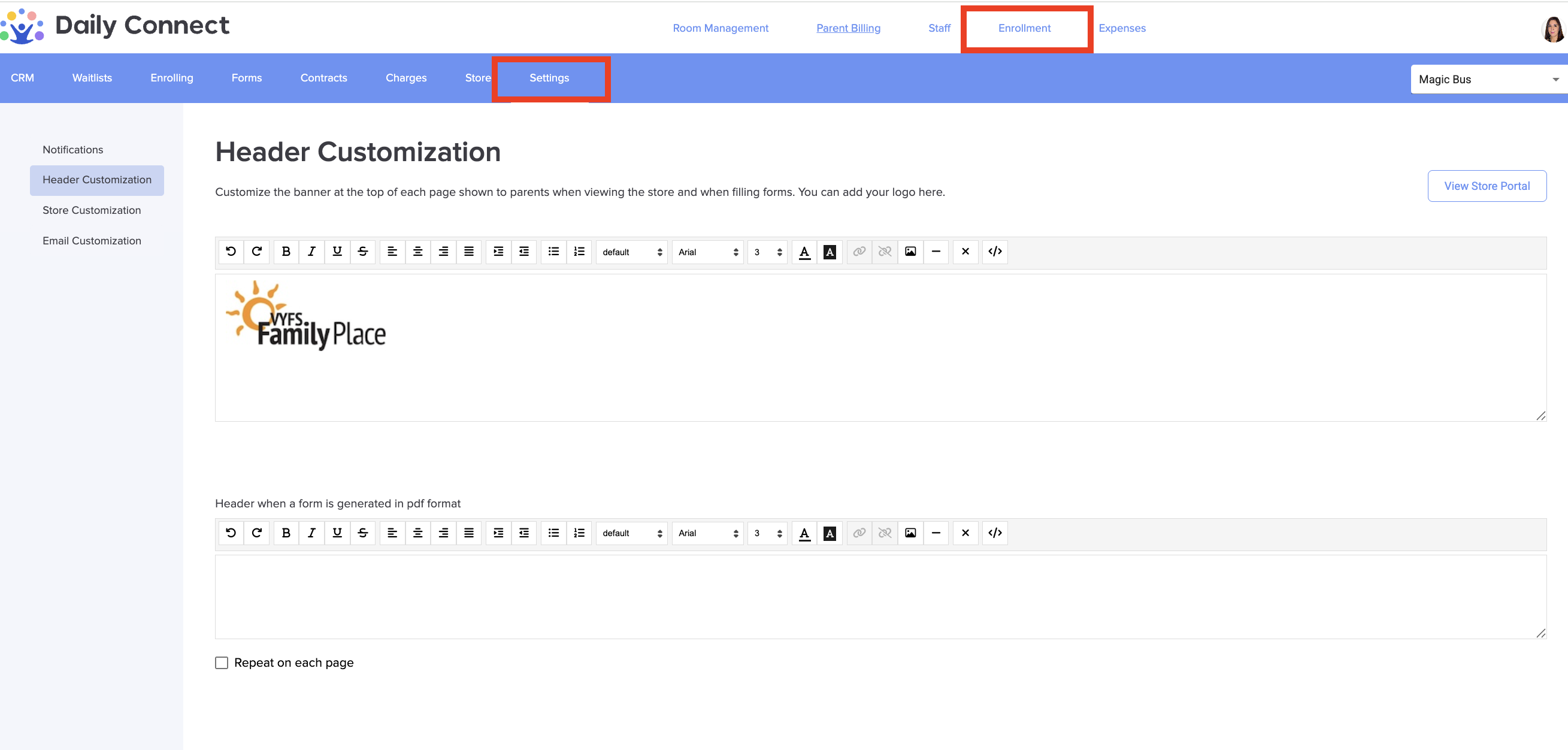
11. Next, configure the details of your store. To do this, go to Settings > Header customization and customize the images you want to appear on each page of your store.
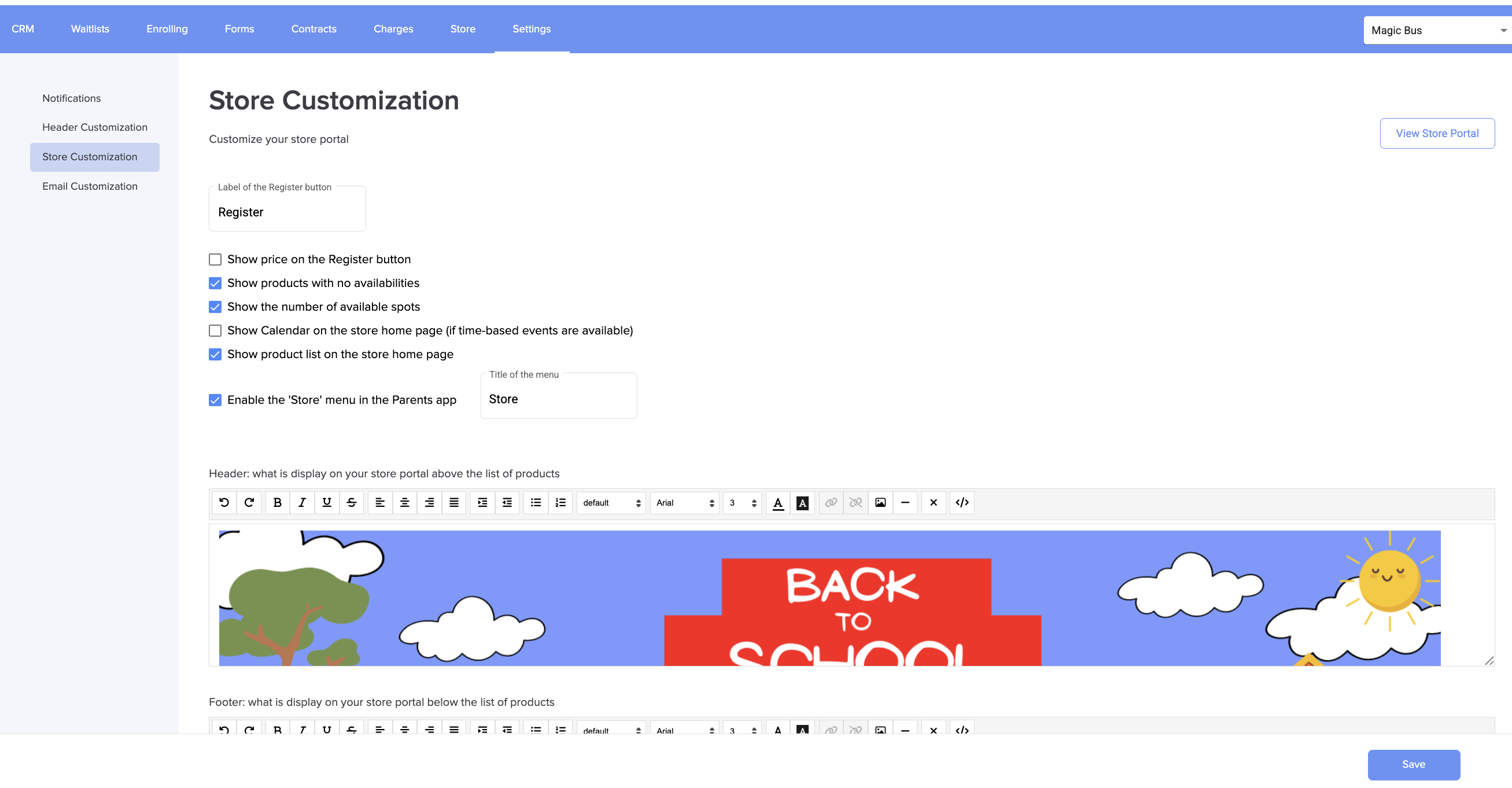
12. In Store Customization, you can personalize everything from your store banner to the different configuration options for your products.
 13. To see your store click on View store portal:
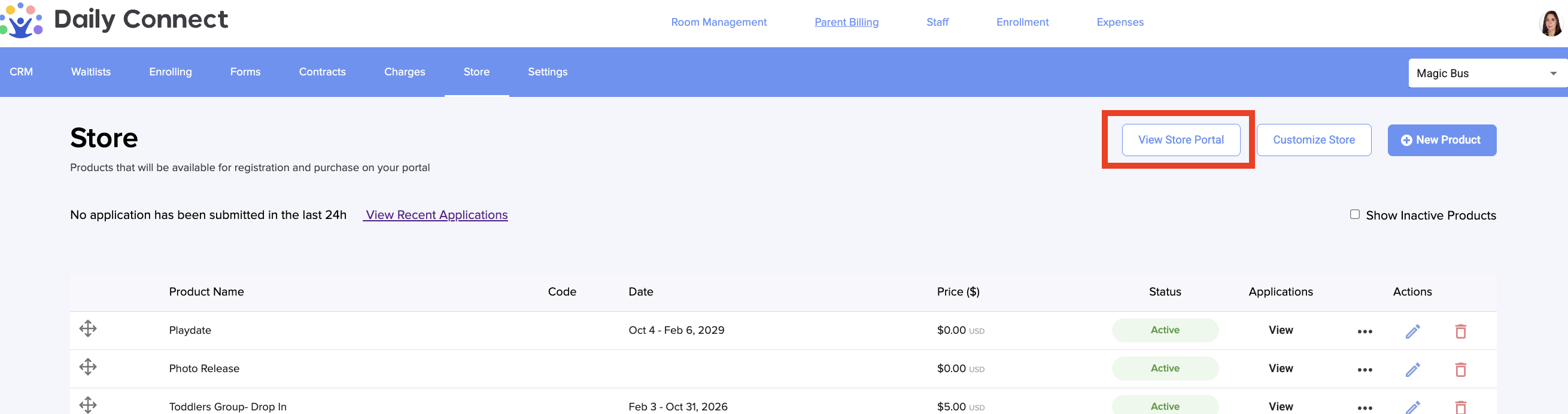
14. You can see all the products that you have already created. Look the one that I have already created:
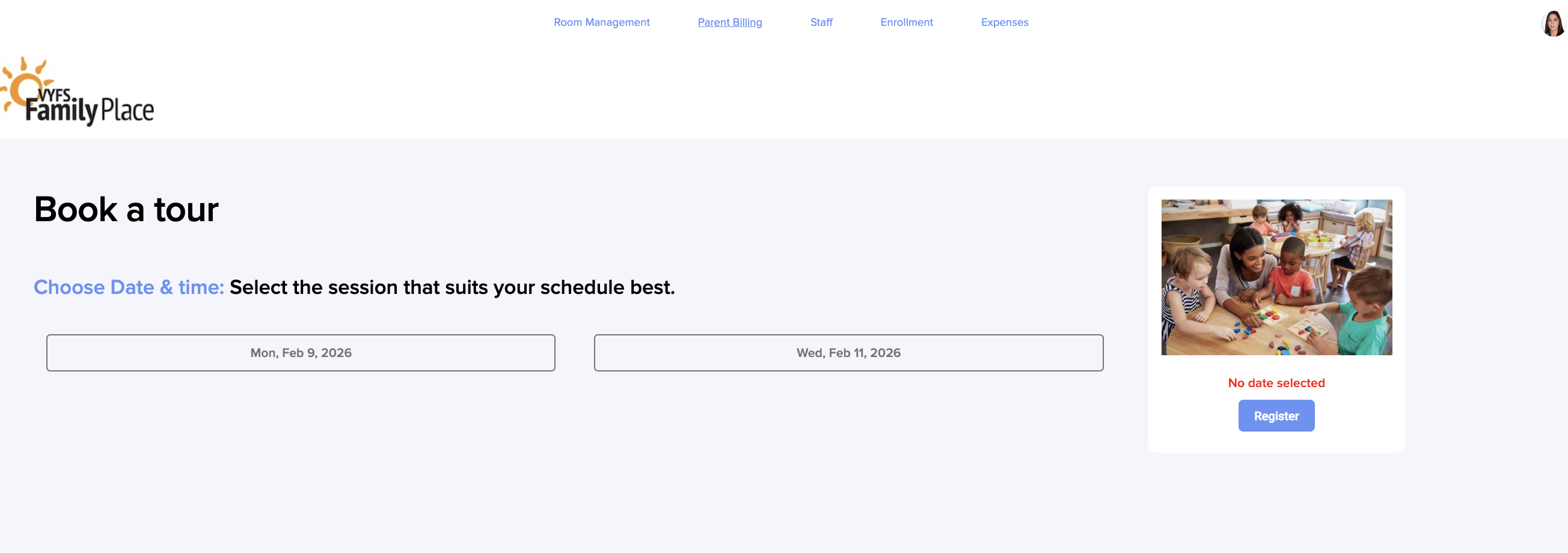
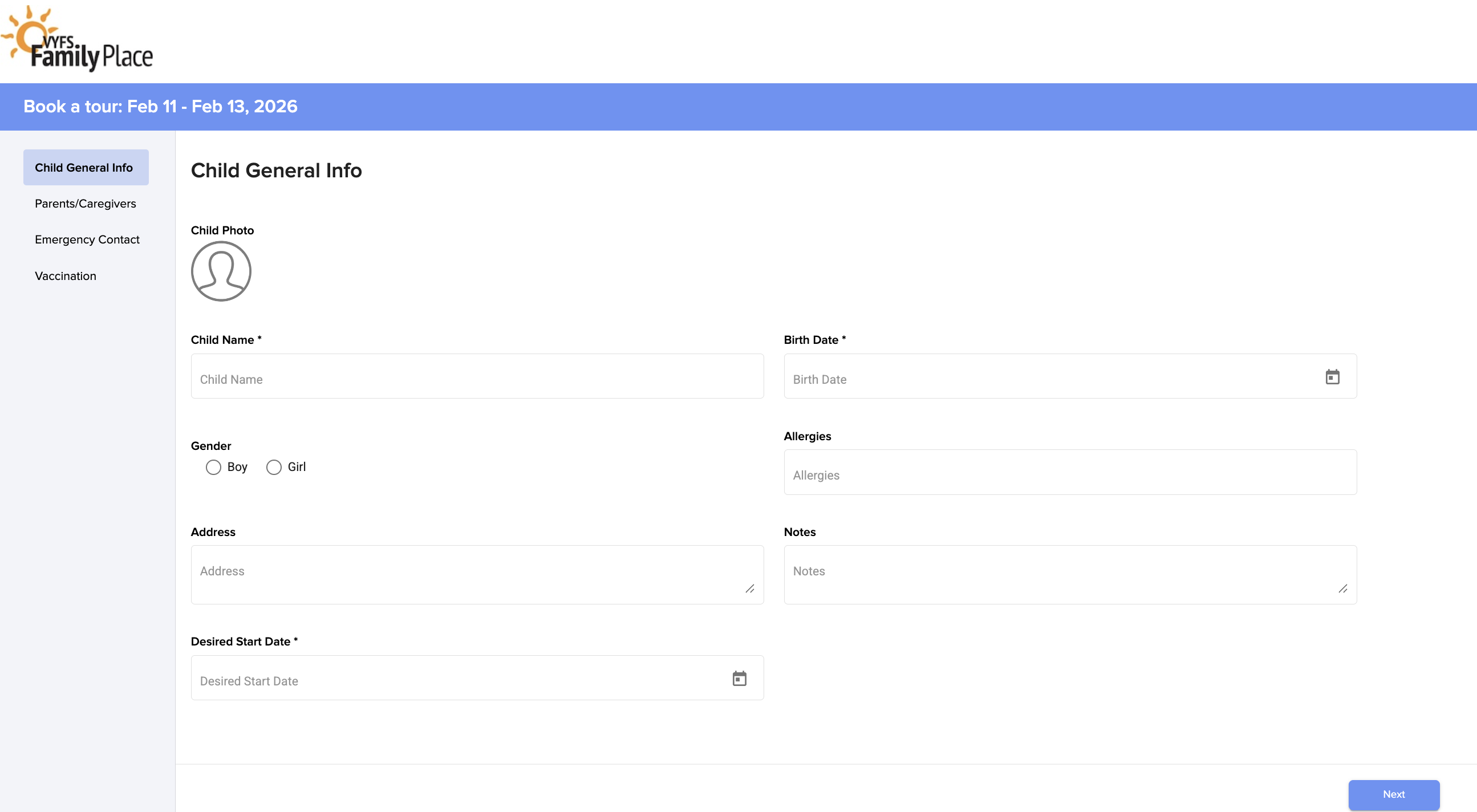
15. Parents select the option and click Register, and they are redirected to the form linked to the product.
Was this article helpful?
That’s Great!
Thank you for your feedback
Sorry! We couldn't be helpful
Thank you for your feedback
Feedback sent
We appreciate your effort and will try to fix the article