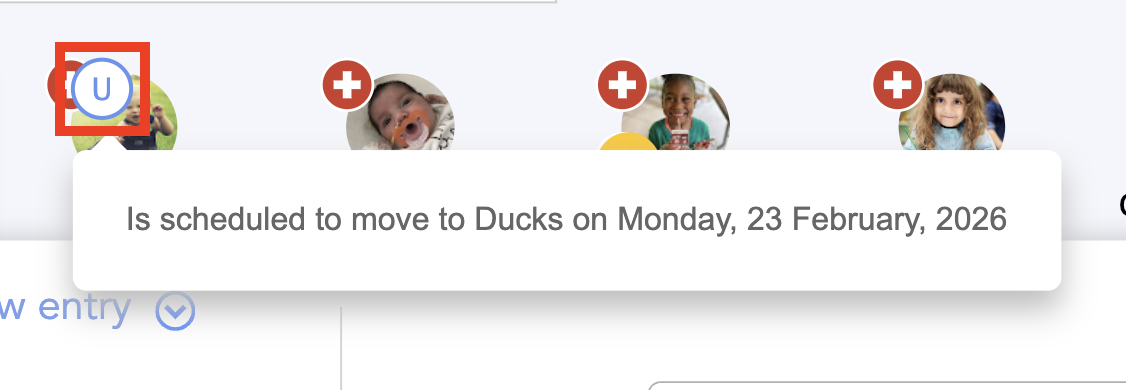
Different symbols may appear on each child's profile photo to help understand the child's situation at any given time.
We’ll show you how to configure them.
No photo-release:
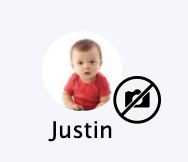
You can learn how to configure this here.
Pinned text:
It is possible to pin a message to a child's profile.
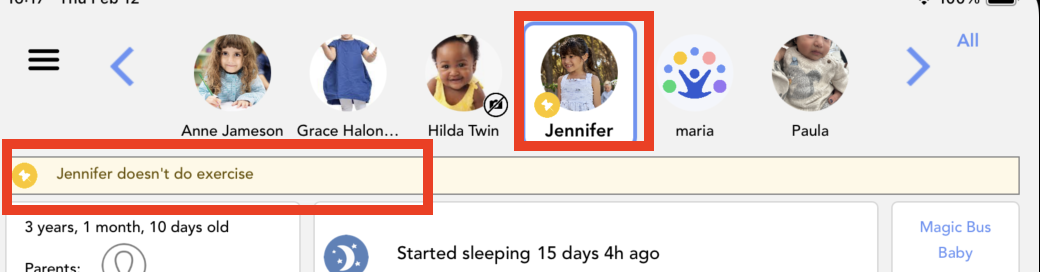
You can learn how to configure this here.
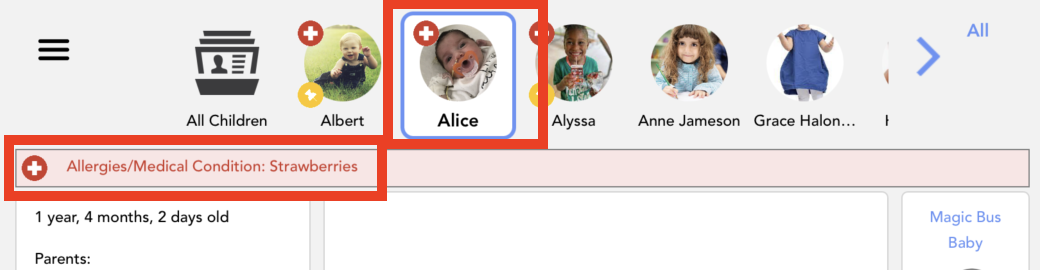
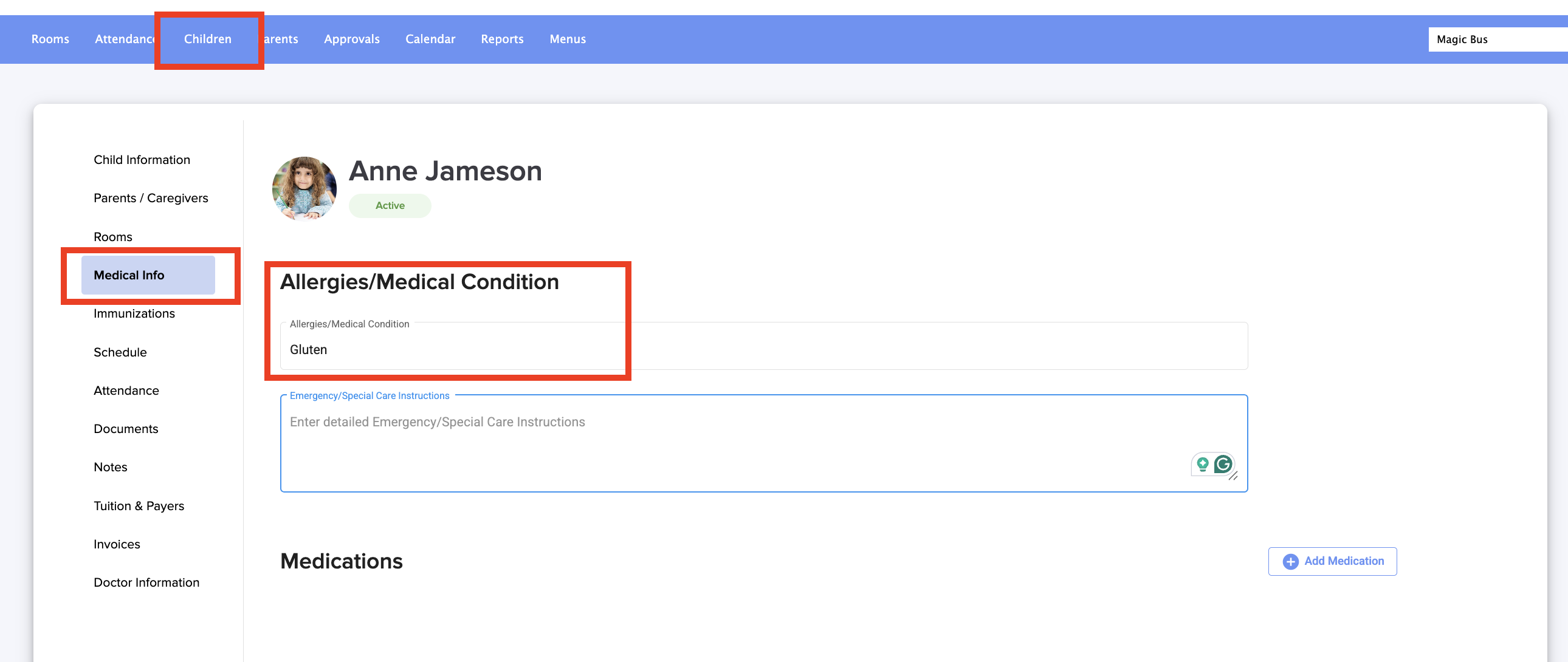
Health situation:
Absences:
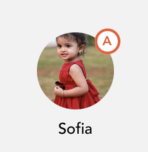
You can learn how to configure this here.
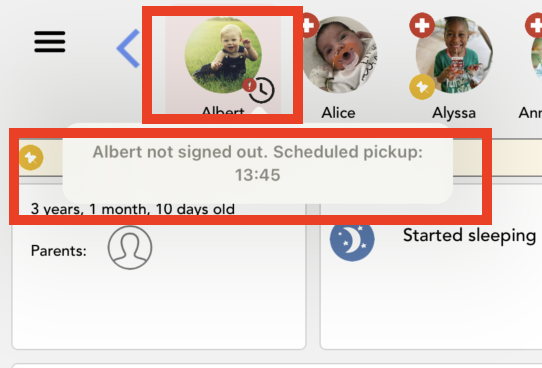
Sign out:
In the application, we can see when a child's checkout has not been recorded after their scheduled end time (which must be set in the Schedule section).
Was this article helpful?
That’s Great!
Thank you for your feedback
Sorry! We couldn't be helpful
Thank you for your feedback
Feedback sent
We appreciate your effort and will try to fix the article