With this report, you can easily download all activity entries for your center in a single CSV file, organized by category—Sign-In, Incident Reports, Observations, Health, Lessons, Medicine, and Behavior.
To get started, follow the steps below:
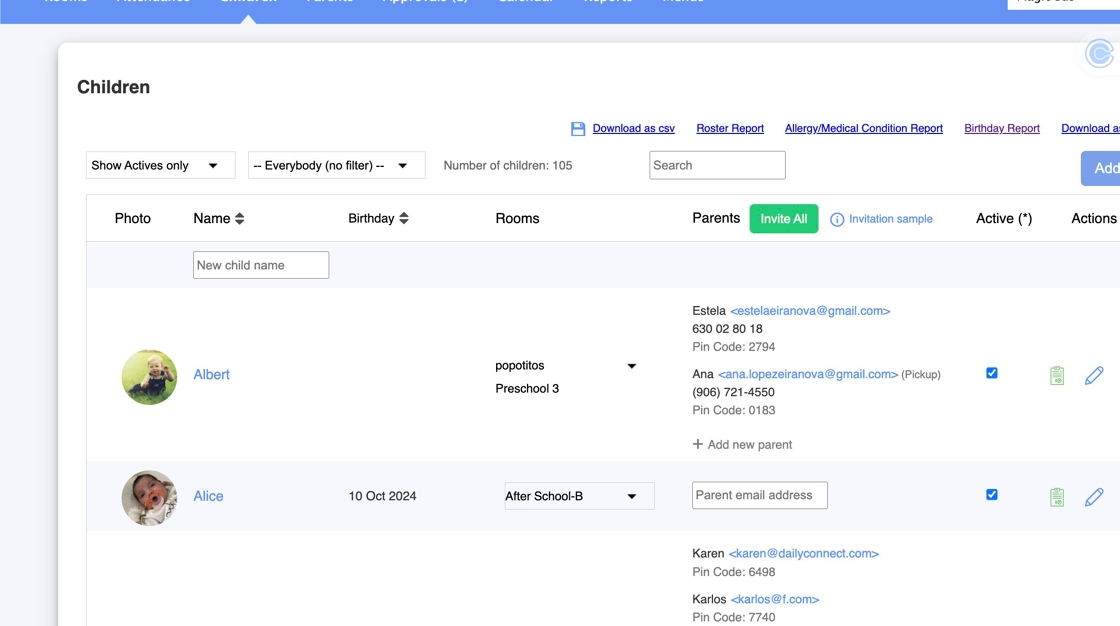
1. Log in to your admin account
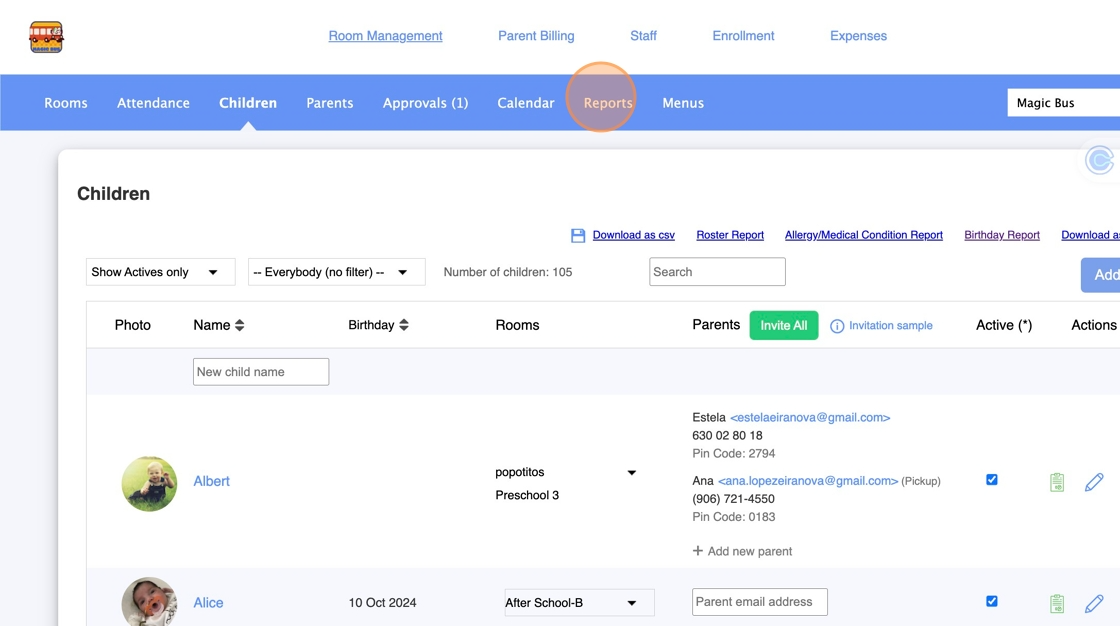
2. Click "Reports"
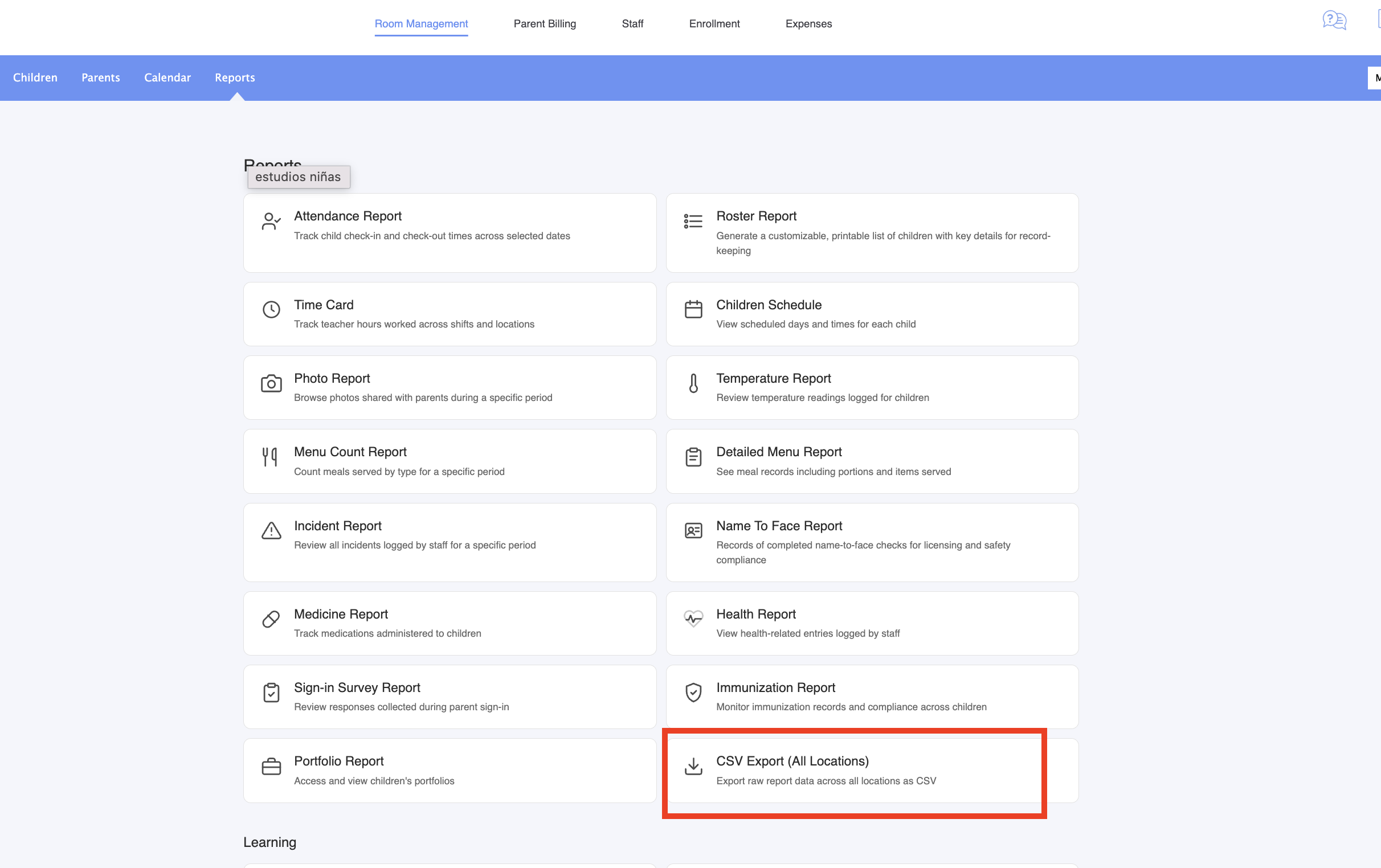
3. Go to Childcare Settings > Reports and click on CSV Export (All Locations):
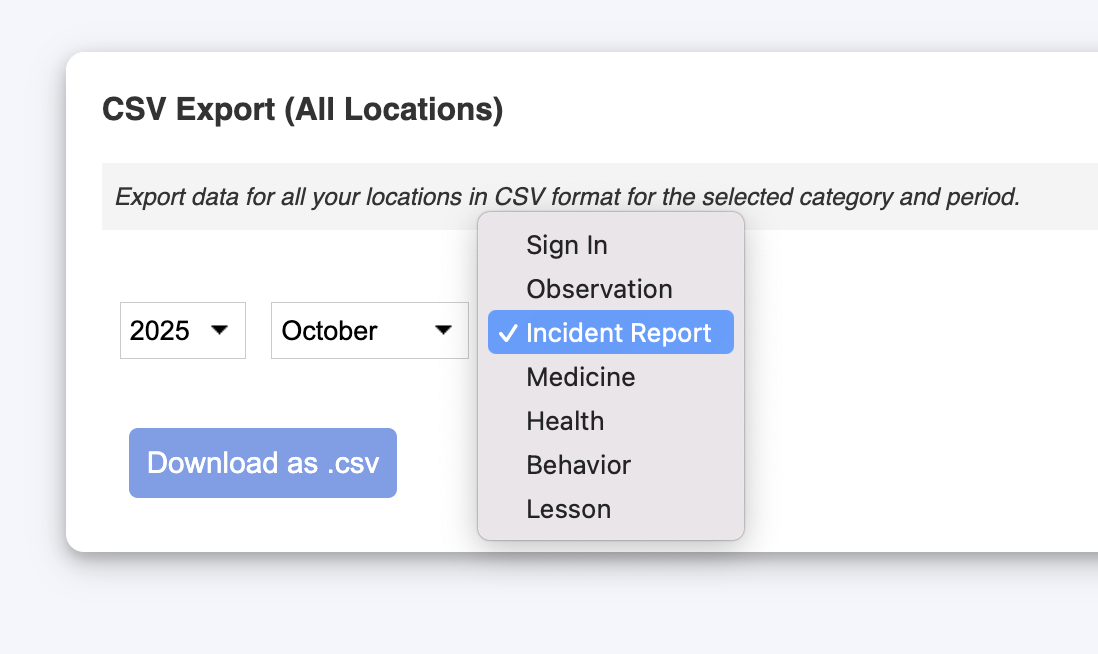
4. Select the month for which you want the report
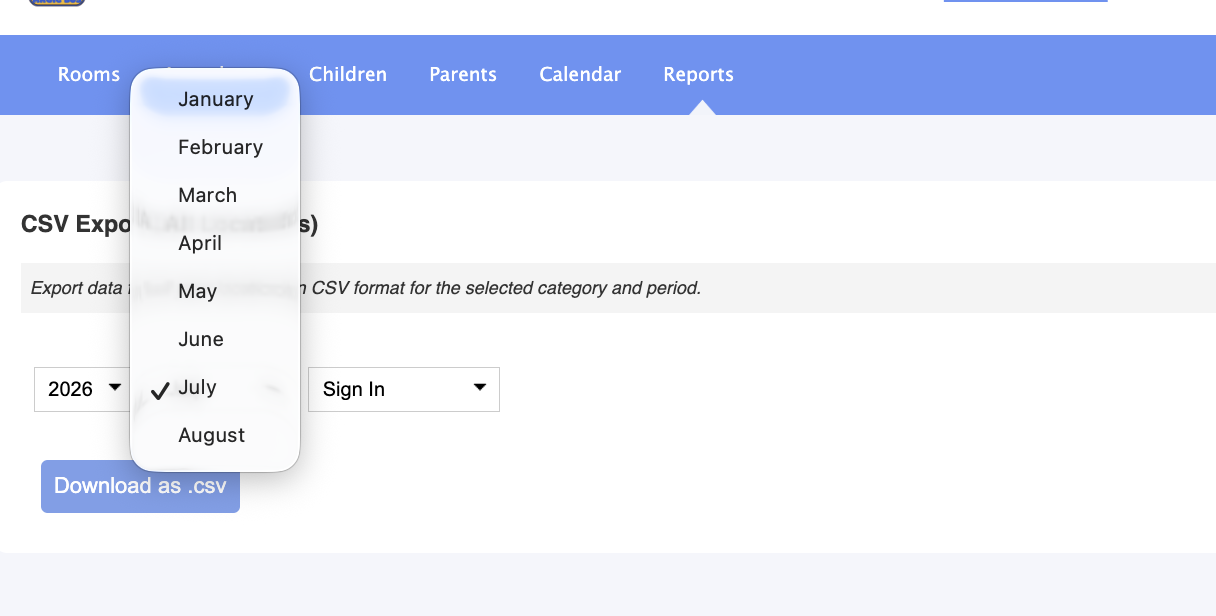
5. Select the category for your report and click "Download as CSV"
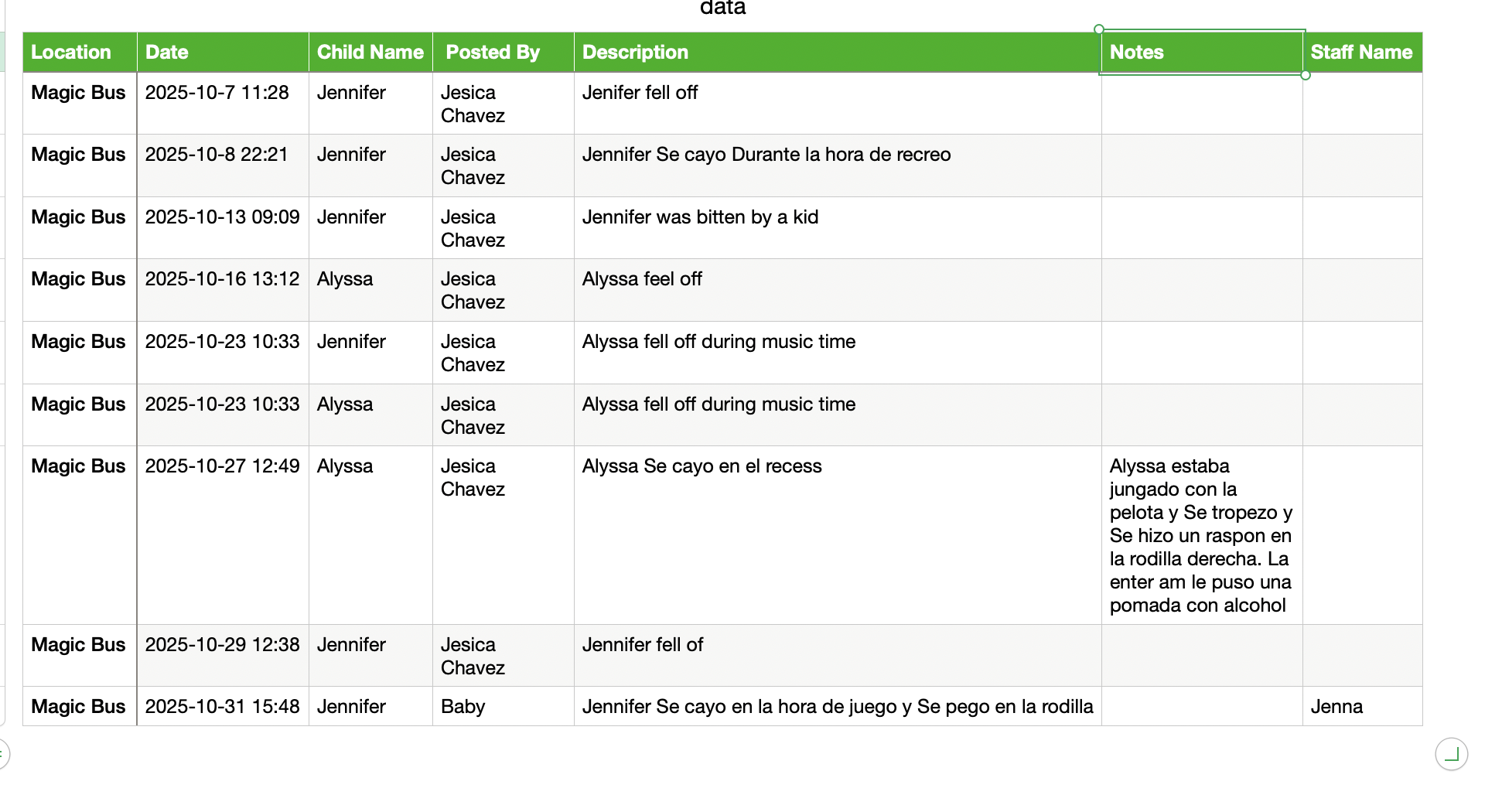
The CSV can be opened with excel, number or google sheets.
Was this article helpful?
That’s Great!
Thank you for your feedback
Sorry! We couldn't be helpful
Thank you for your feedback
Feedback sent
We appreciate your effort and will try to fix the article