1. Navigate to https://www.dailyconnect.com/homecc2
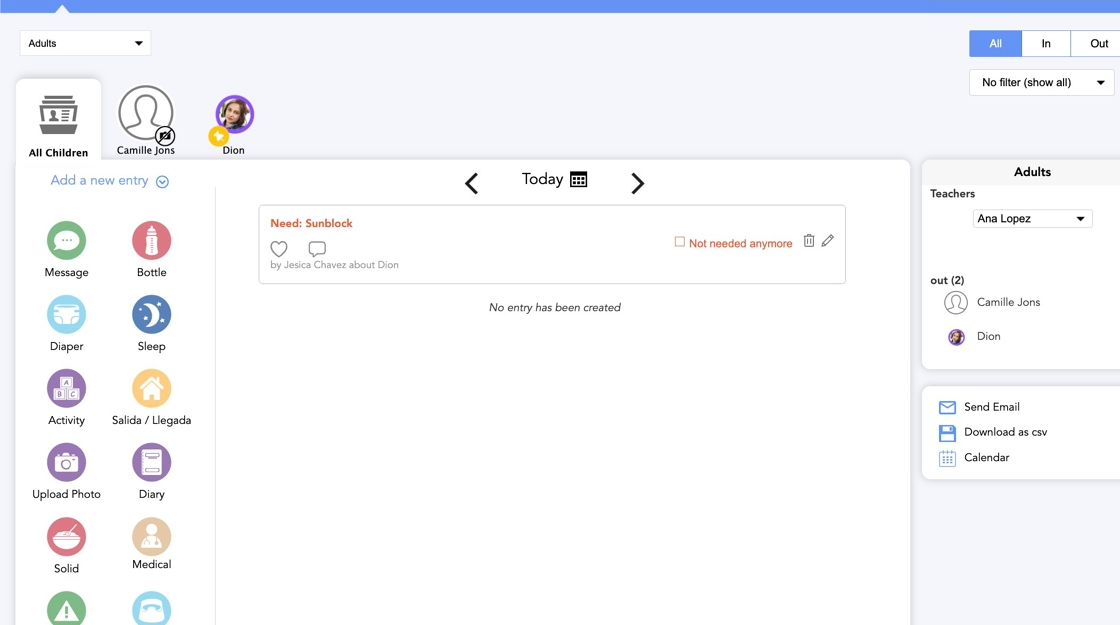
2. Click Enrollment
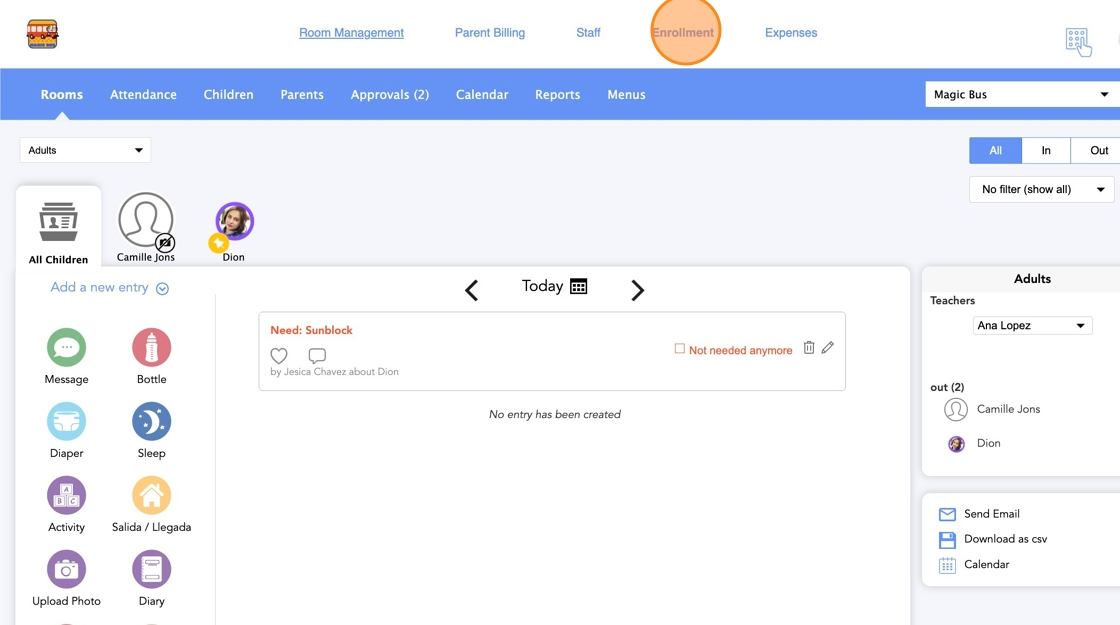
3. Click Forms
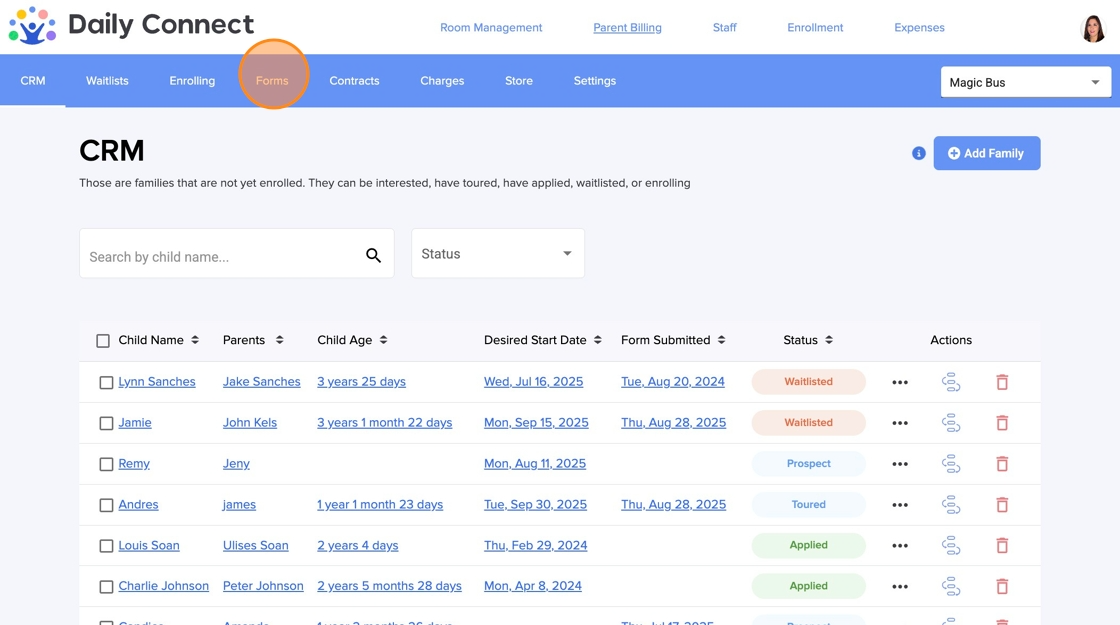
4. Click the pen icon to edit the form
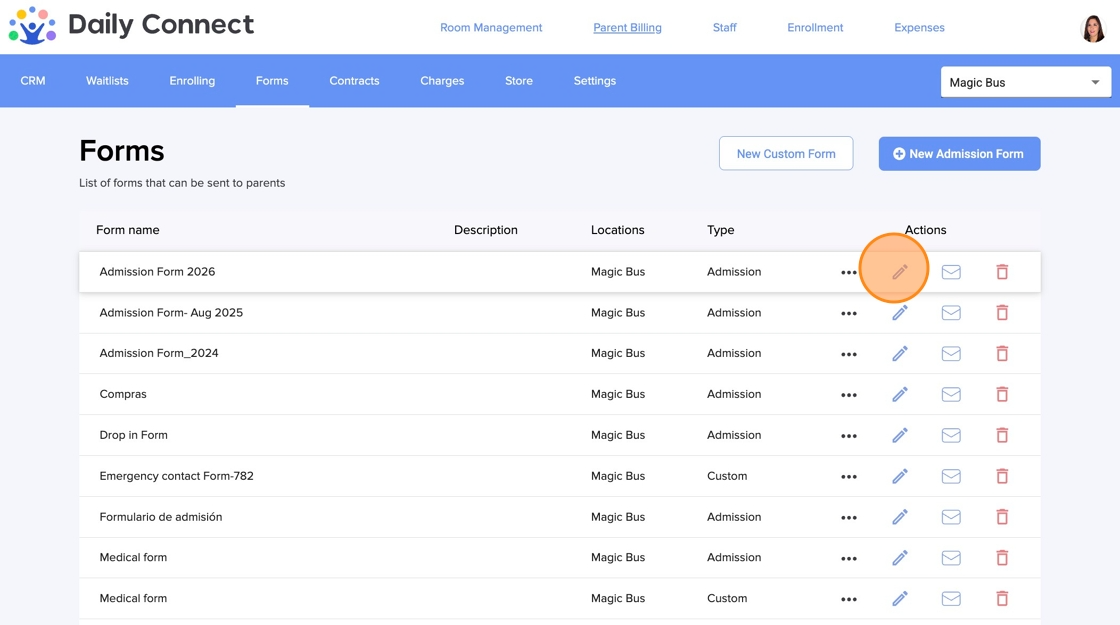
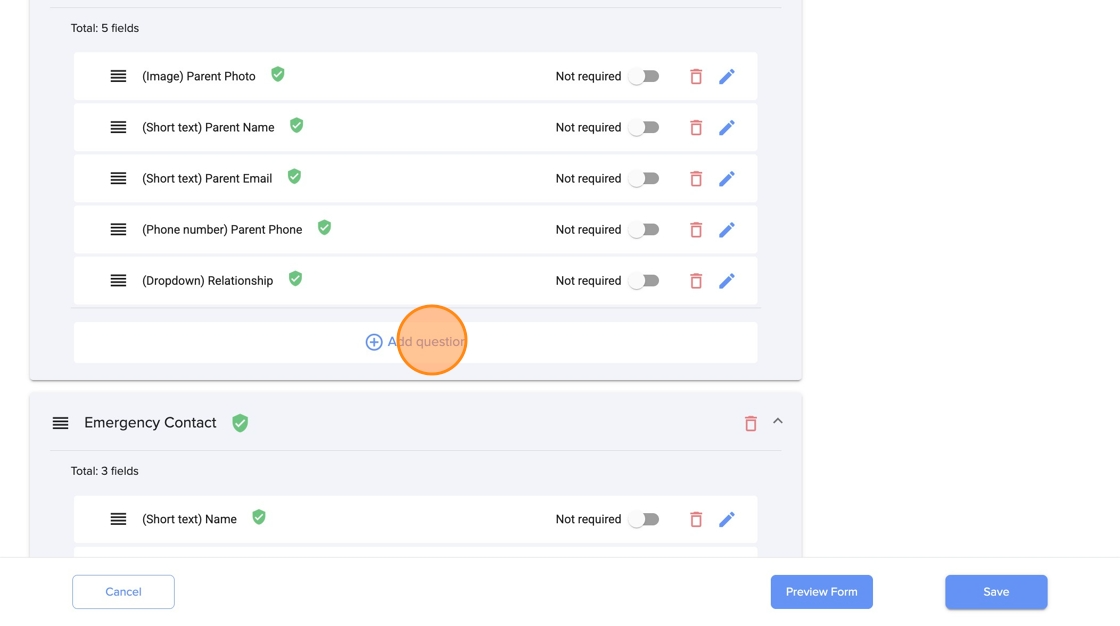
5. Click Add question in the section where you want to add the document request
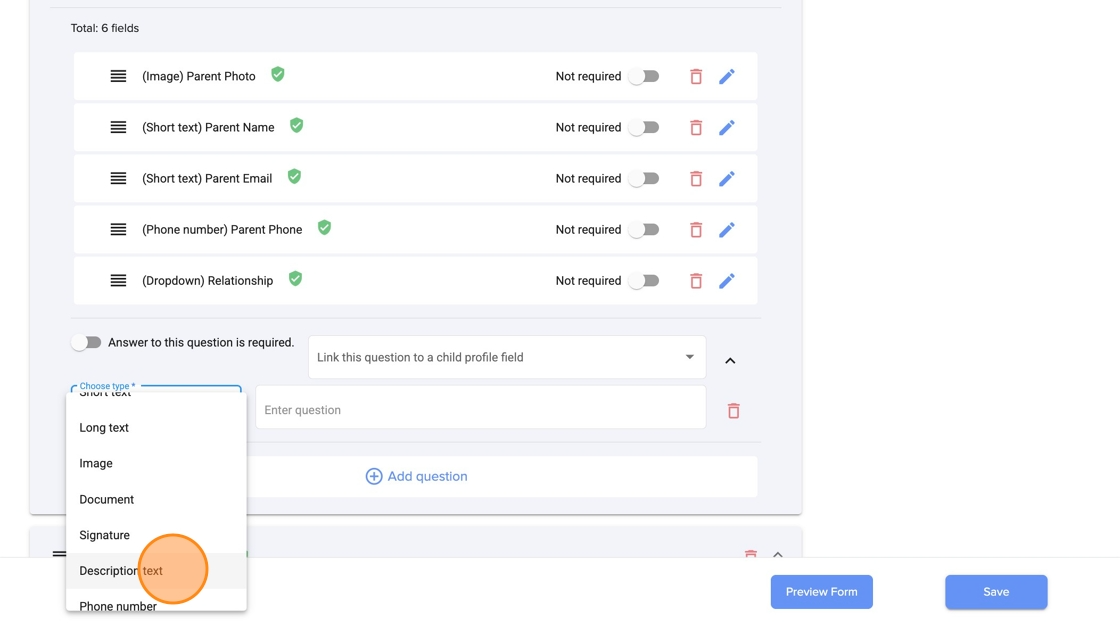
6. Select the type of question. Click Description text
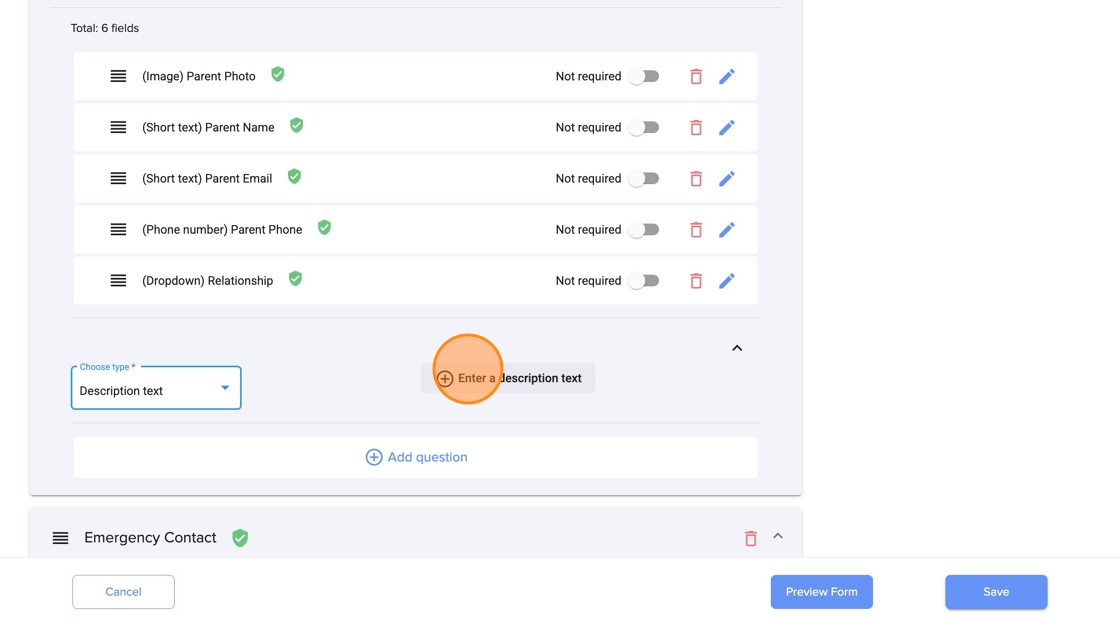
7. If you want, you can add a description text
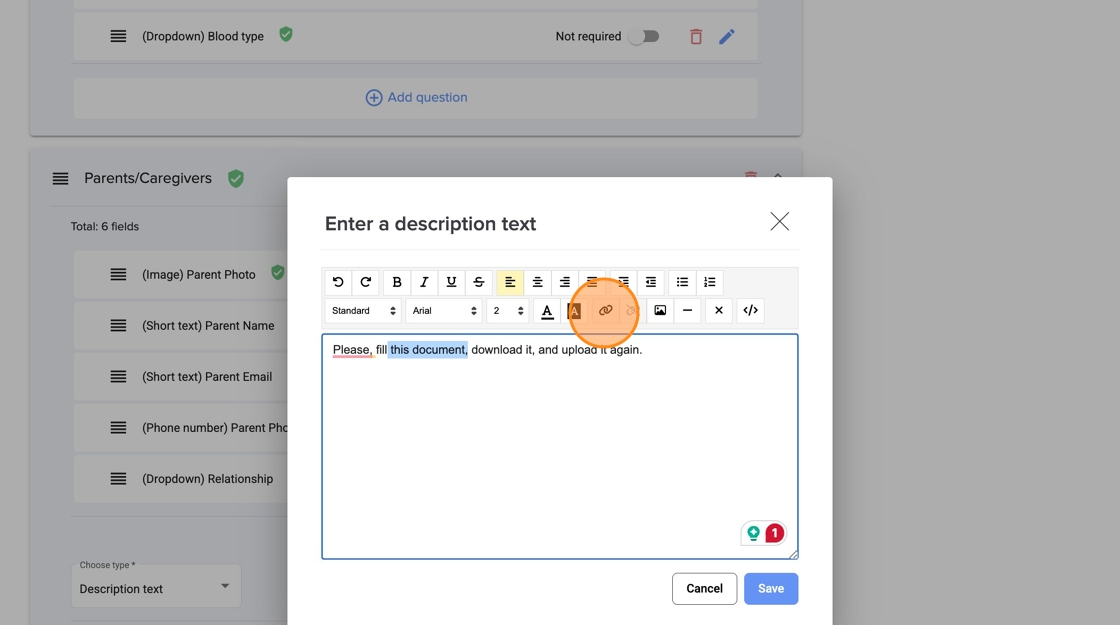
8. Type the description and add the link to the document (in blue) and click Save
9. Now add the place where the parent has to upload the document. Click Add question
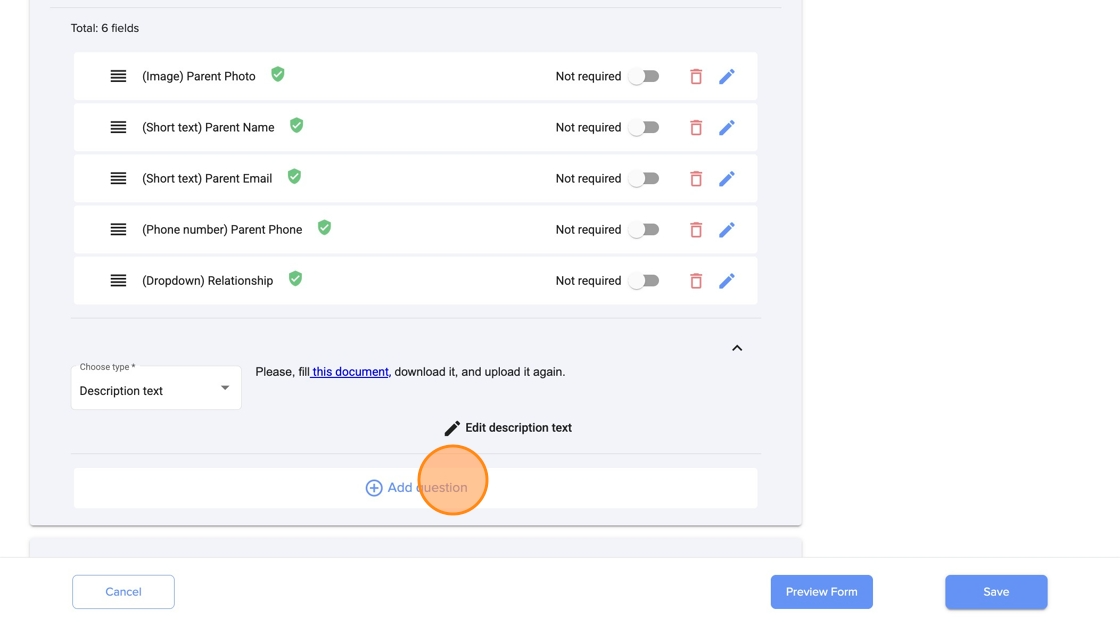
10. You can make it mandatory.
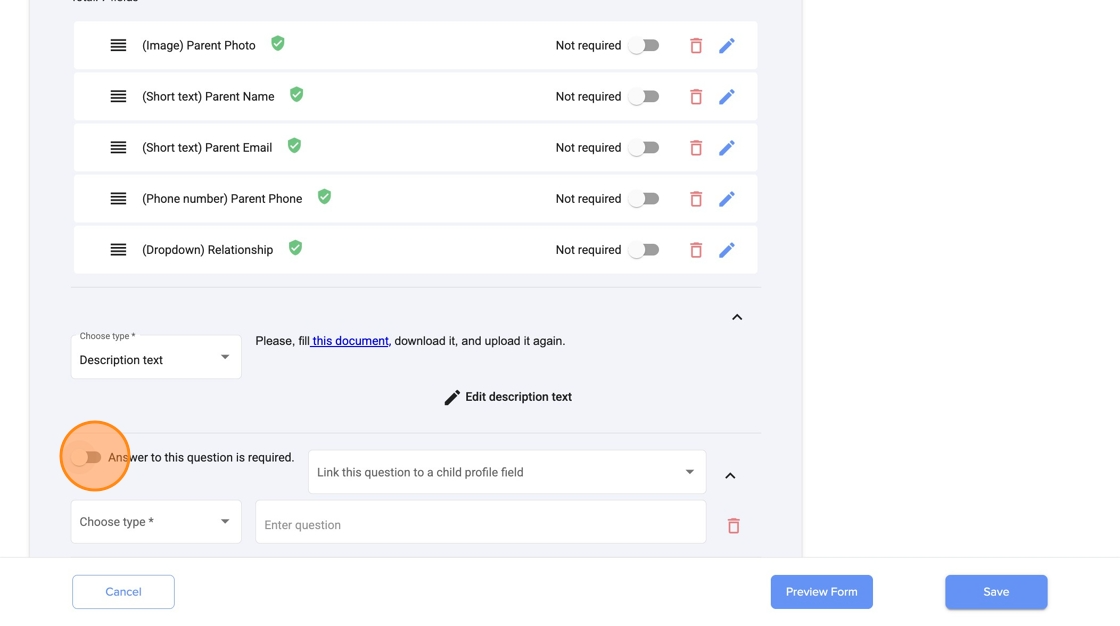
11. Click Document to select the type of question
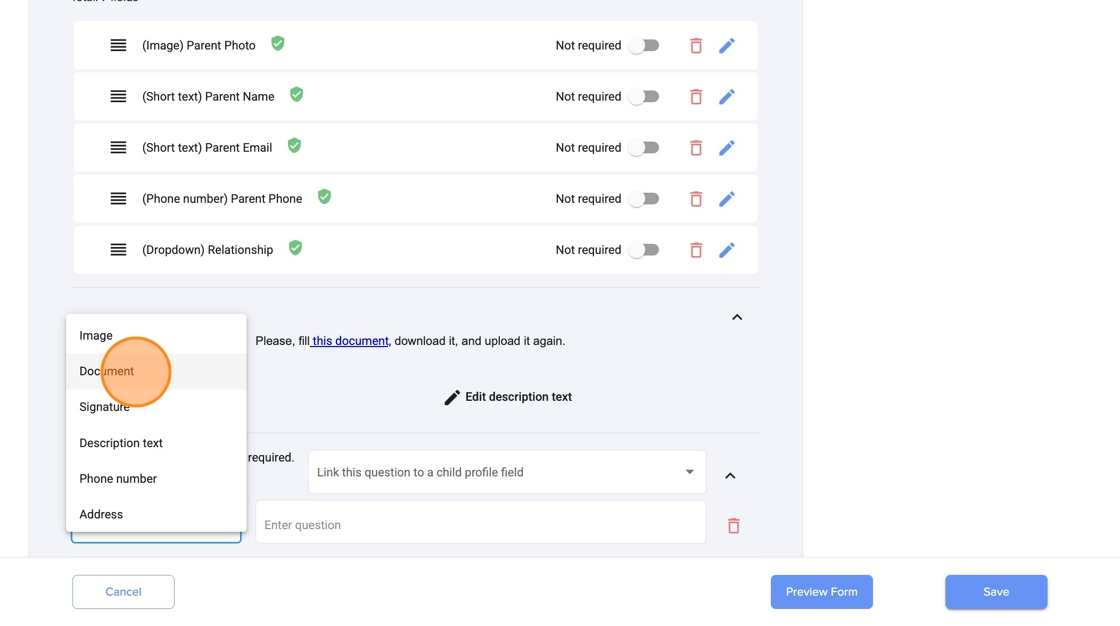
12. Type the message for the parent to upload the document

13. Click Save
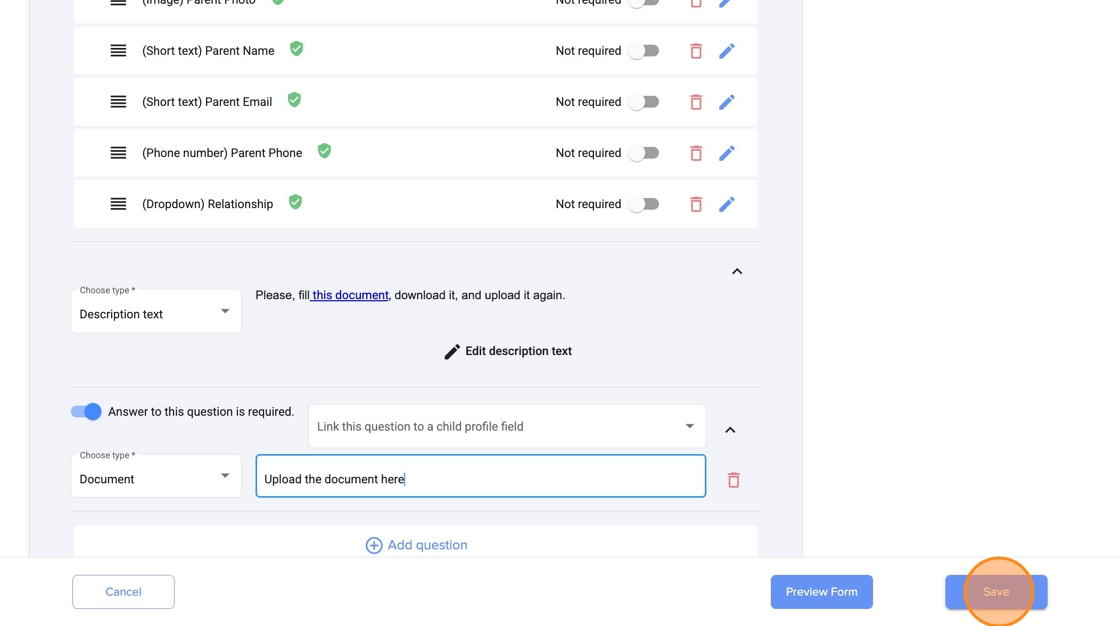
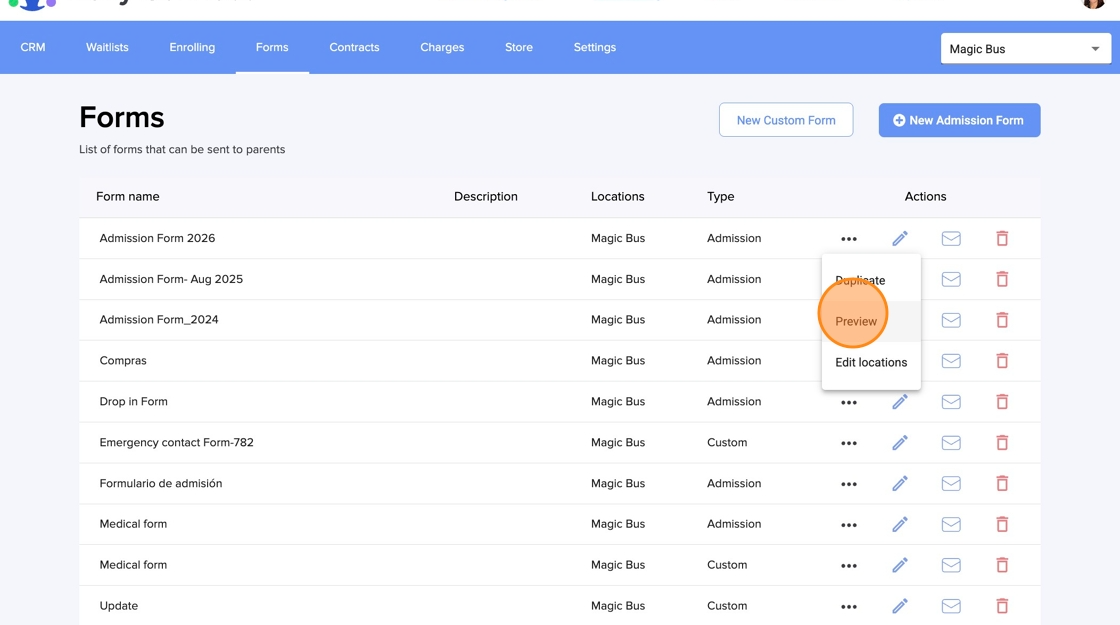
14. Click Preview to see the form with the update
15. Click Parents/Caregivers (this is where we have updated the form)
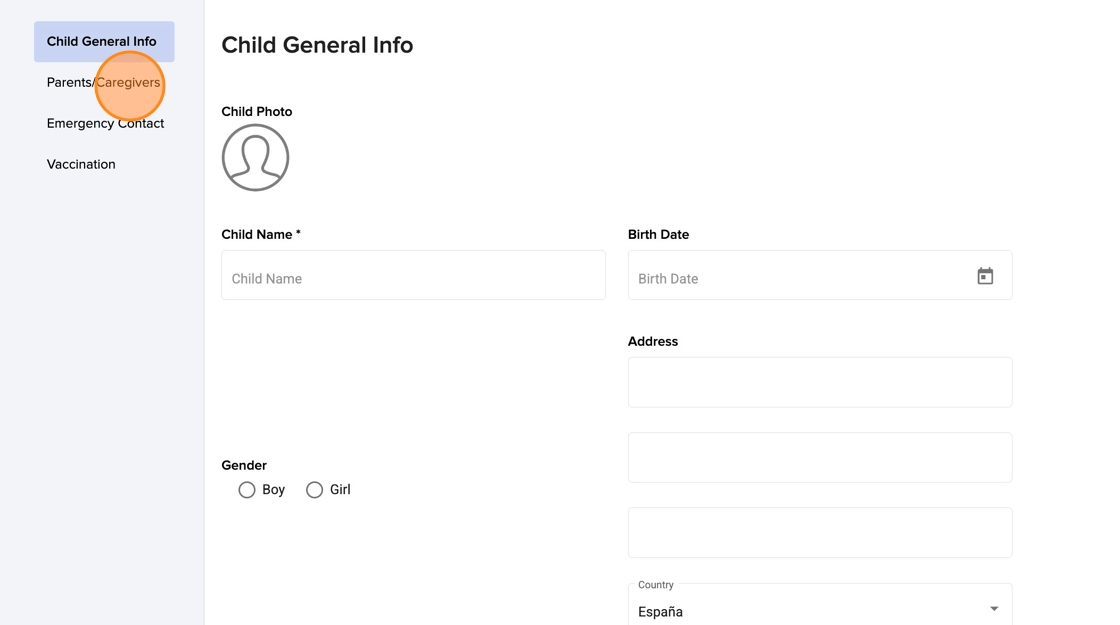
16. Here you can see the new question requesting the document

Was this article helpful?
That’s Great!
Thank you for your feedback
Sorry! We couldn't be helpful
Thank you for your feedback
Feedback sent
We appreciate your effort and will try to fix the article