You can now add notes to enrollment forms to track important information. Forms with notes will display a note icon.
To get Started follow these steps:
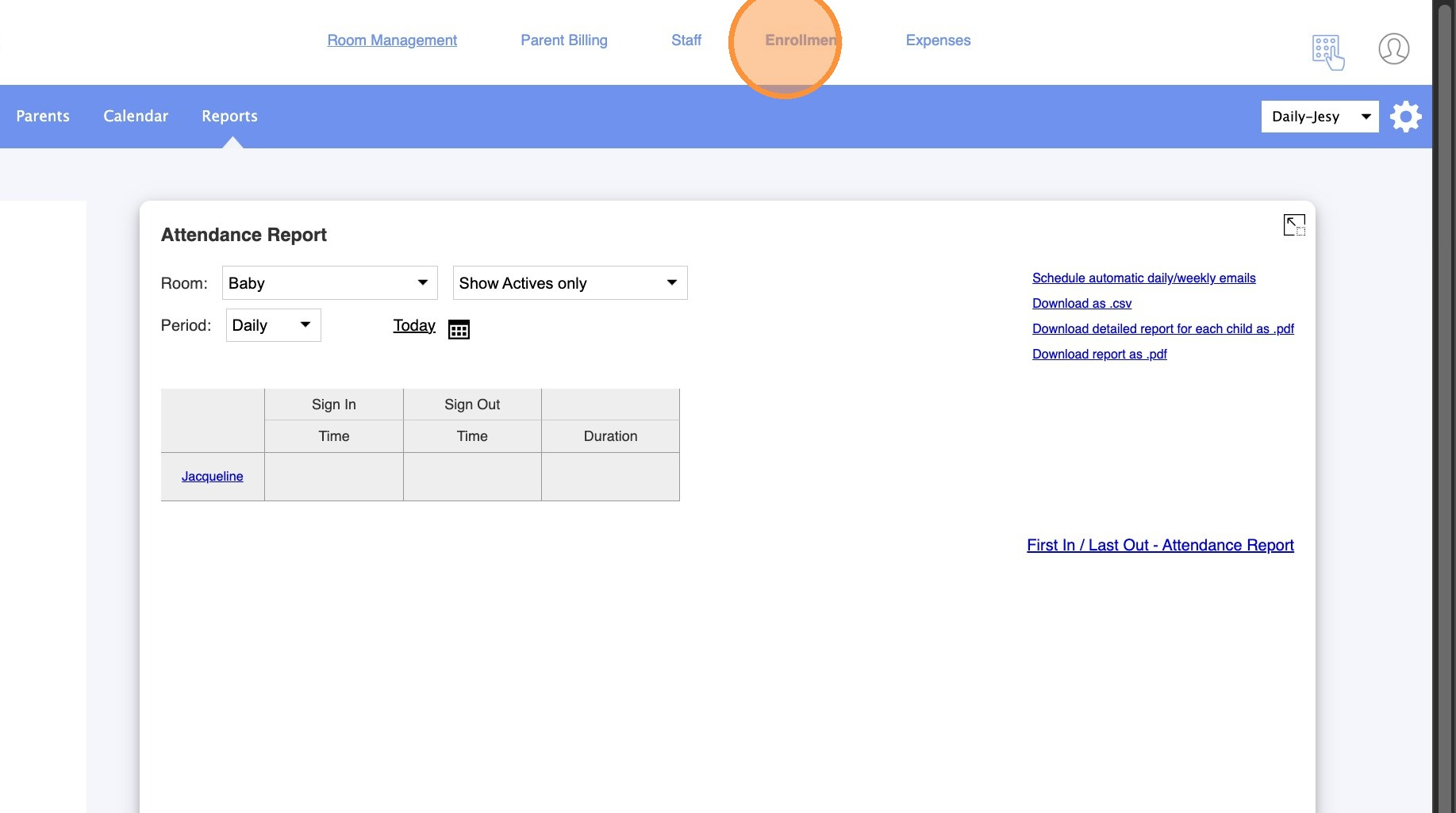
2. Click "Enrollment."
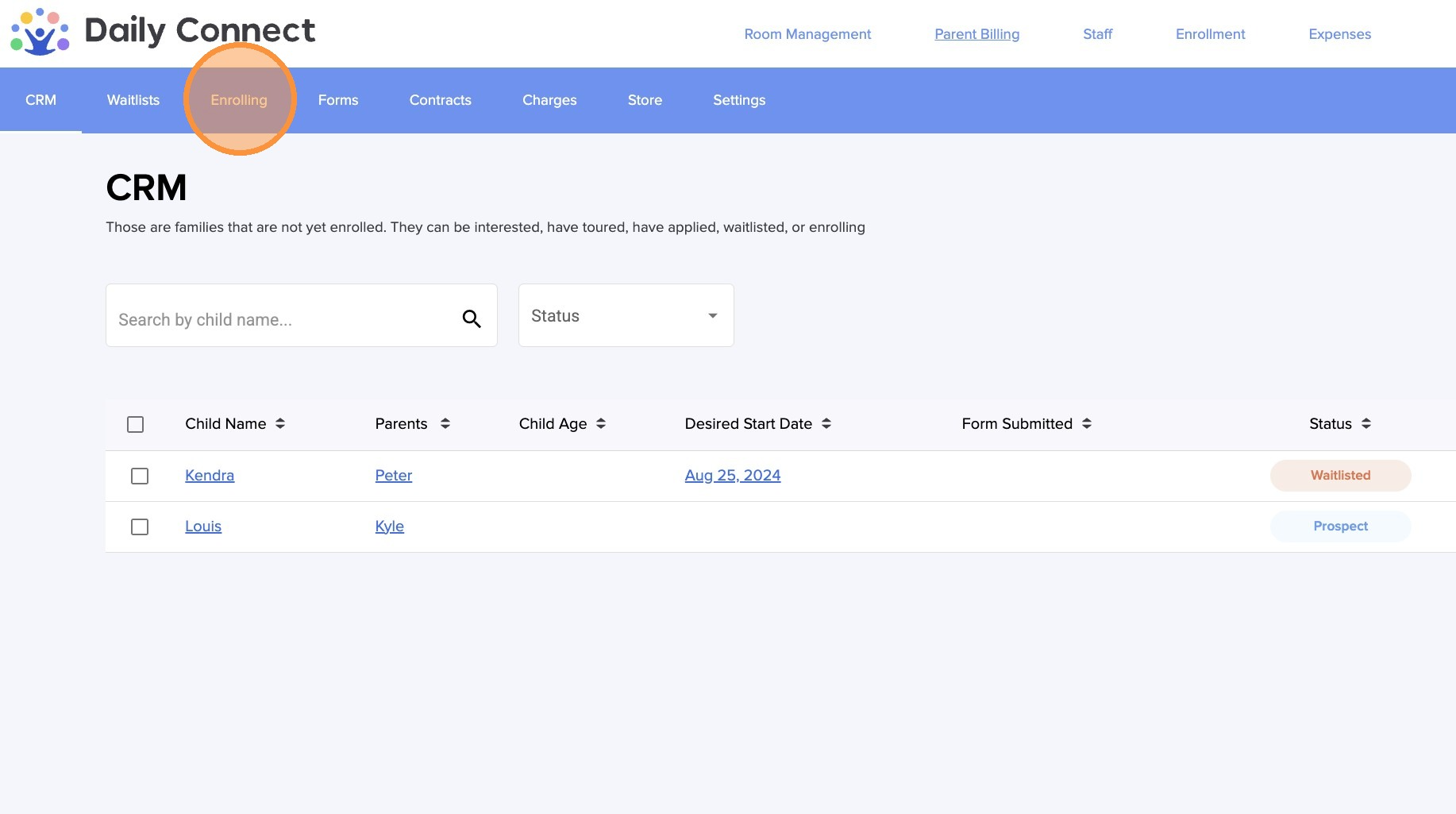
3. Click "Enrolling."
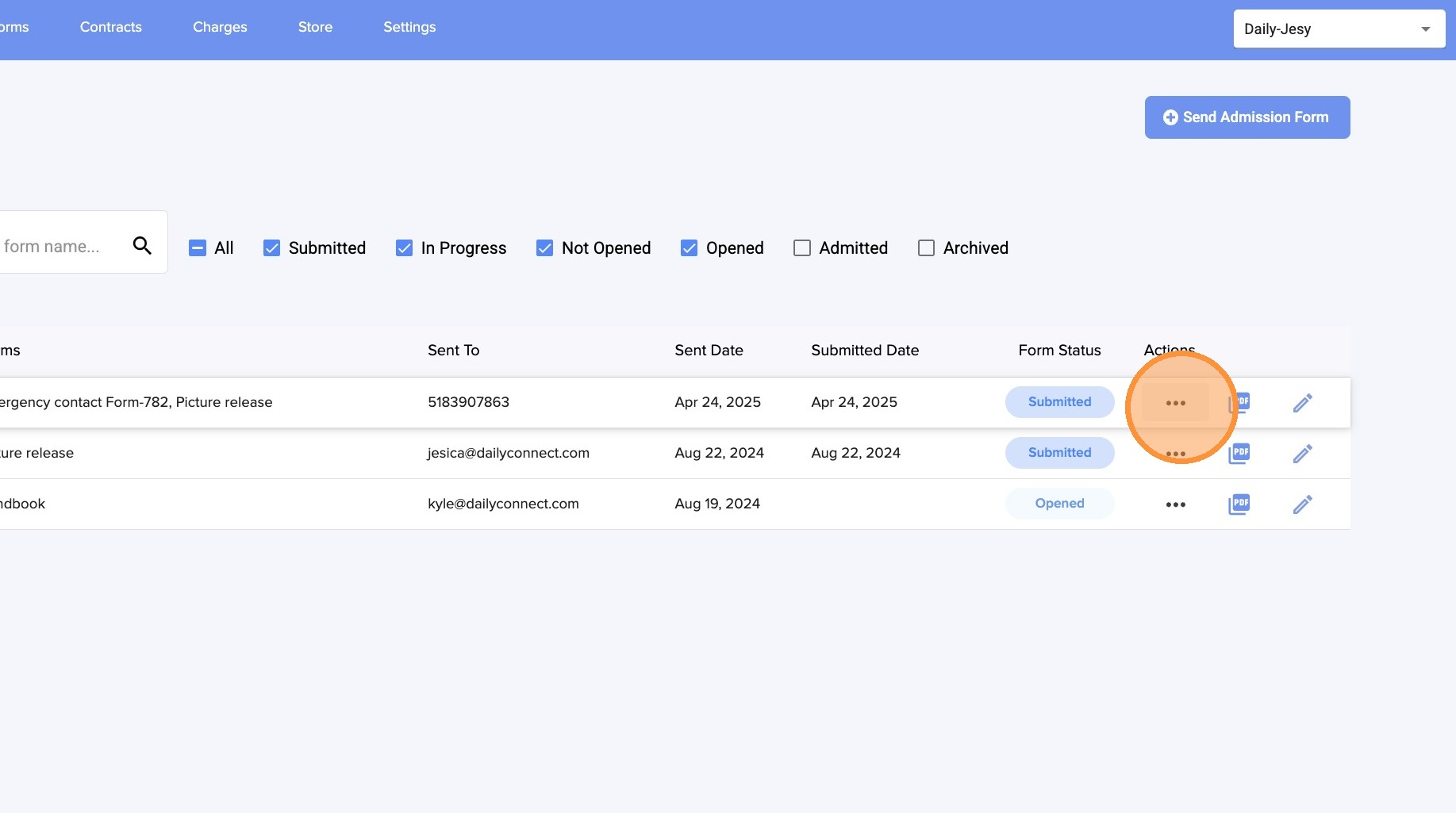
4. Click on the three dots.
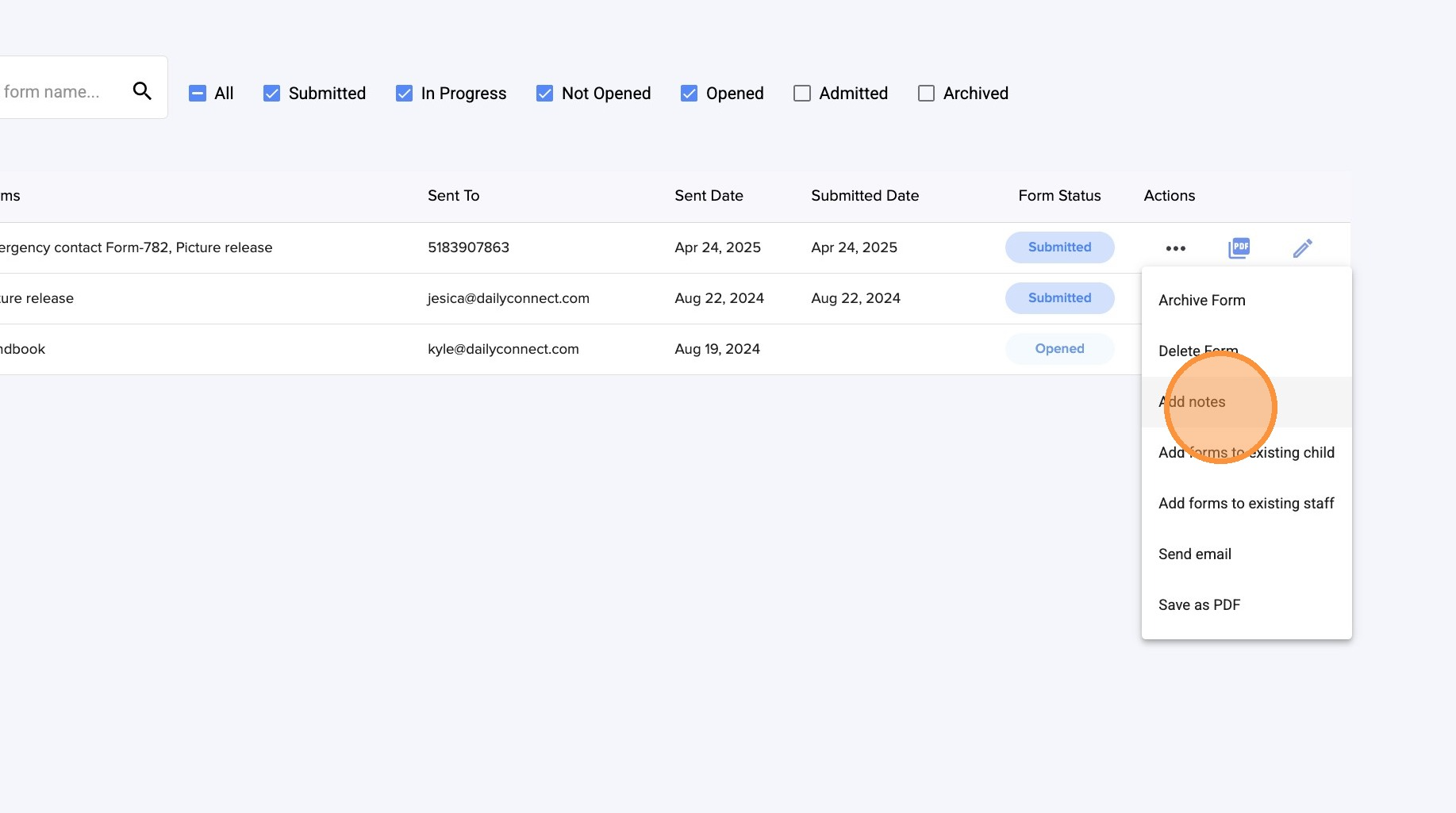
5. Click "Add notes."
6. Type your note.
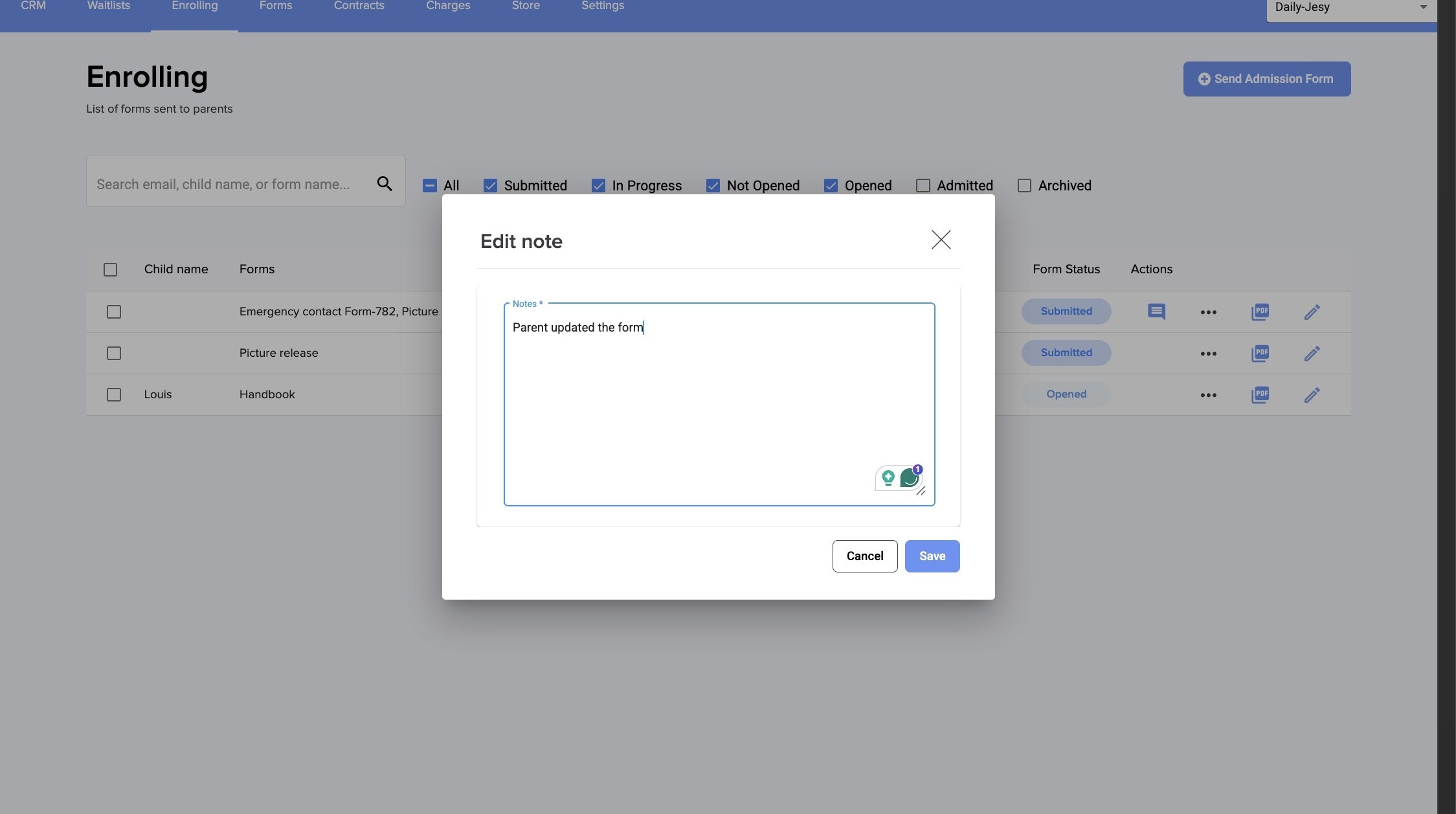
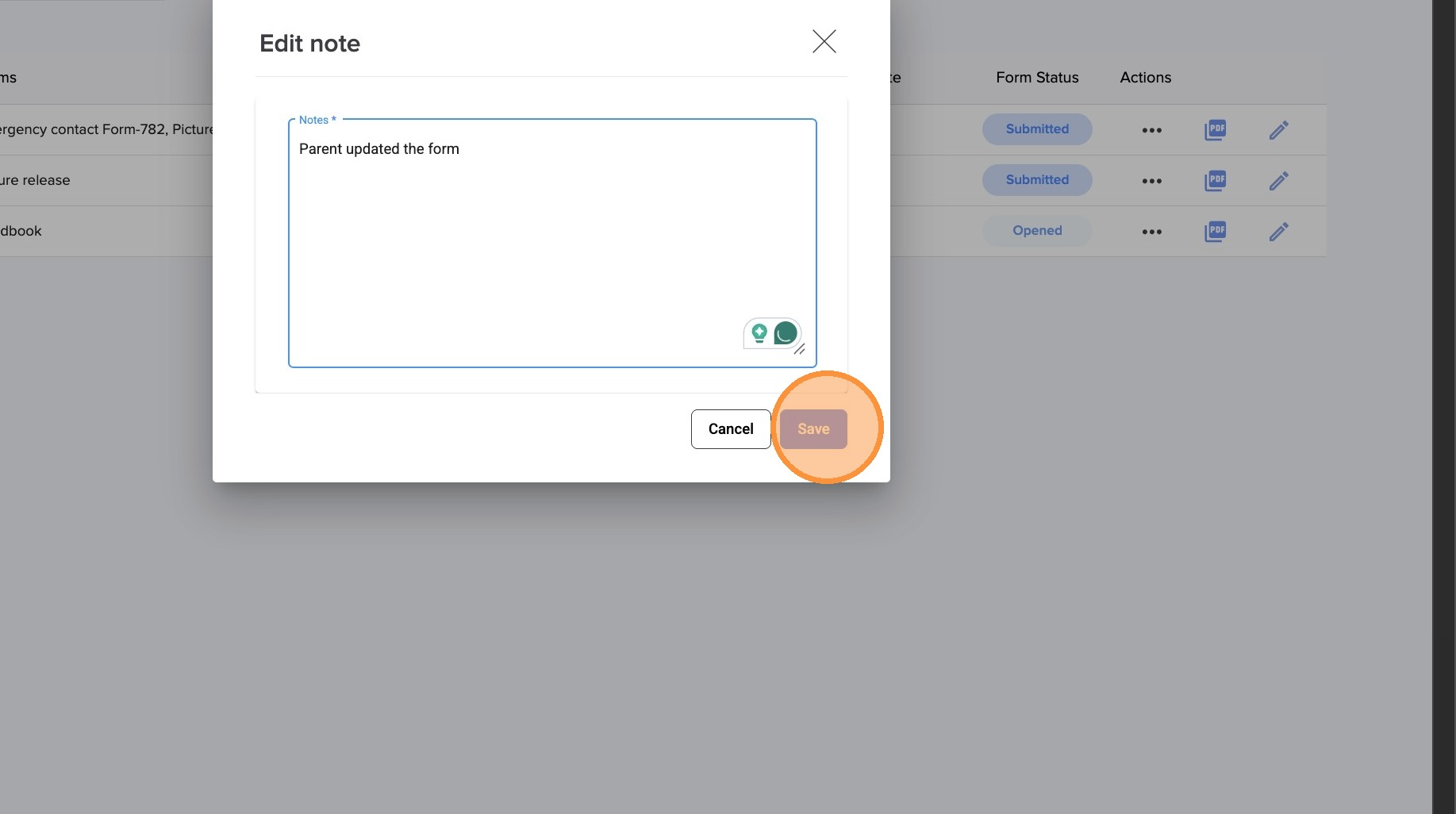
7. Click "Save"
Was this article helpful?
That’s Great!
Thank you for your feedback
Sorry! We couldn't be helpful
Thank you for your feedback
Feedback sent
We appreciate your effort and will try to fix the article