... ...
Skip to main content

How to create a form

Modified on Wed, 4 Feb at 9:14 AM

In this article, we’ll show you how to create a simple form. If you want to create an admission form, we recommend reading this article.


To create a simple form, follow these steps:


1. Log in to your admin account on the Daily Connect website.


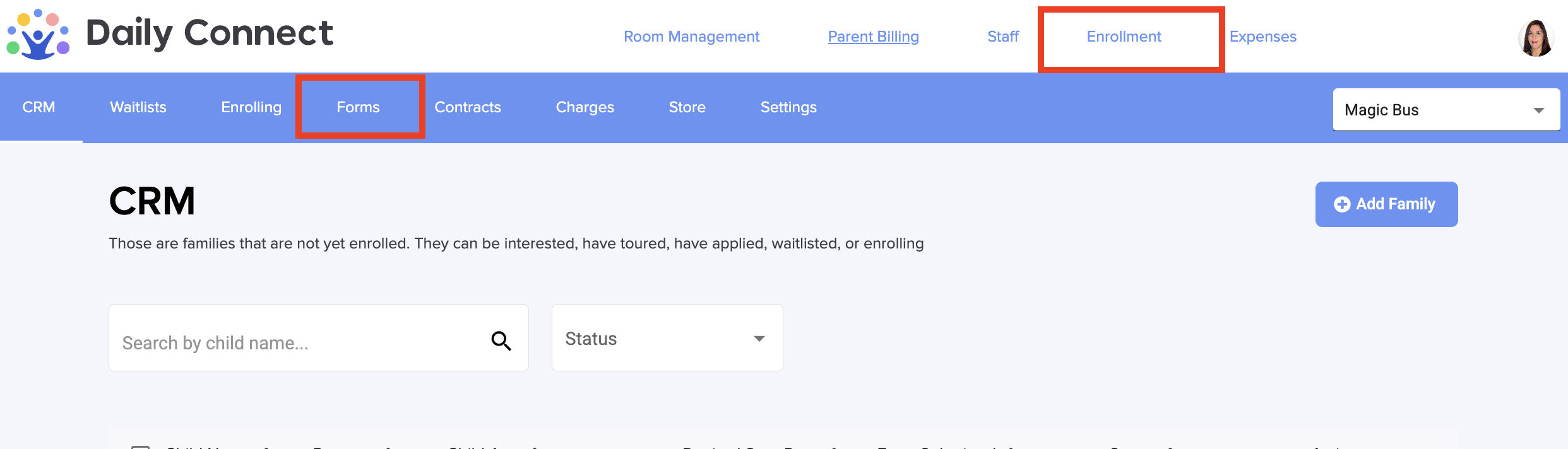
2. Go to Enrollment > Forms:


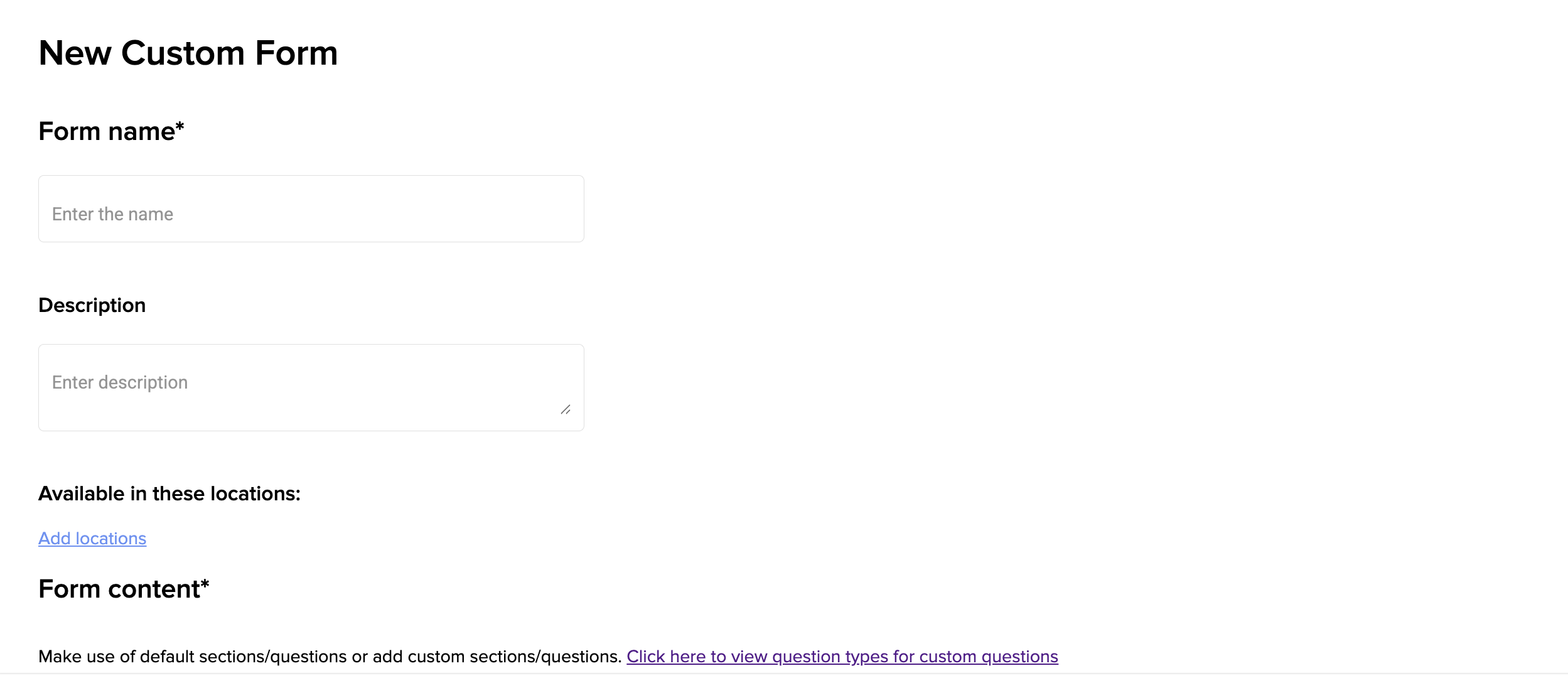
3. Fill in the name and the description of this new form:


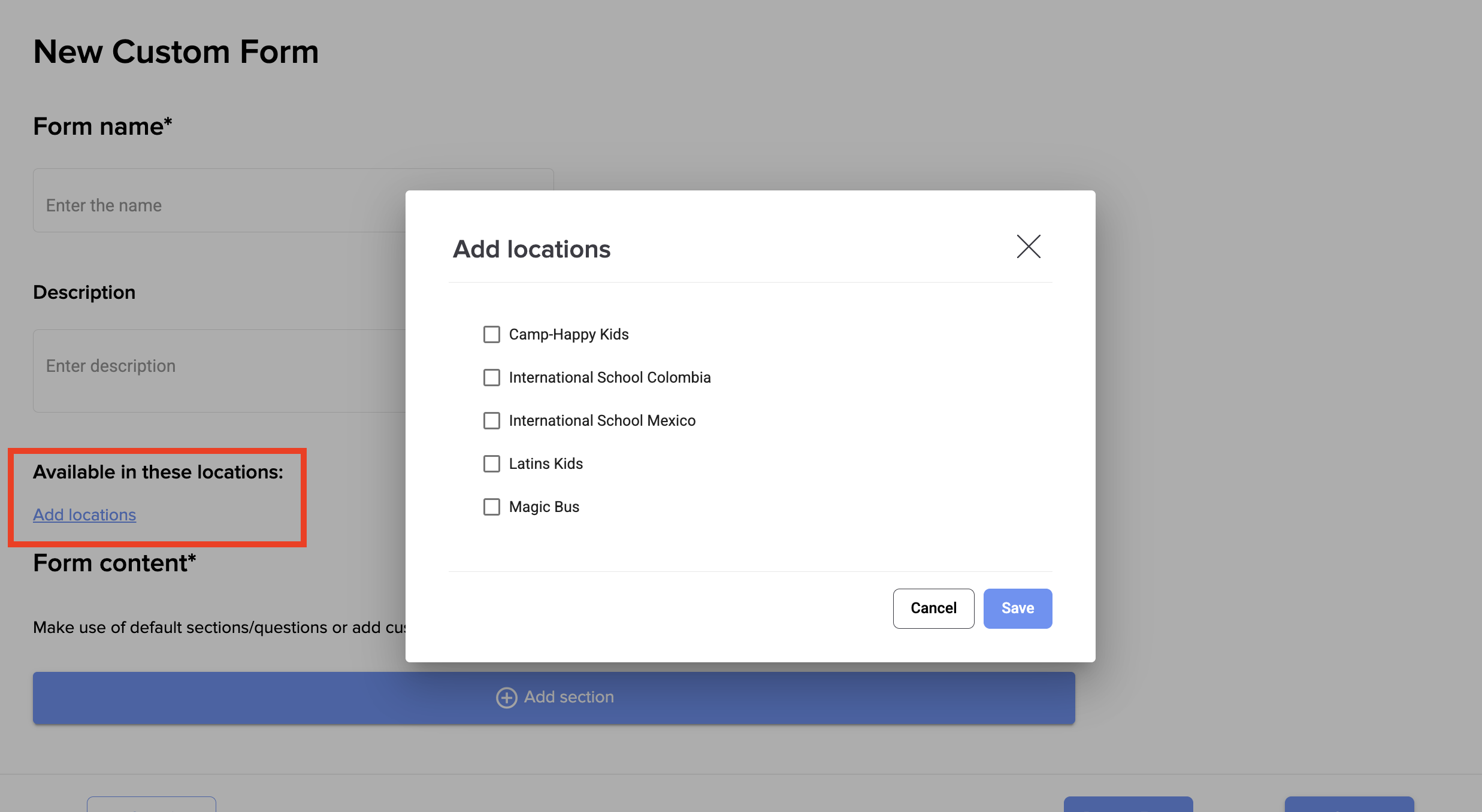
4. You can link  one form to different locations :


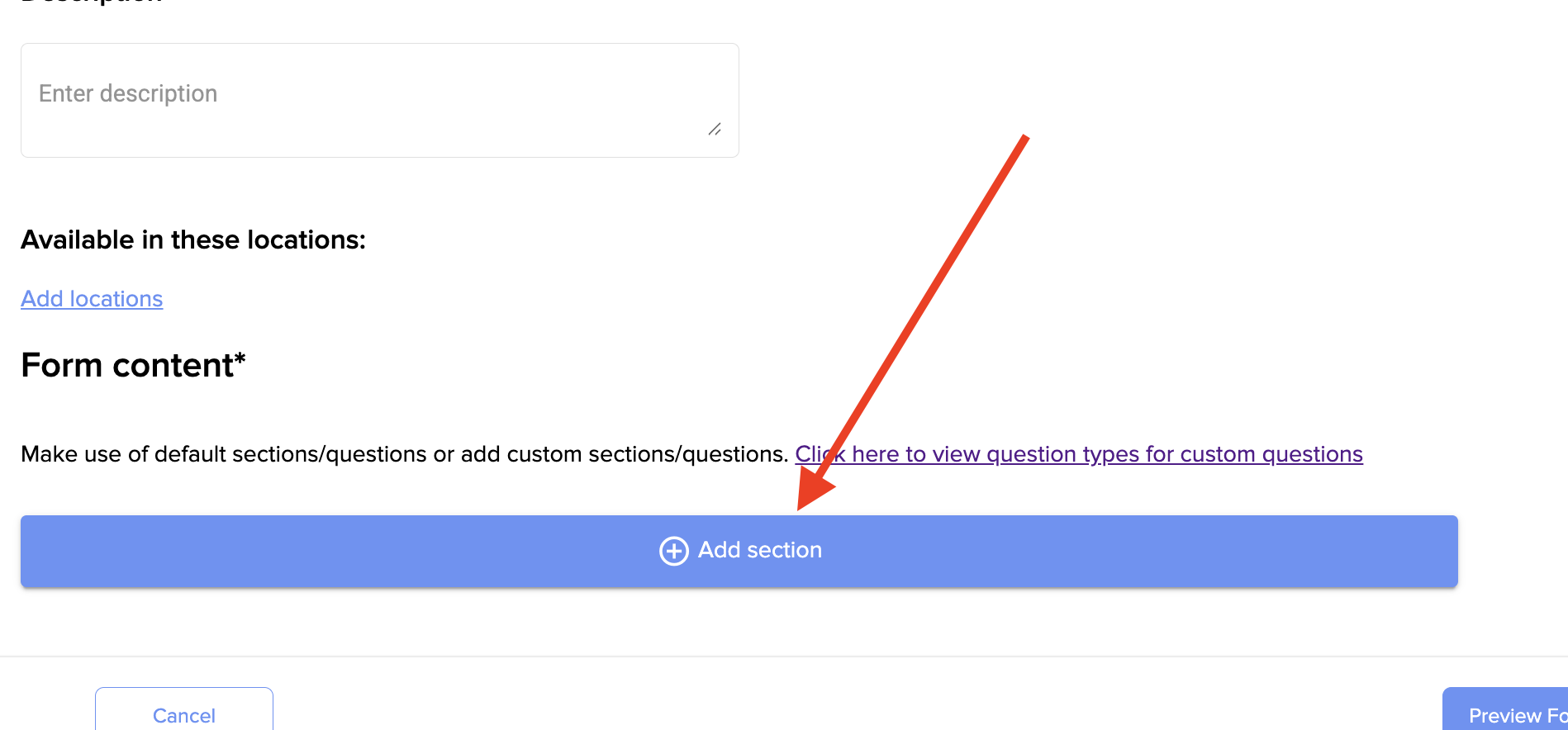
5. Click on +Add section to start creating the different sections of your form, and click Save once you finish it.


Was this article helpful?

That’s Great!

Thank you for your feedback

Sorry! We couldn't be helpful

Thank you for your feedback

Let us know how can we improve this article!

Select at least one of the reasons
CAPTCHA verification is required.

Feedback sent

We appreciate your effort and will try to fix the article