Watch this video or follow the steps below:
1. Navigate to https://app.dailyconnect.com/
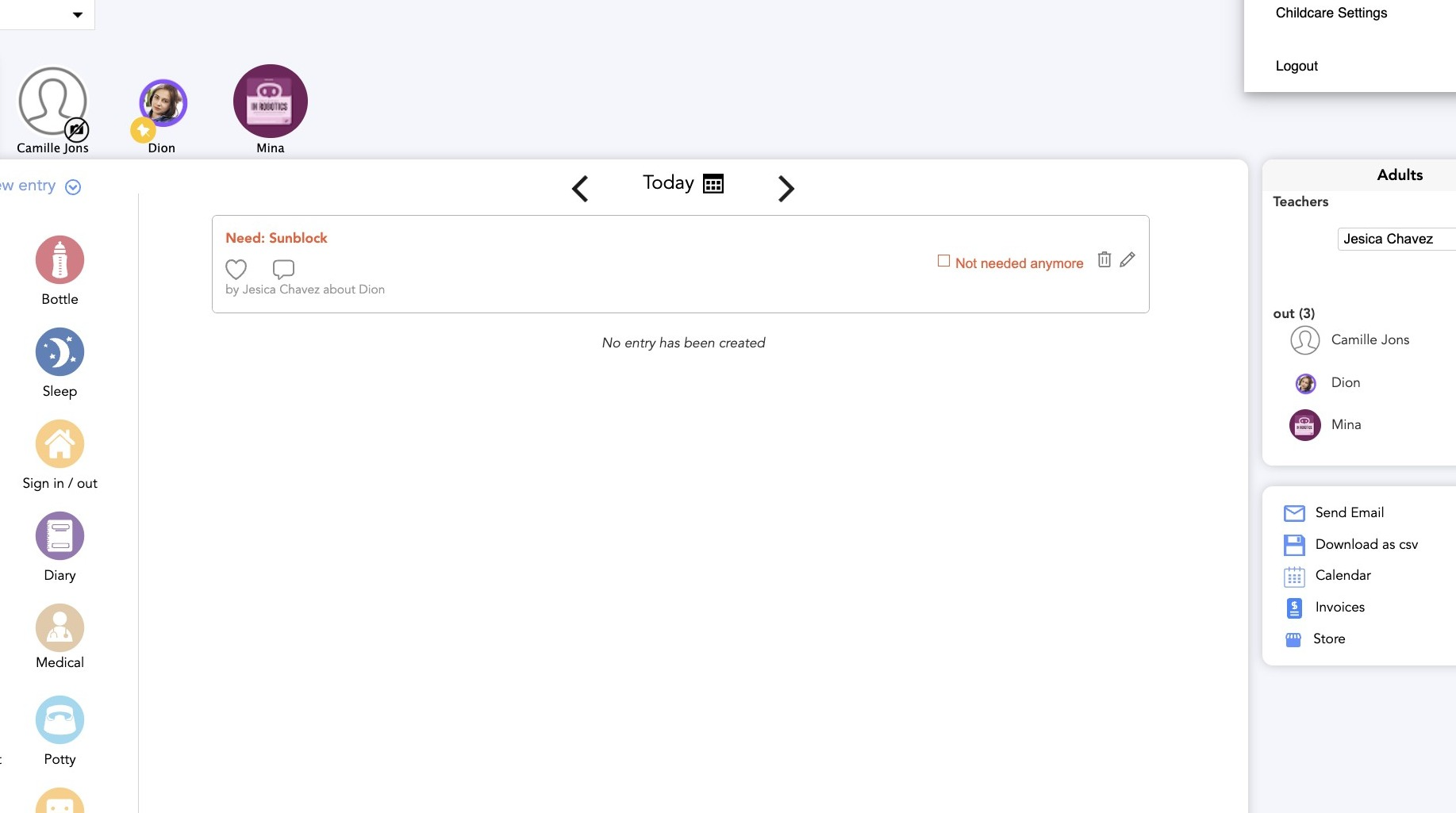
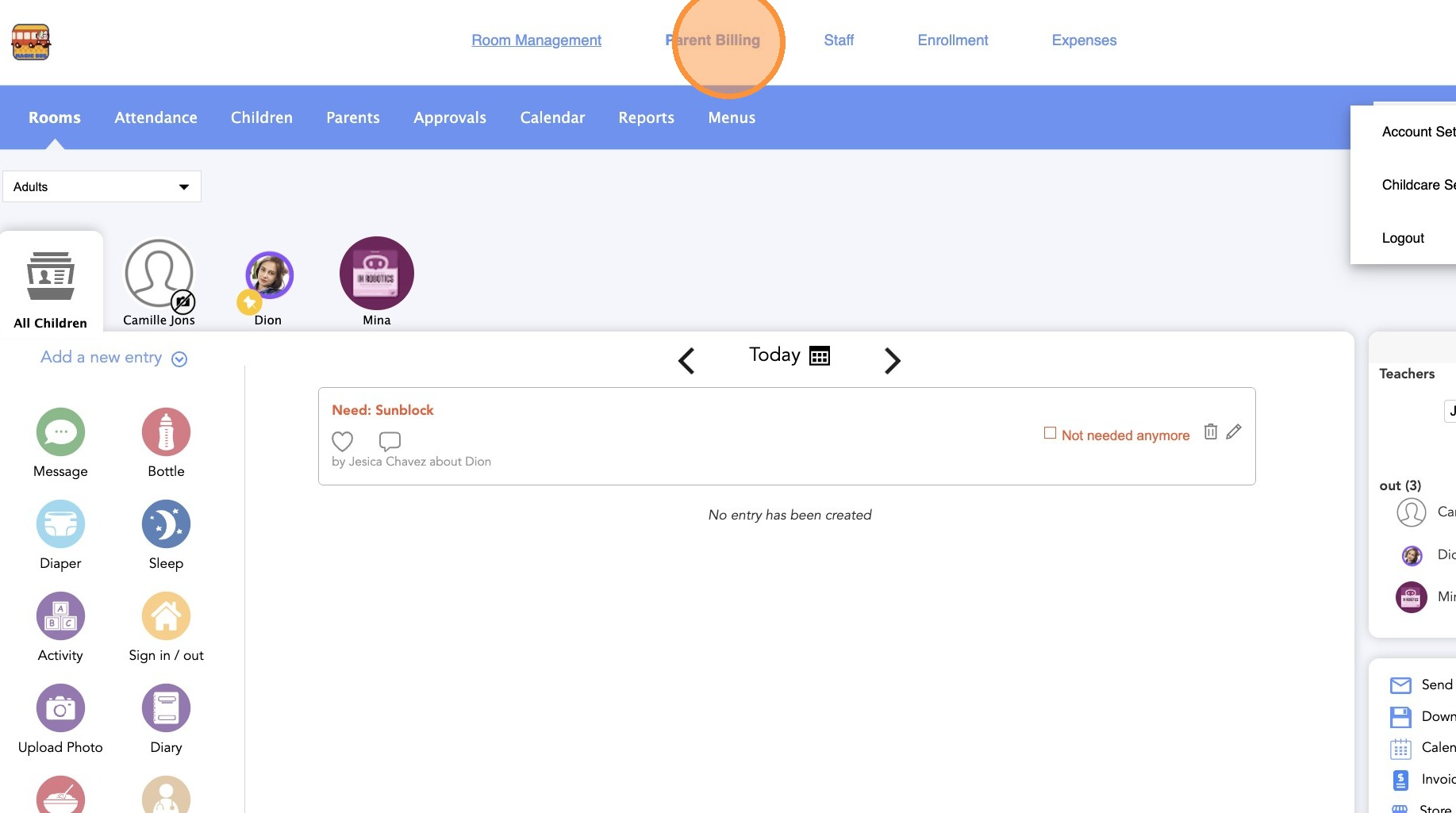
2. Click "Parent Billing."
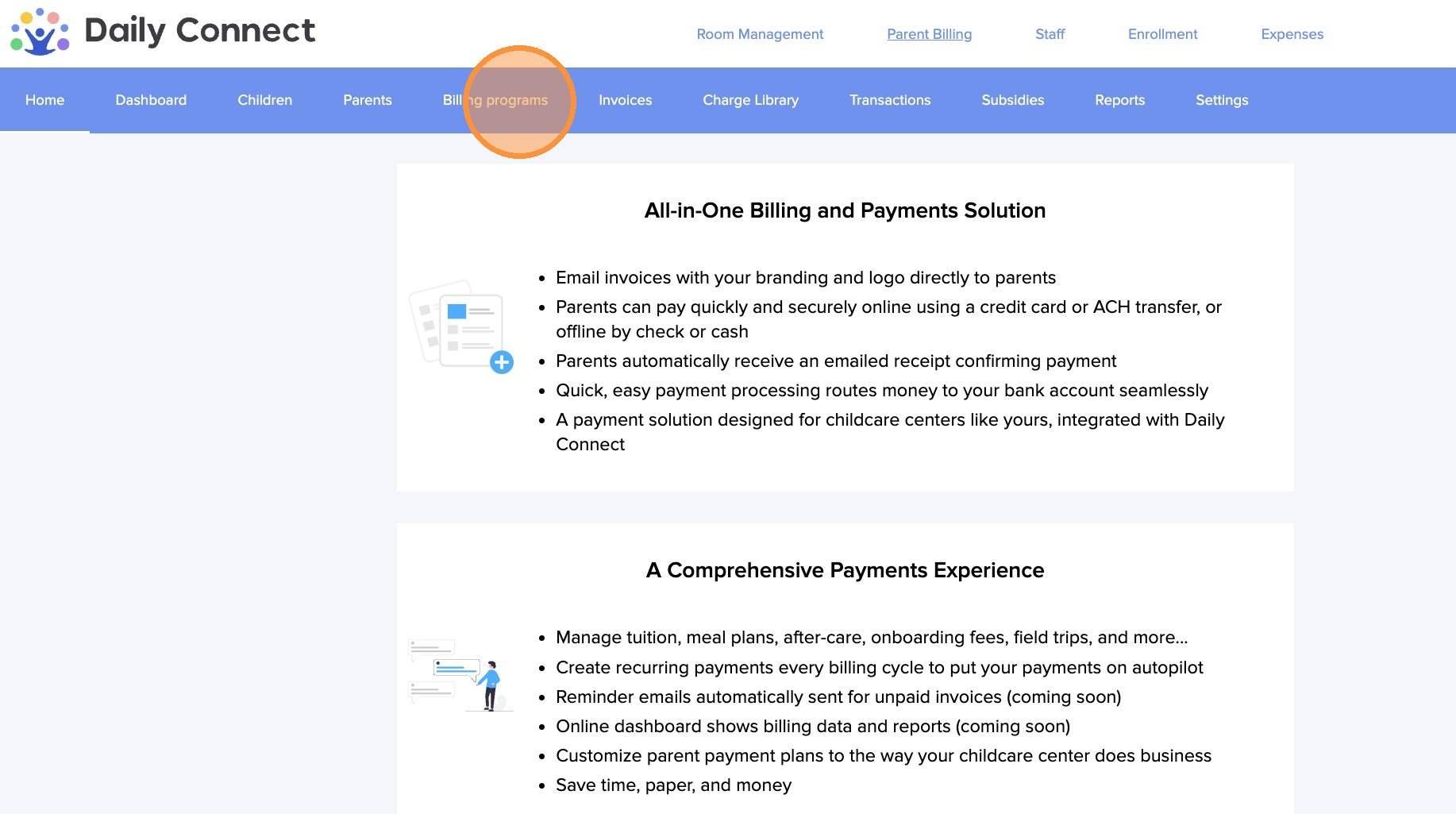
3. Click "Billing programs."
4. Select the billing program you want to edit and click on the pencil icon.

5. Click "Edit Schedule"
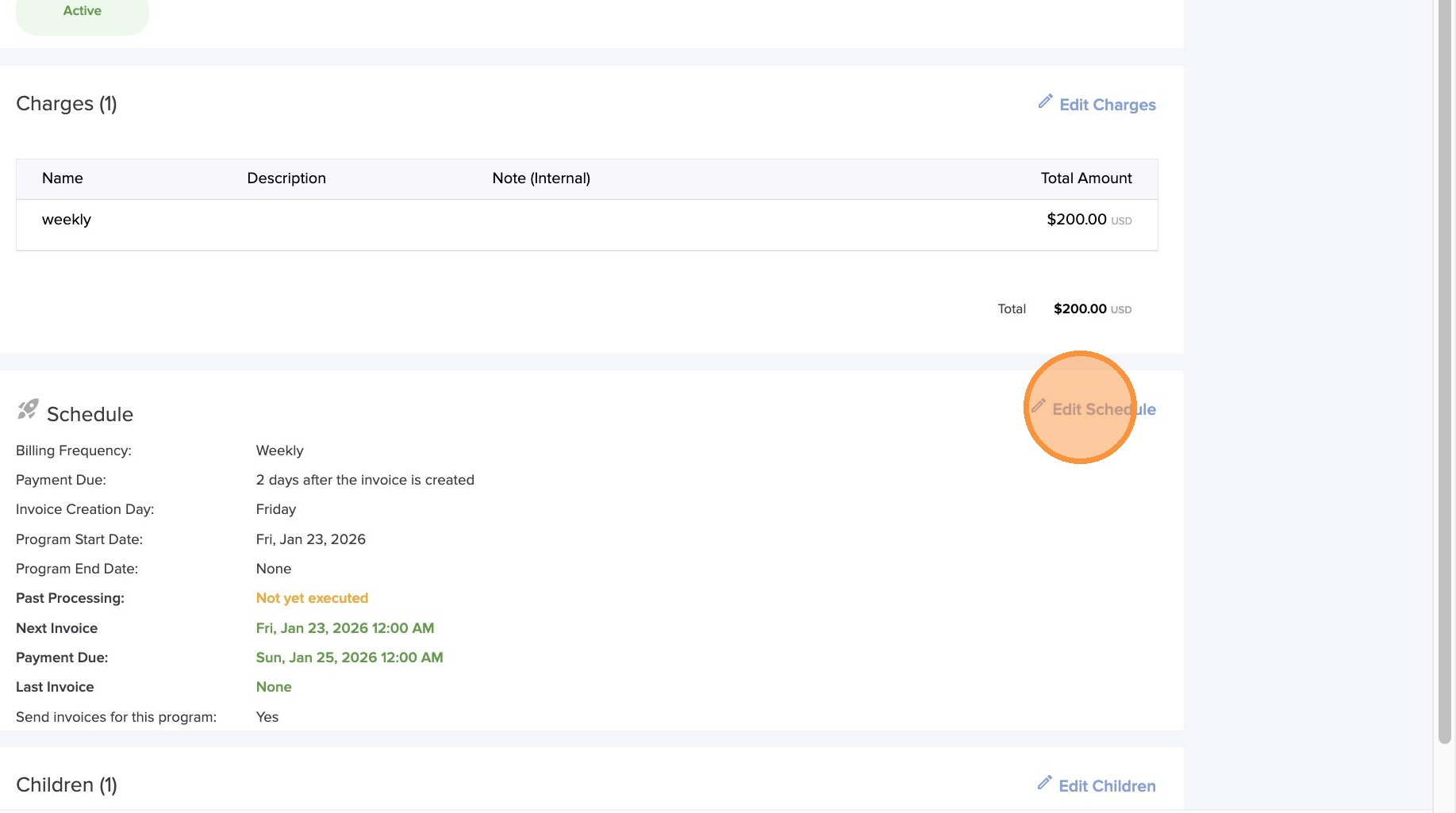
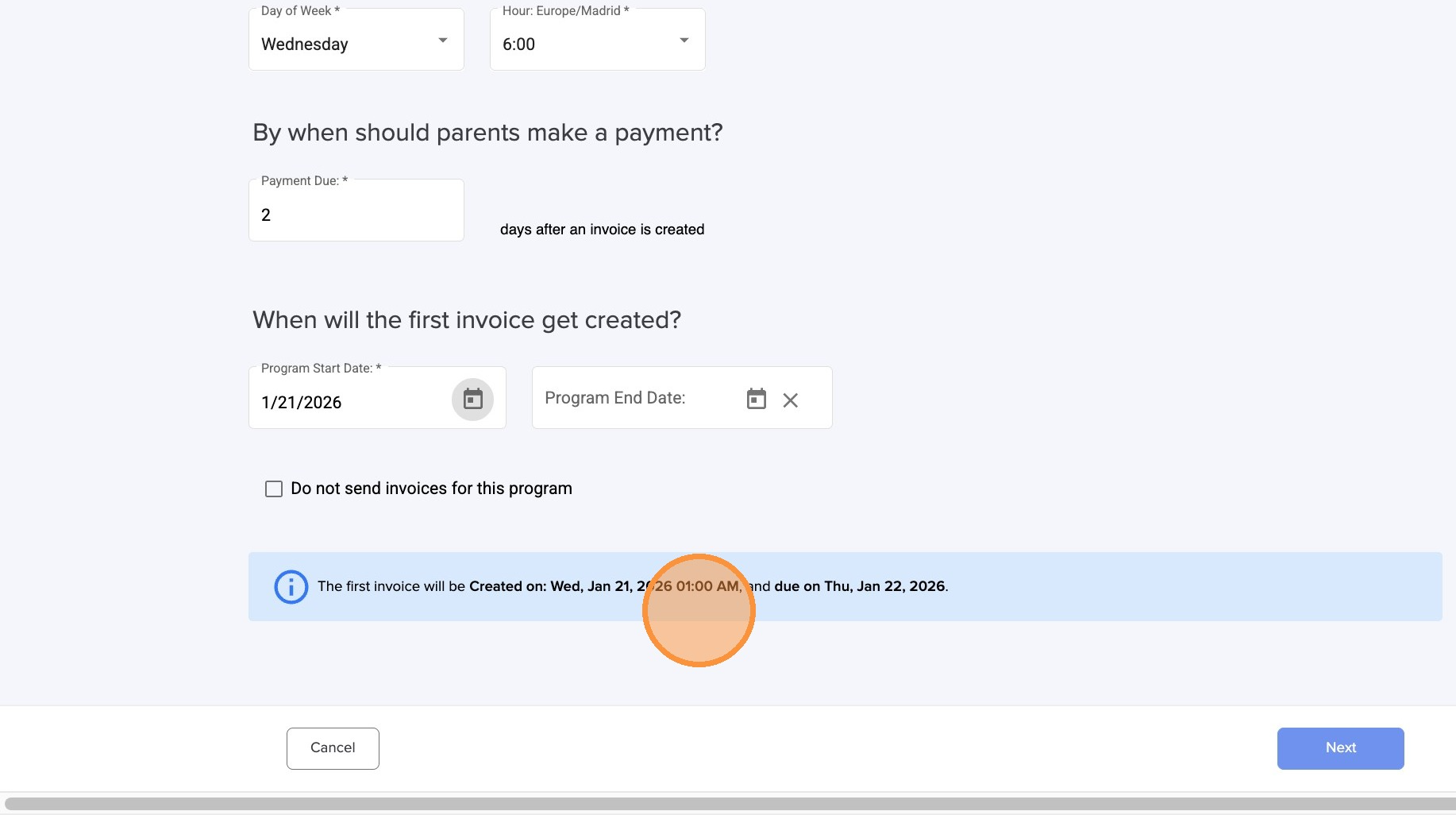
6. In this section, you can customize how and when parents receive invoices. Set the invoice frequency, choose the day of the week or month, select the time the invoice is sent, define the payment due date, and determine when the first invoice will be generated.
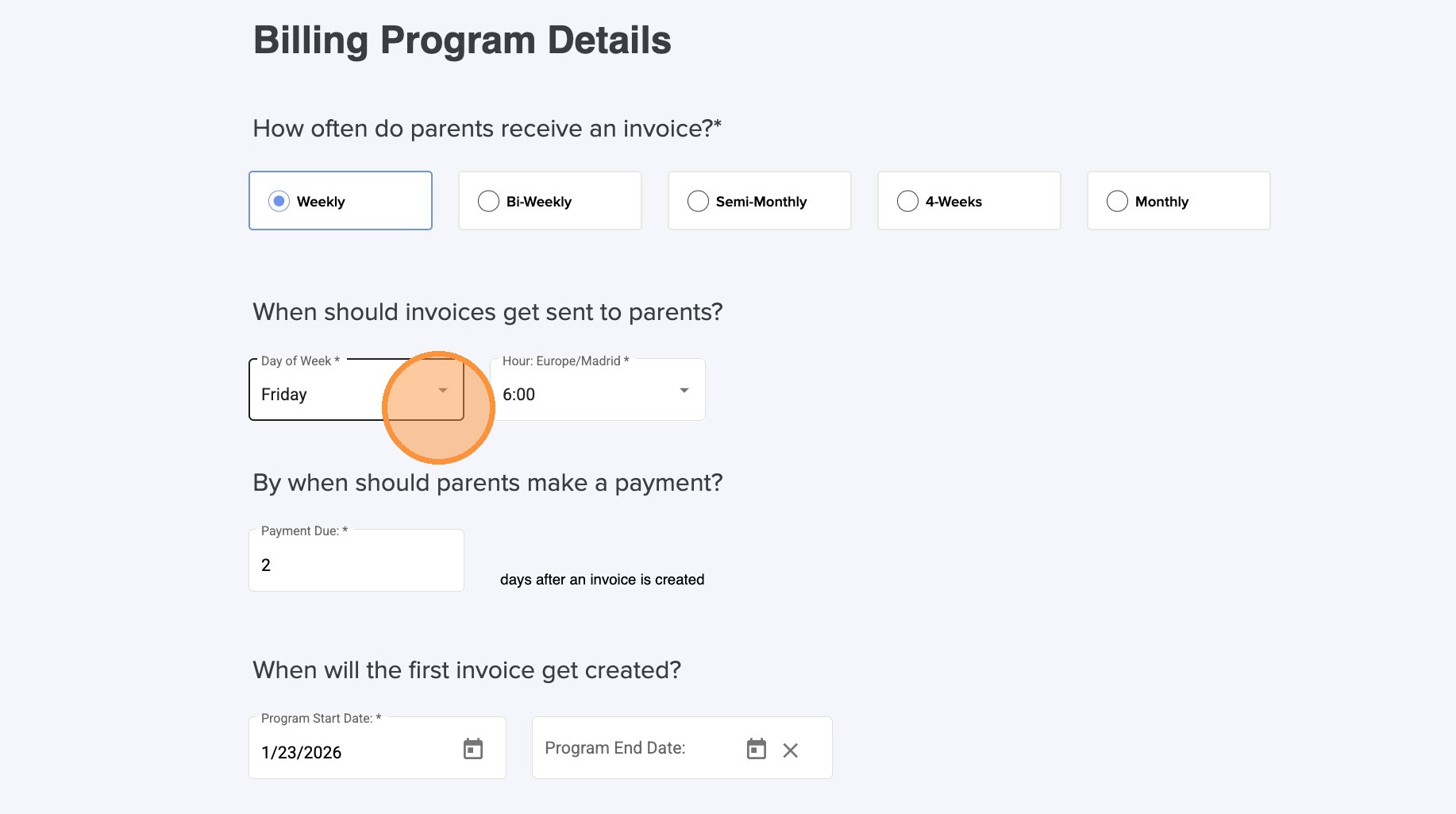
7.
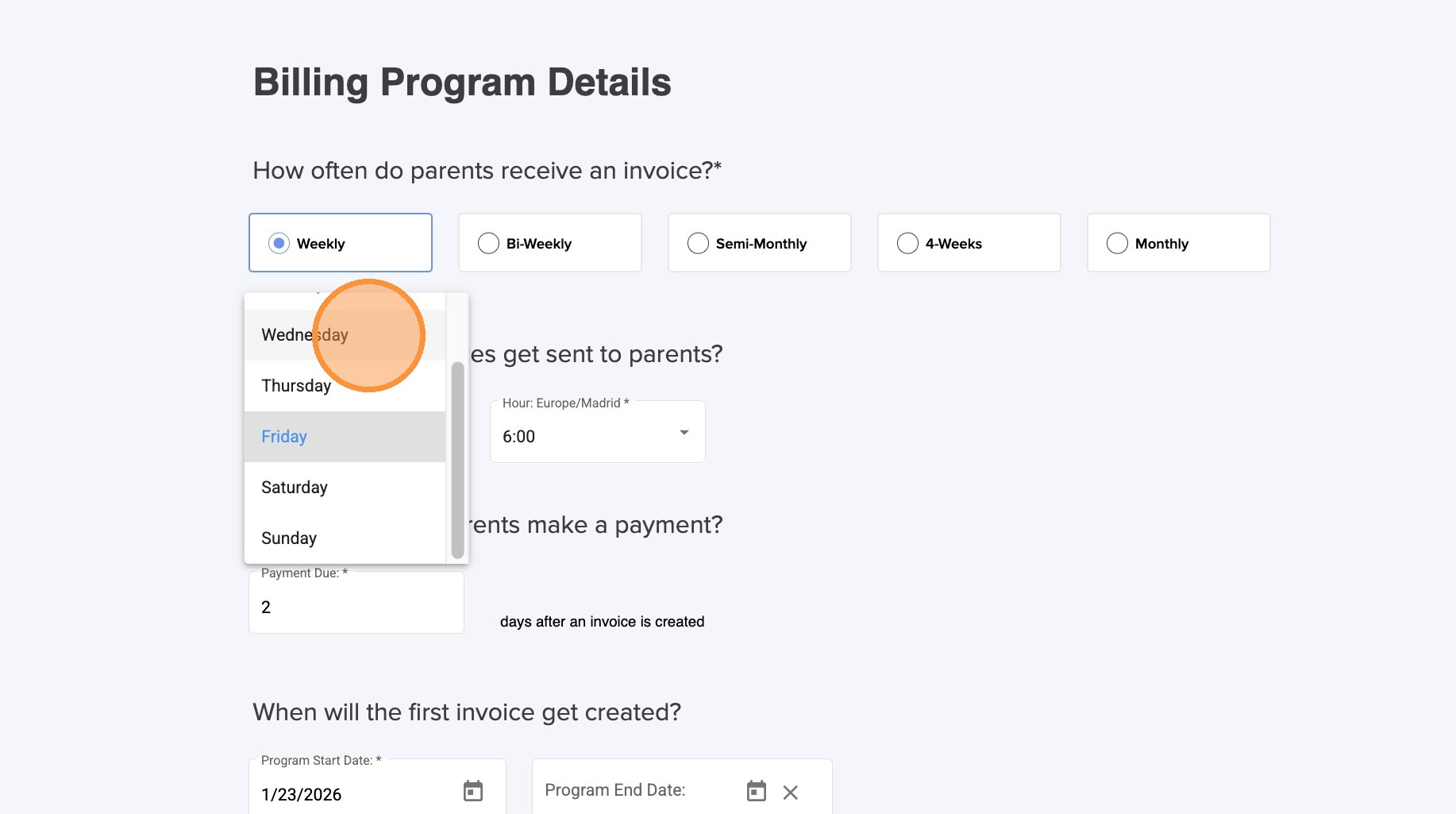
8.
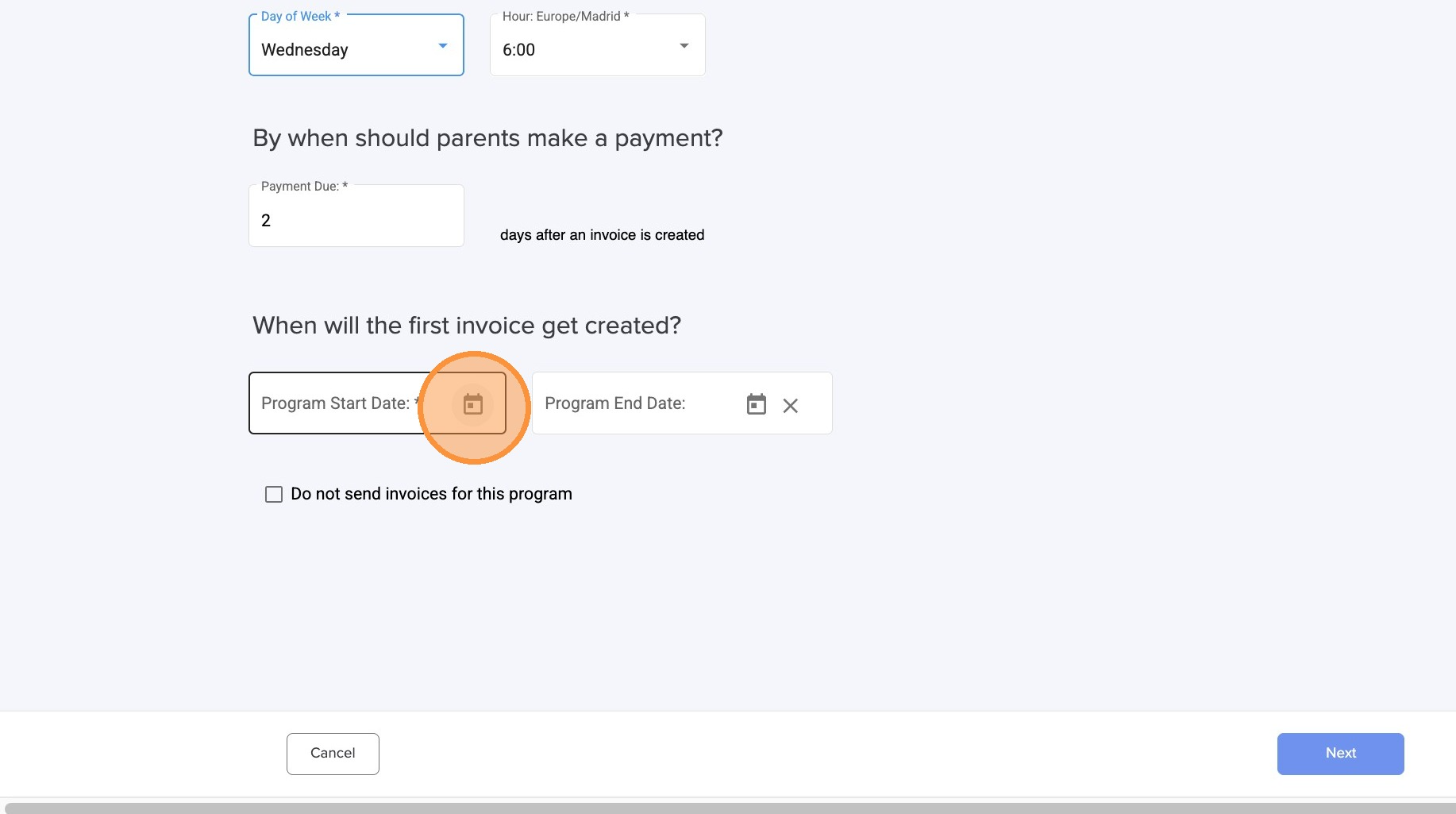
9.
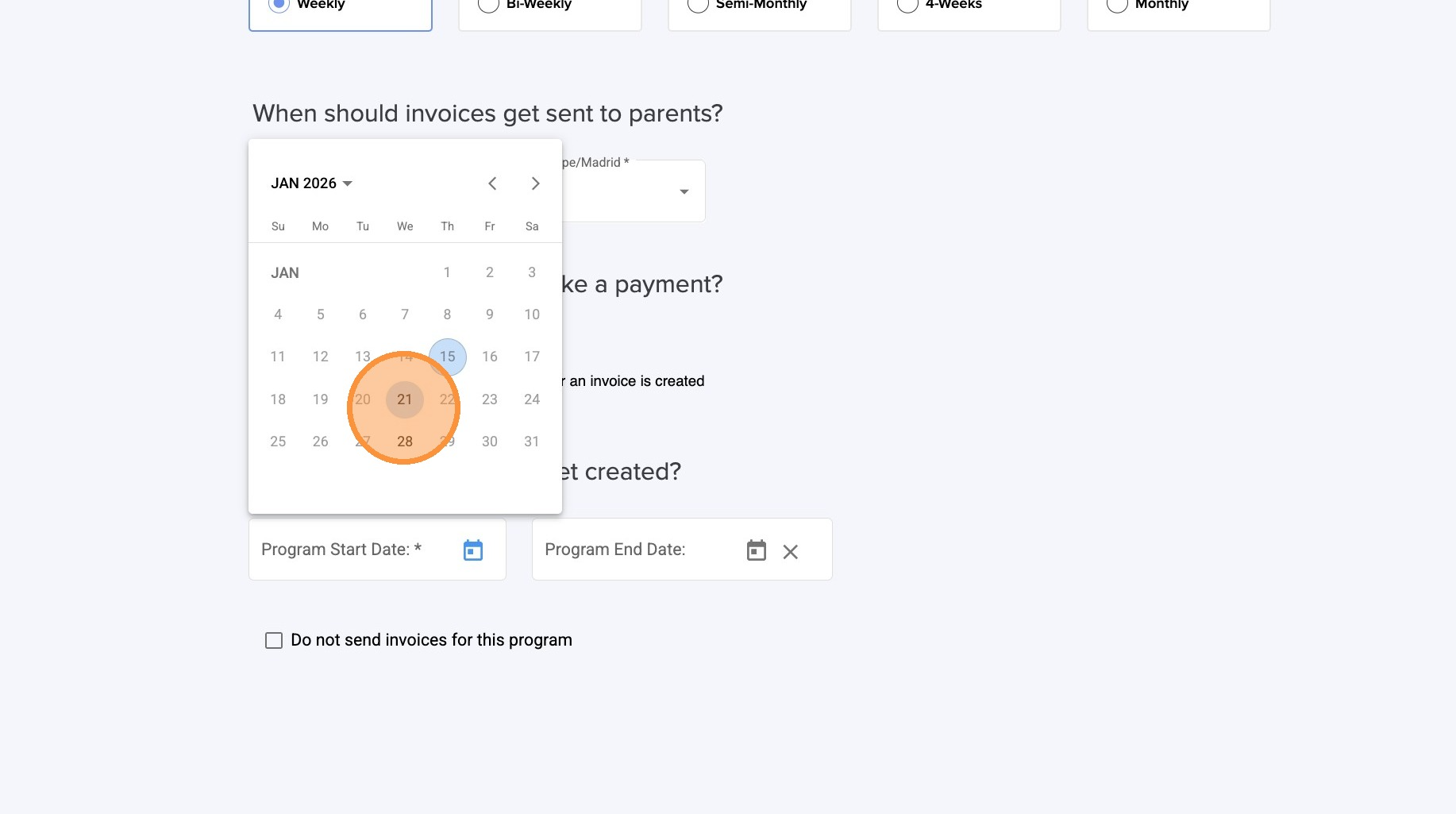
10. When you select the payment due, the system shows you when the parent has to make the payment.
11.
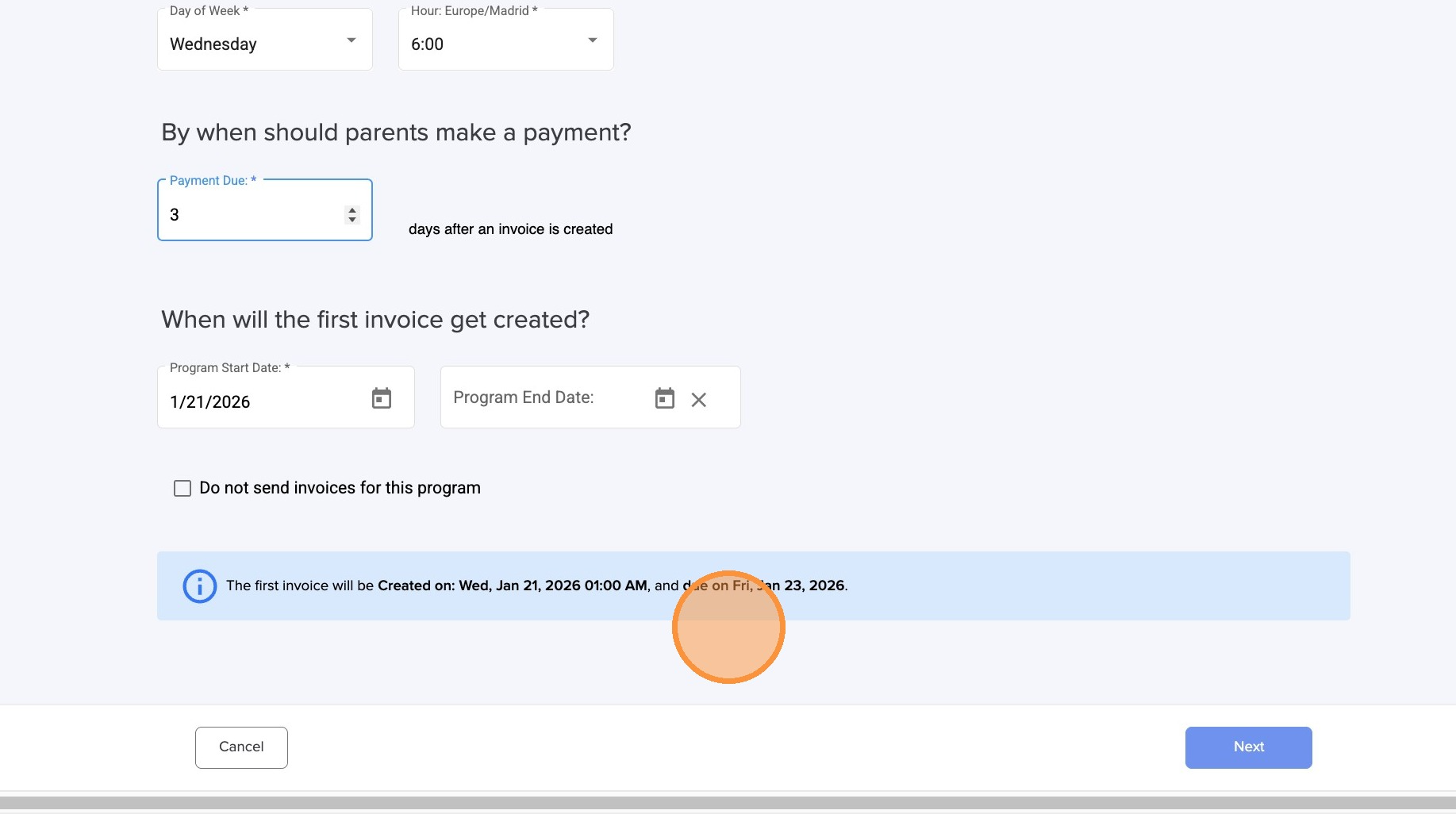
12. Once everything looks correct, click on "Next."

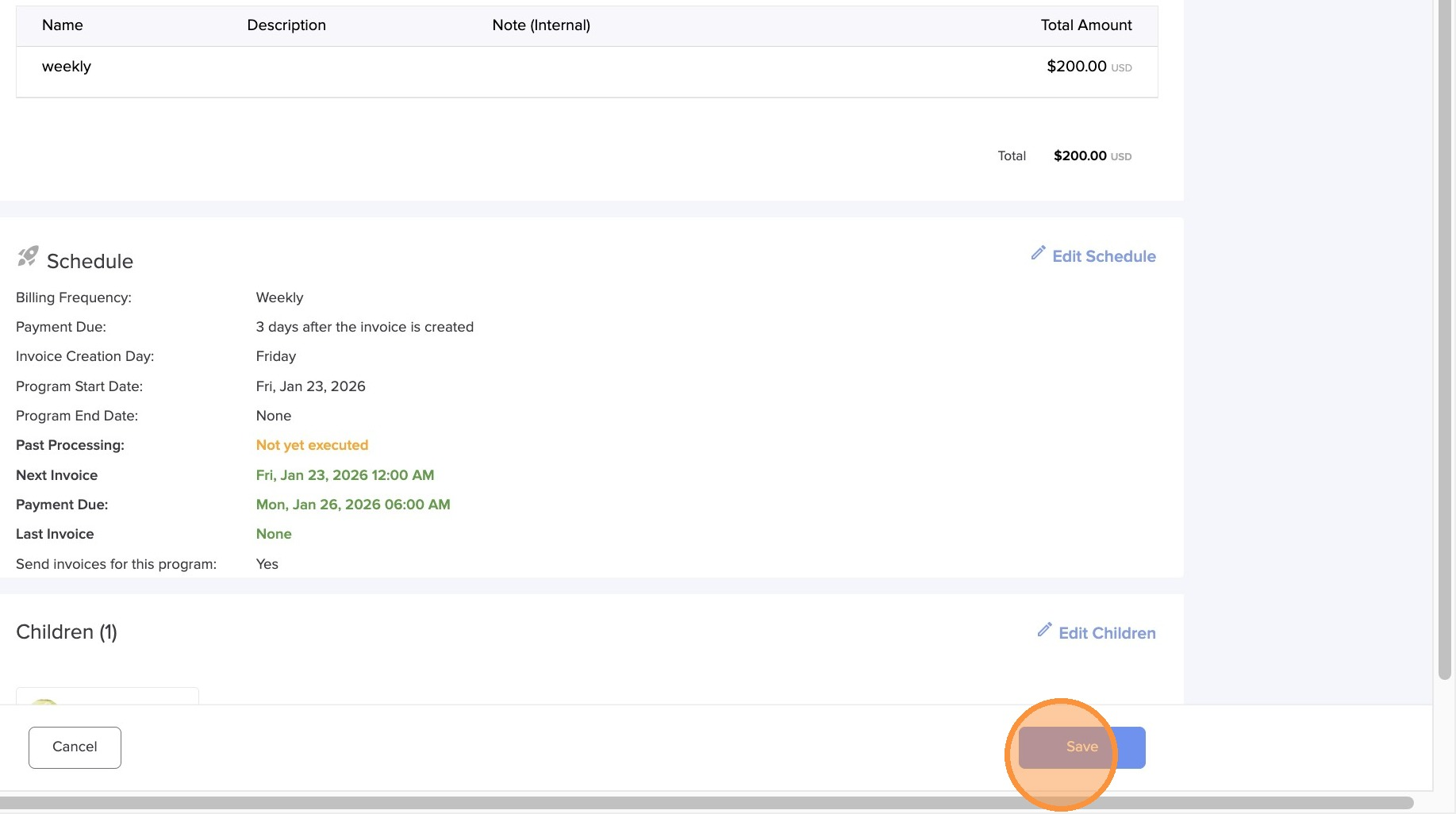
13. Click "Save" and now your billing program has been edited.
Was this article helpful?
That’s Great!
Thank you for your feedback
Sorry! We couldn't be helpful
Thank you for your feedback
Feedback sent
We appreciate your effort and will try to fix the article