You can now define the start and end dates for applying a billing program in each child's profile. Follow these steps:
1. Log in to your admin account.
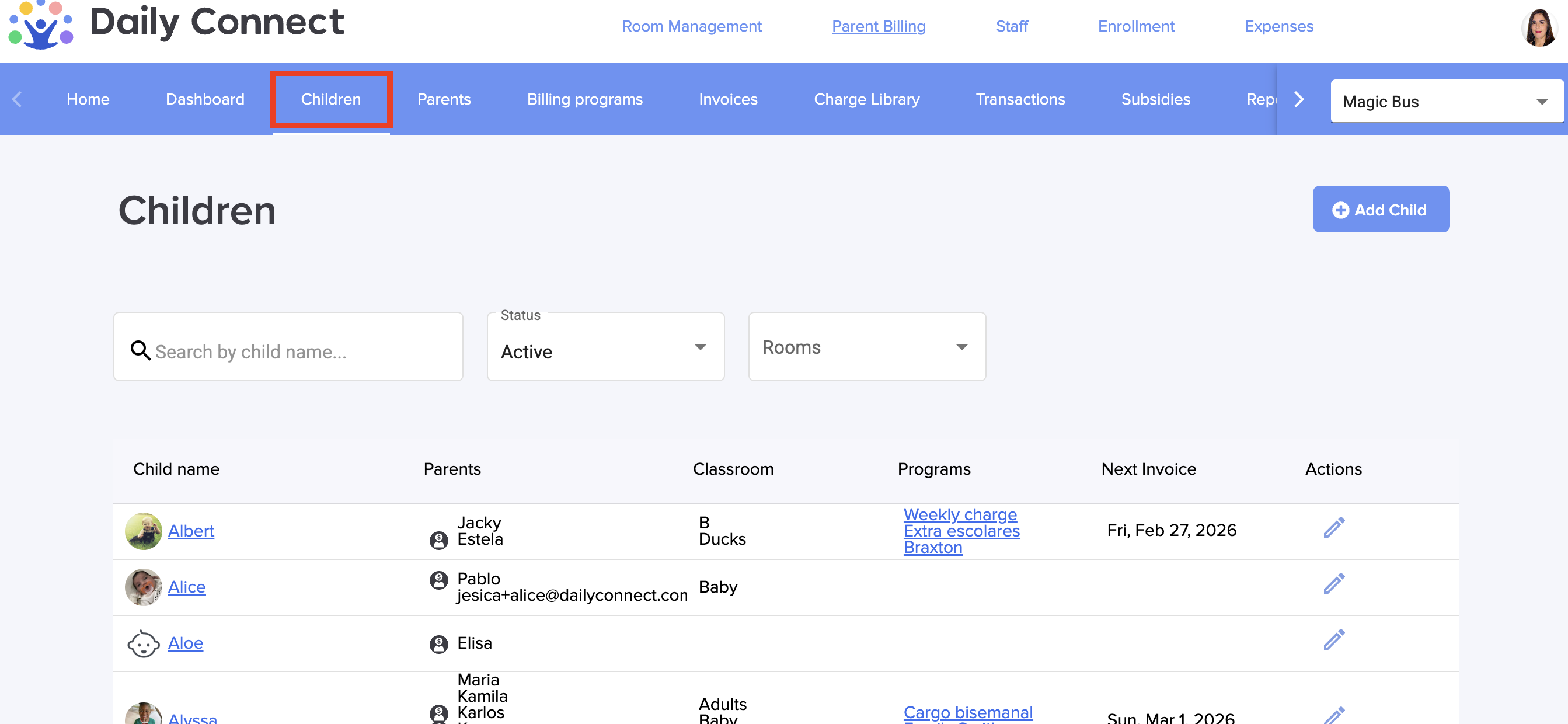
2. Go to Children and choose the child that you want to edit:
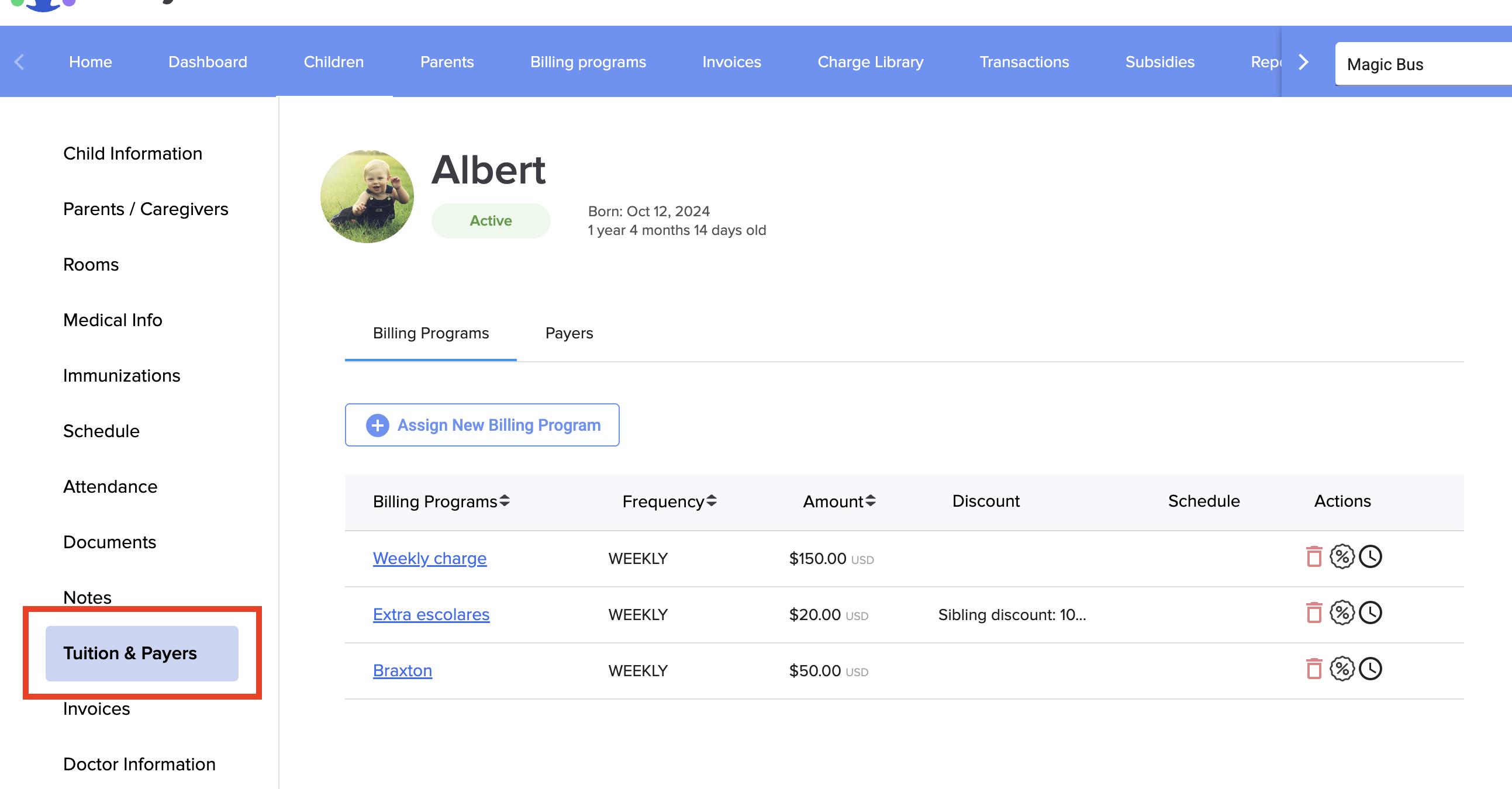
3. Go to Tuition & Payers:
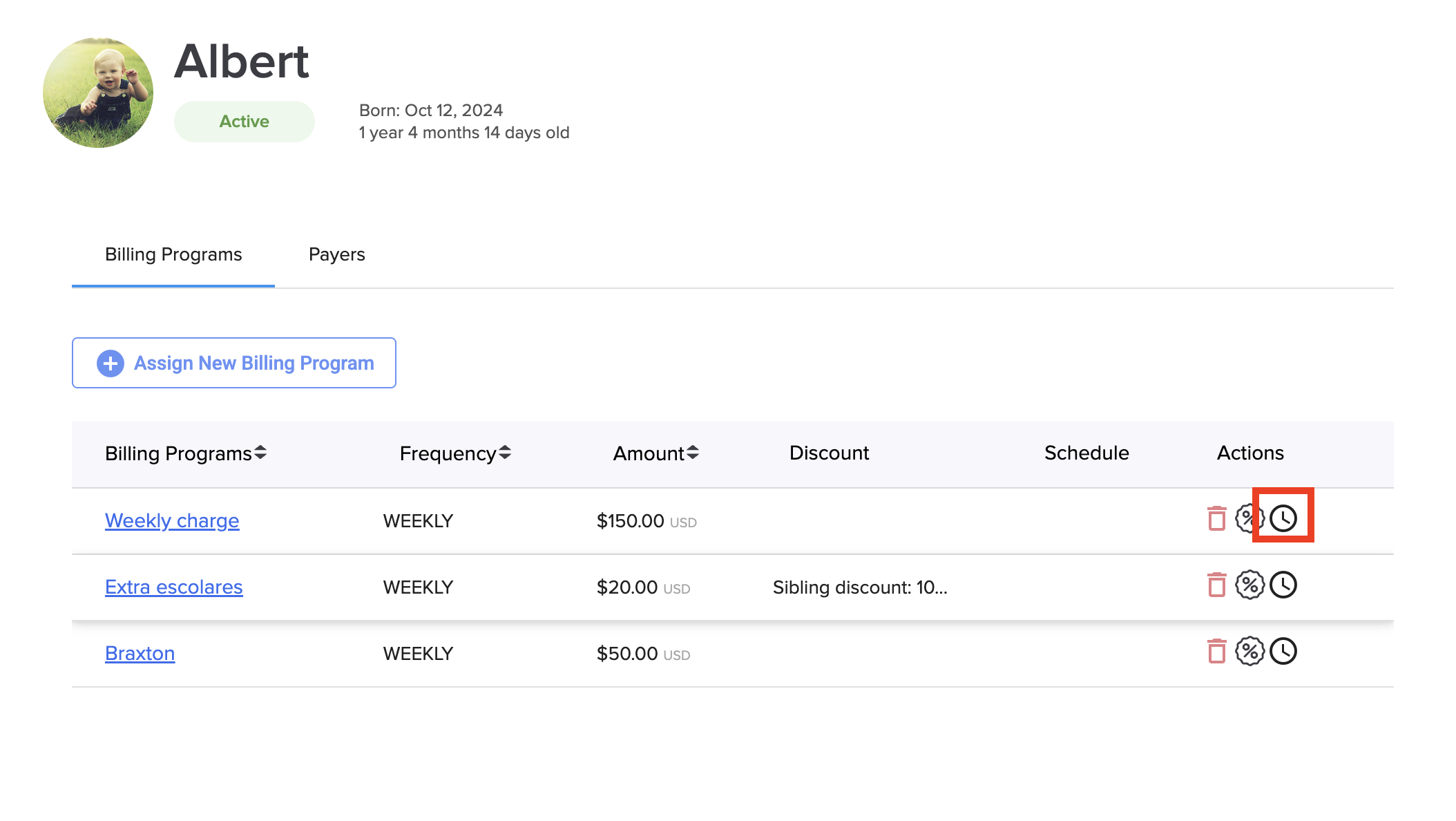
4. Click on the clock icon of the billing program you want to configure:
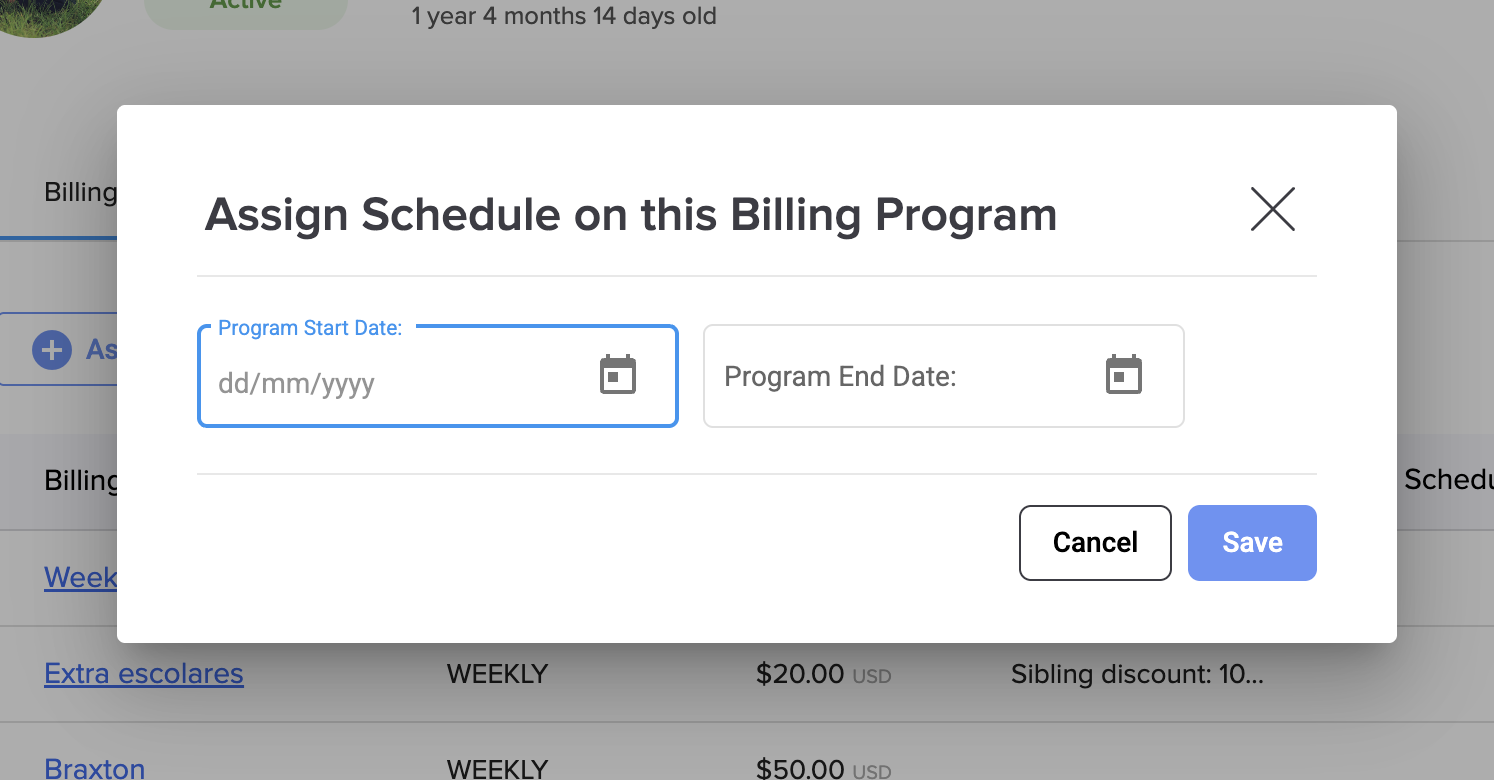
5. Assign the date on the billing program:
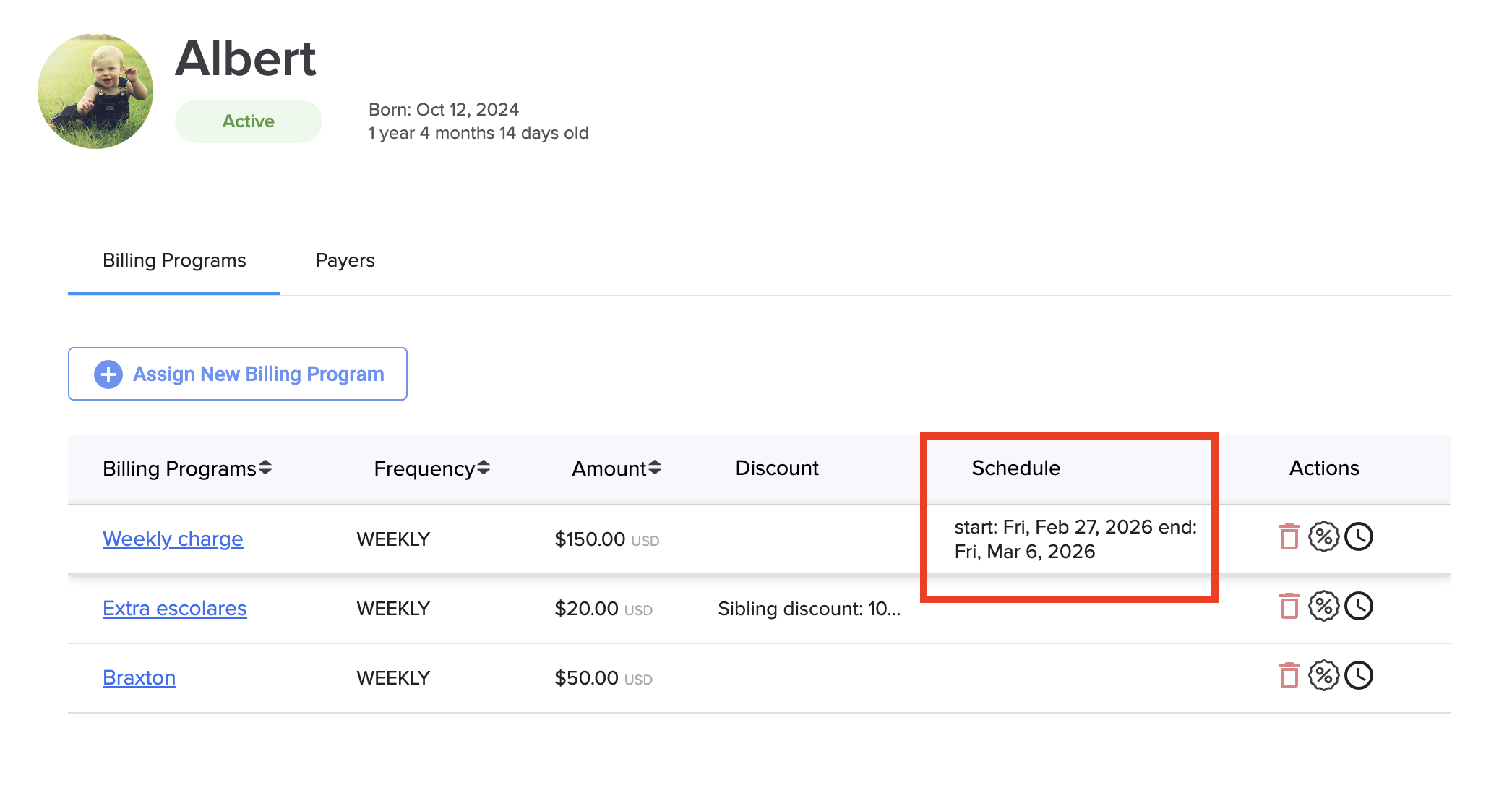
Now you can see the schedule for the billing program:
Was this article helpful?
That’s Great!
Thank you for your feedback
Sorry! We couldn't be helpful
Thank you for your feedback
Feedback sent
We appreciate your effort and will try to fix the article