1. Navigate to https://dailyconnect.com/web/invoices
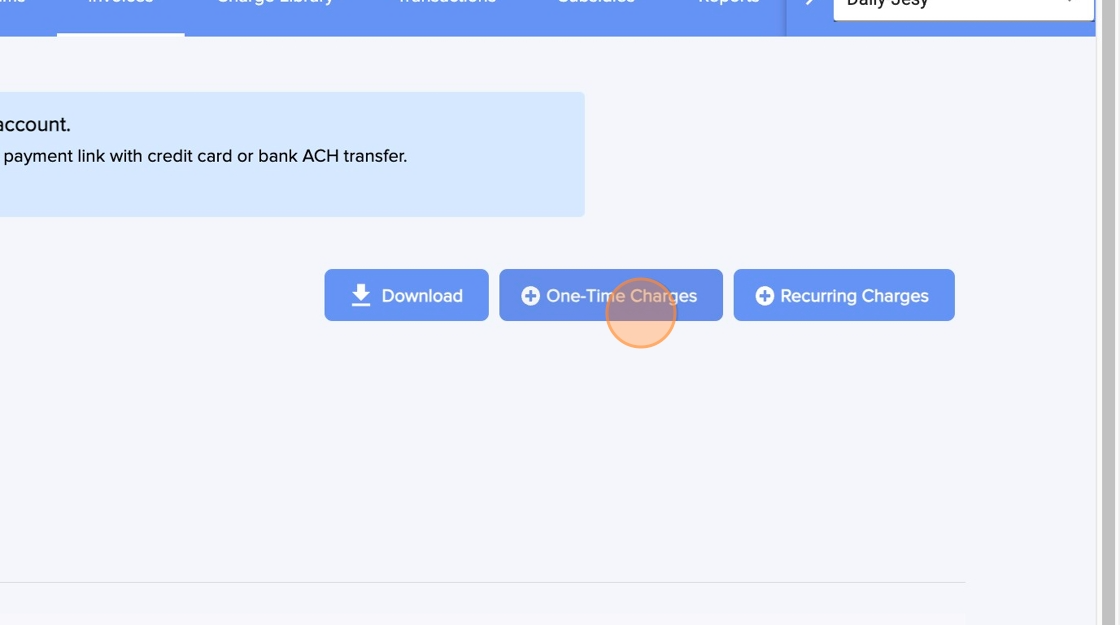
2. Click "One-Time Charges"
3. Select the child or children
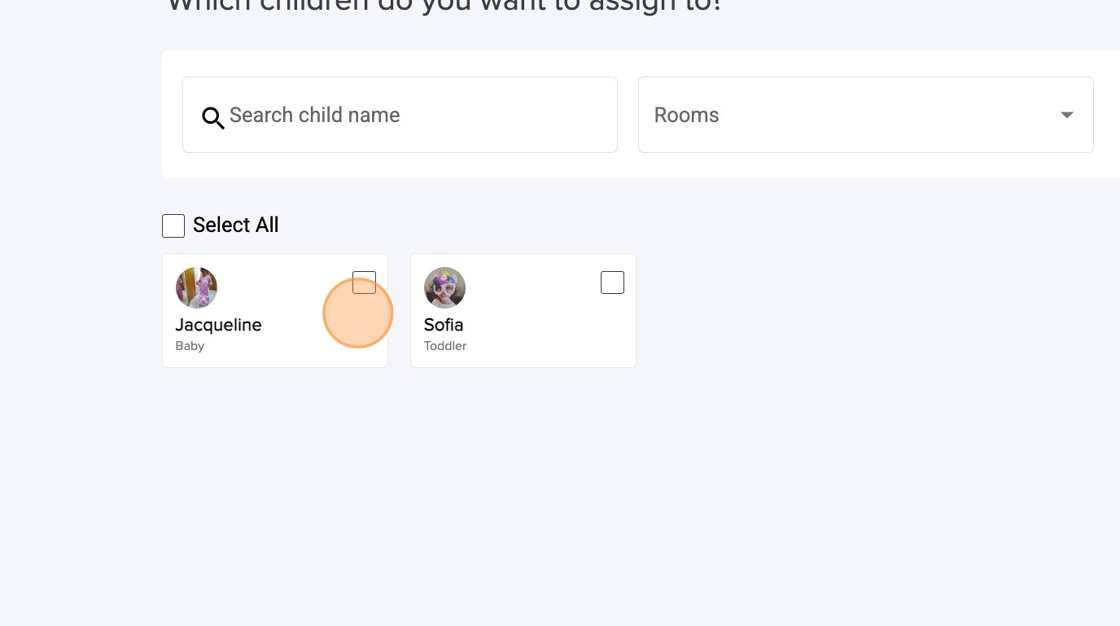
4. Click "Next"

5. Add the charge or charges
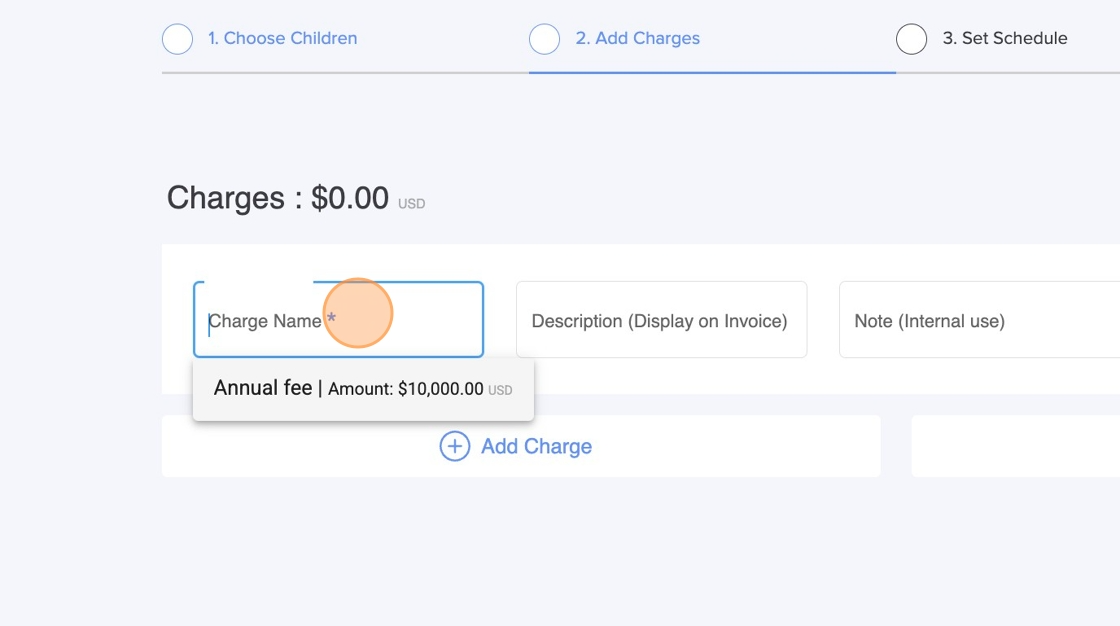
6. Click "Next"
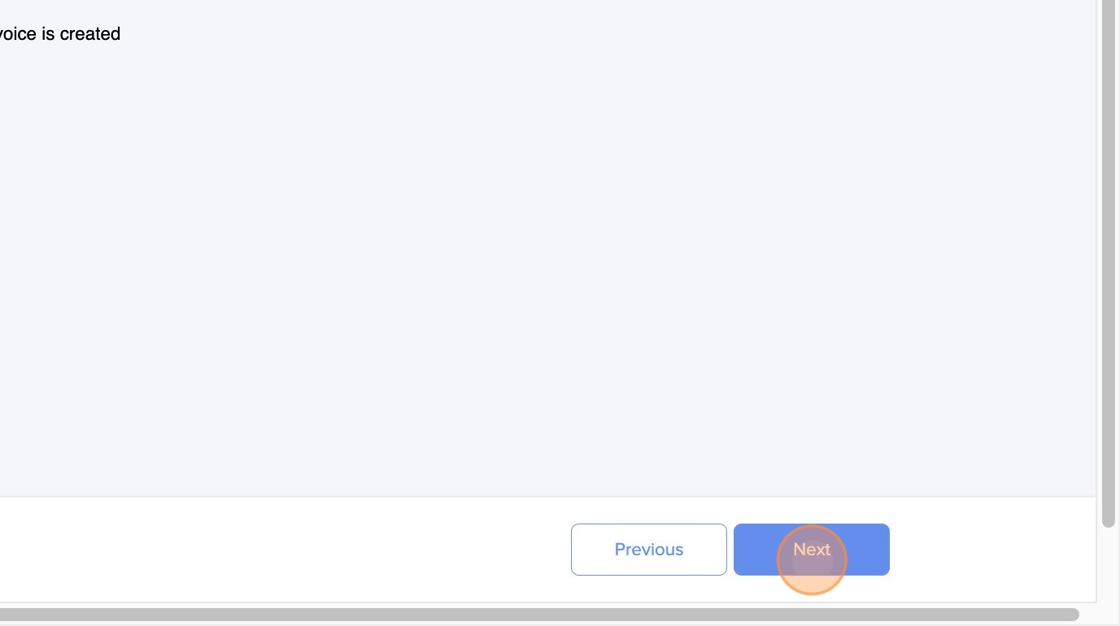
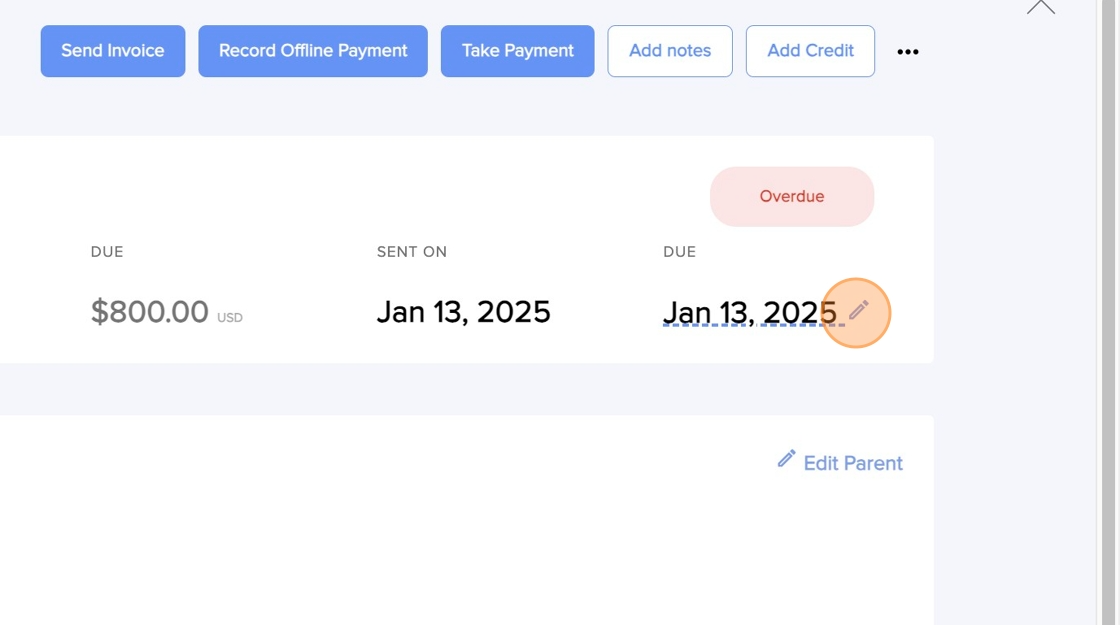
7. Now, to modify the dates, open the invoice. If the invoice has already been paid you can't modify the dates.

8. Click on the pencil to edit the due date
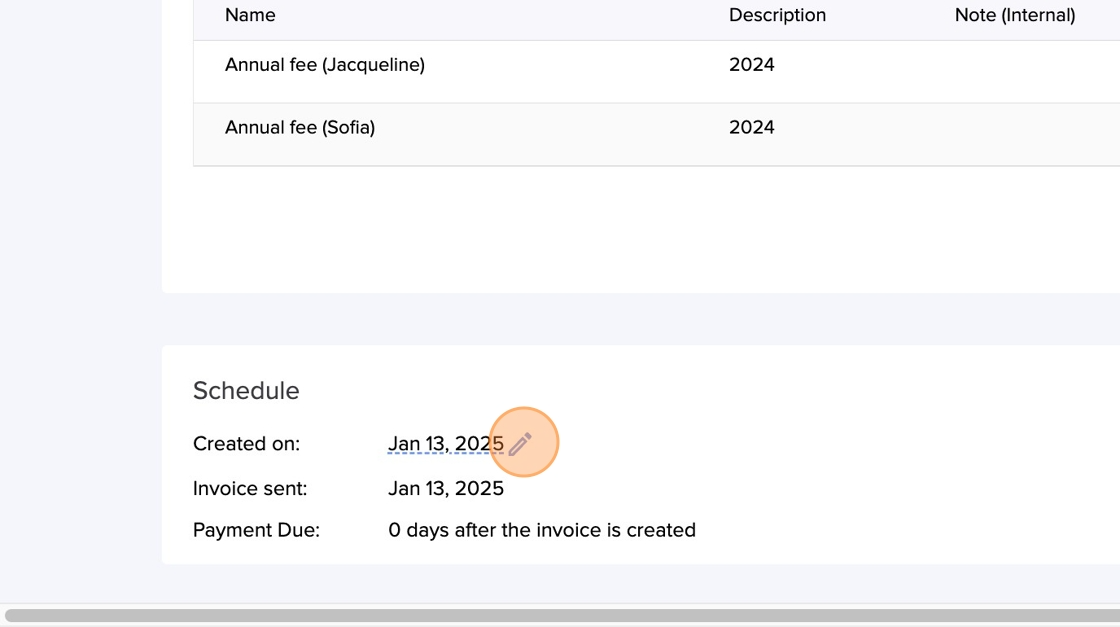
9. Scroll down to the schedule section and click on the pencil to change the "Created on" date
Was this article helpful?
That’s Great!
Thank you for your feedback
Sorry! We couldn't be helpful
Thank you for your feedback
Feedback sent
We appreciate your effort and will try to fix the article