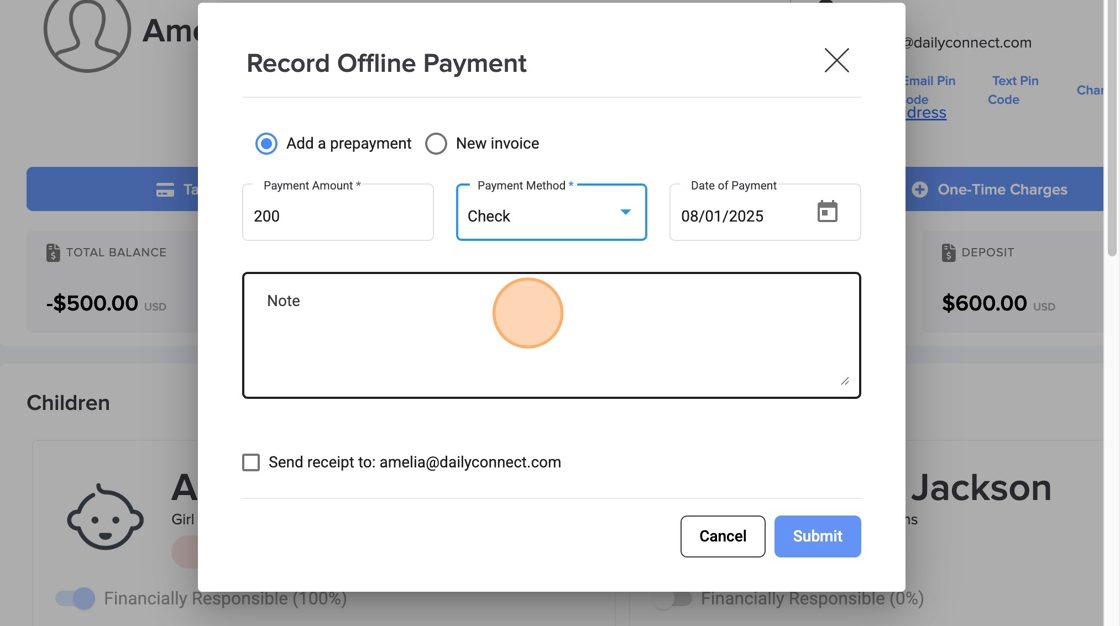
When you create a prepayment, it will automatically apply to future invoices.
1. Navigate to https://www.dailyconnect.com/web/
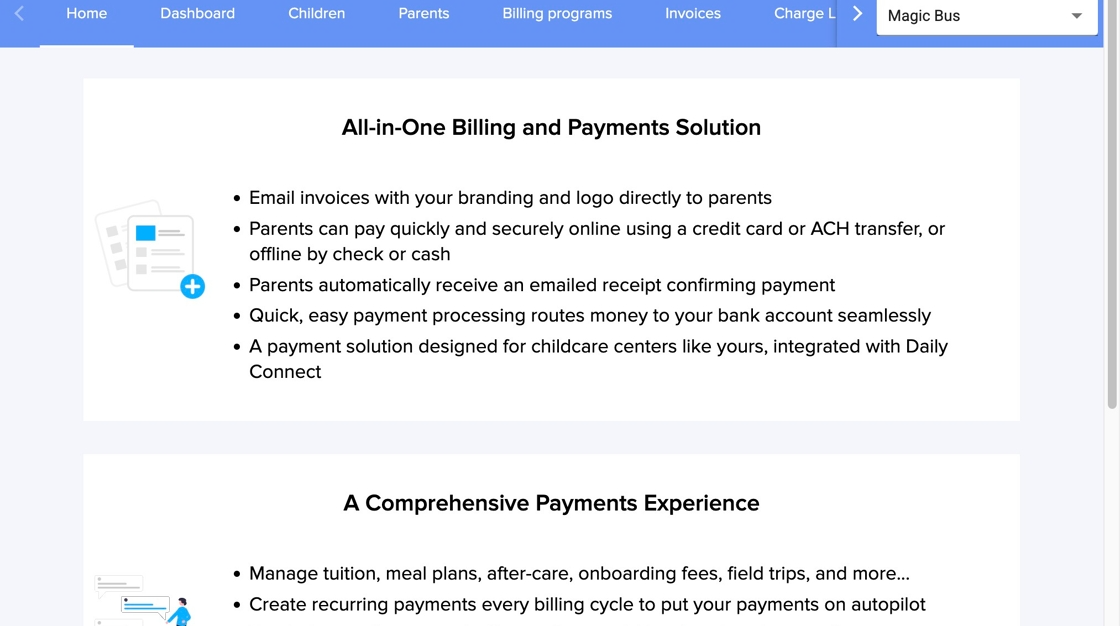
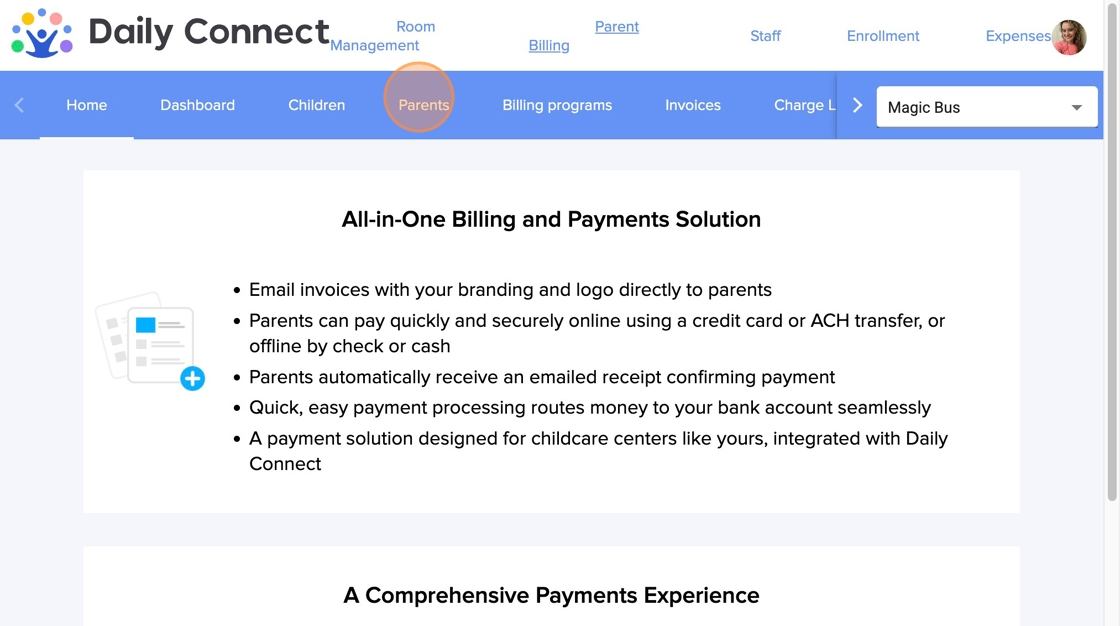
2. Go to Parent Billing and Click "Parents"
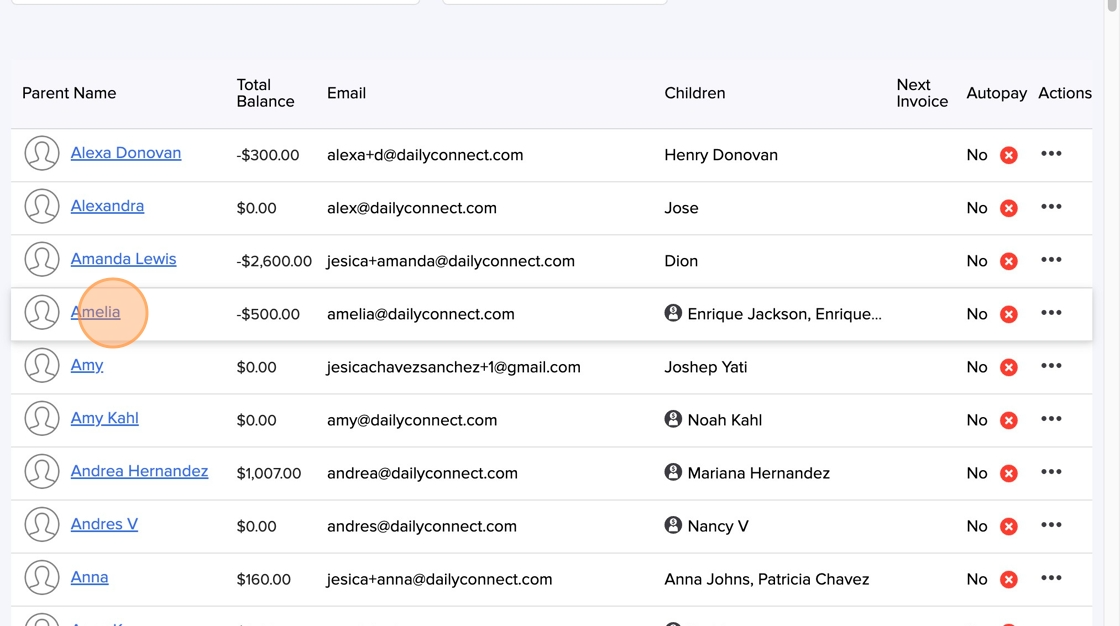
3. Select the parent
4. Click "Record Offline Payment"
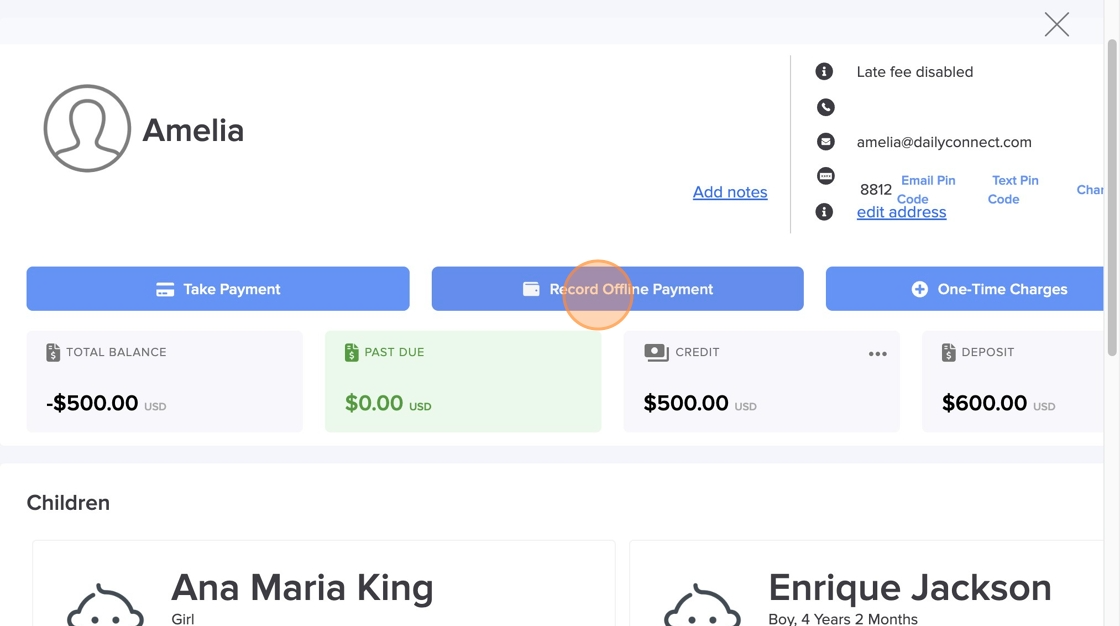
5. Enter the amount and information, and click Submit
Was this article helpful?
That’s Great!
Thank you for your feedback
Sorry! We couldn't be helpful
Thank you for your feedback
Feedback sent
We appreciate your effort and will try to fix the article