From our platform, you can inform parents that their child has had an incident at the center. In some cases, centers may need to include additional questions beyond what happened. Learn how to do this in this article.
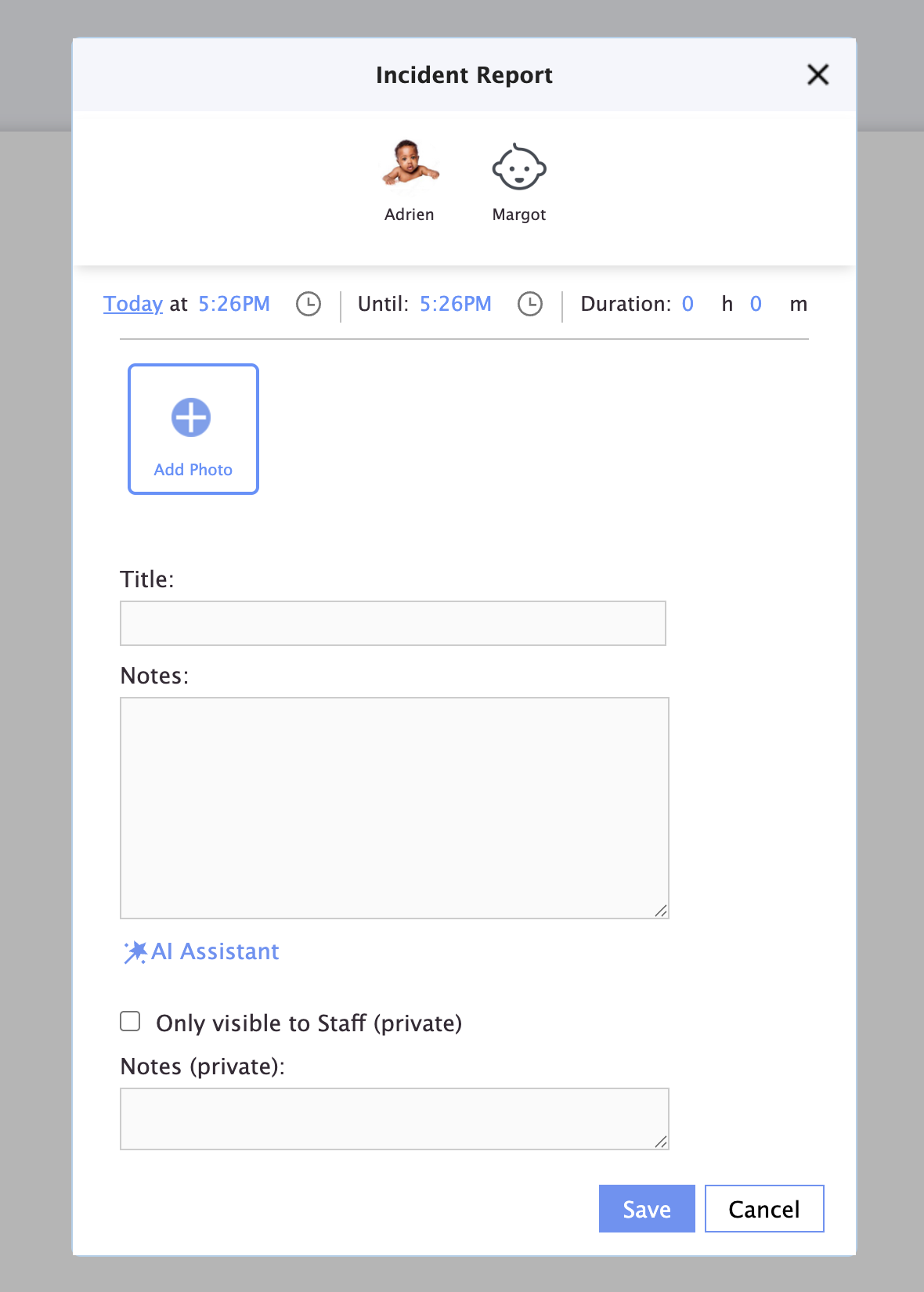
This is the incident report, without customization, that you can fill out :
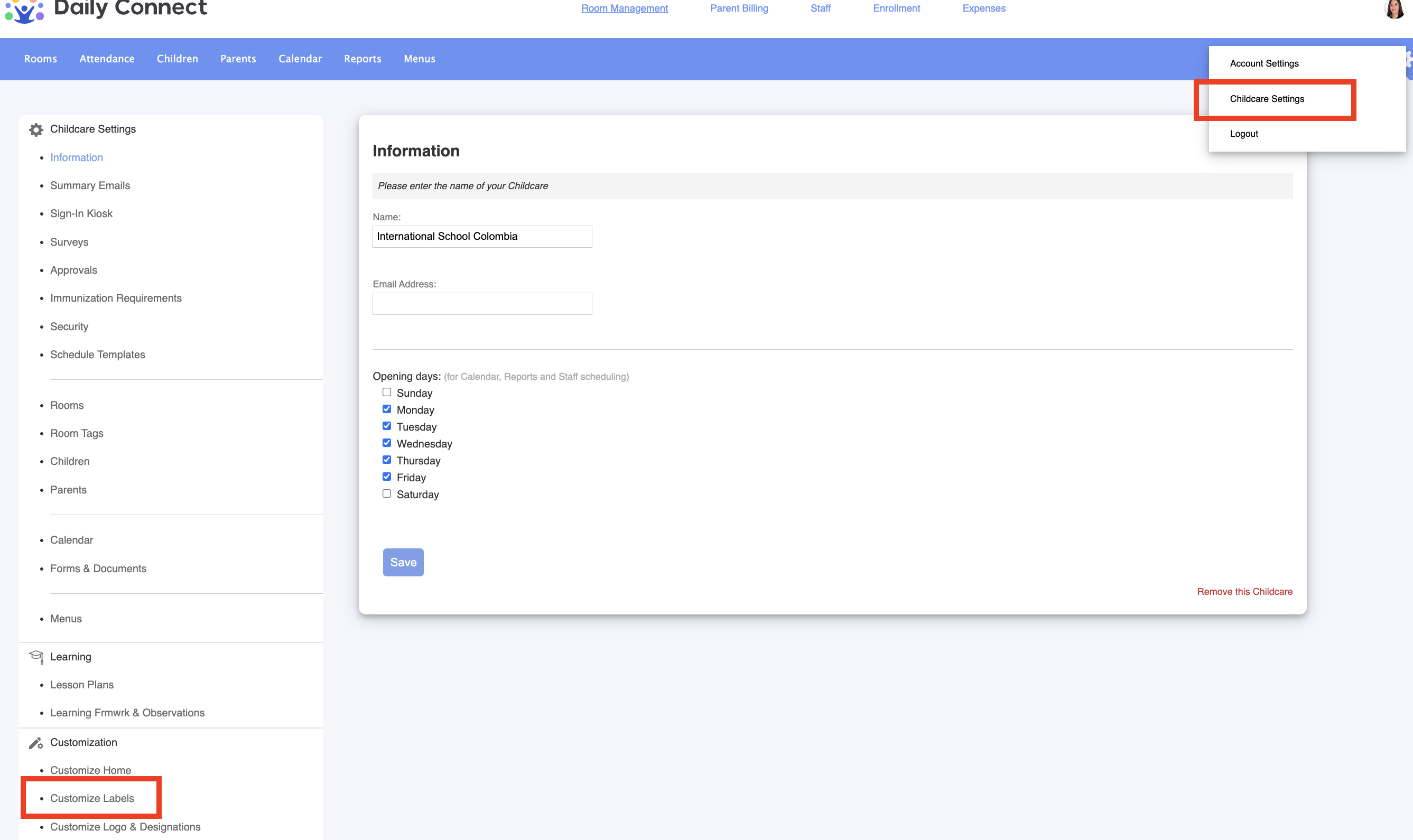
1. Log in to your admin account.
2. Go to Childcare settings > Customize labels:
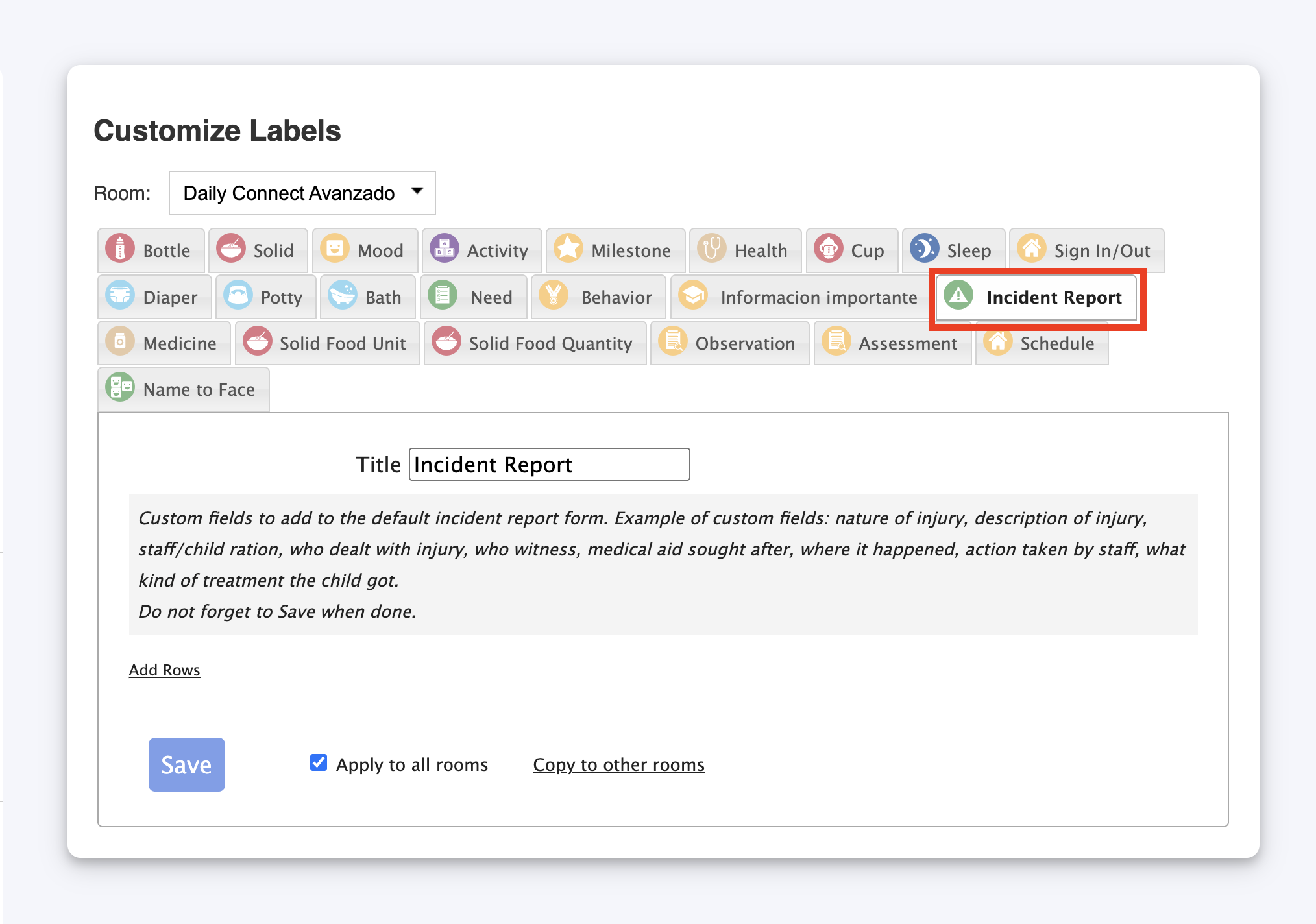
3. Go to Incident report:
4. Add all the questions or sections that you want by clicking on Add rows:
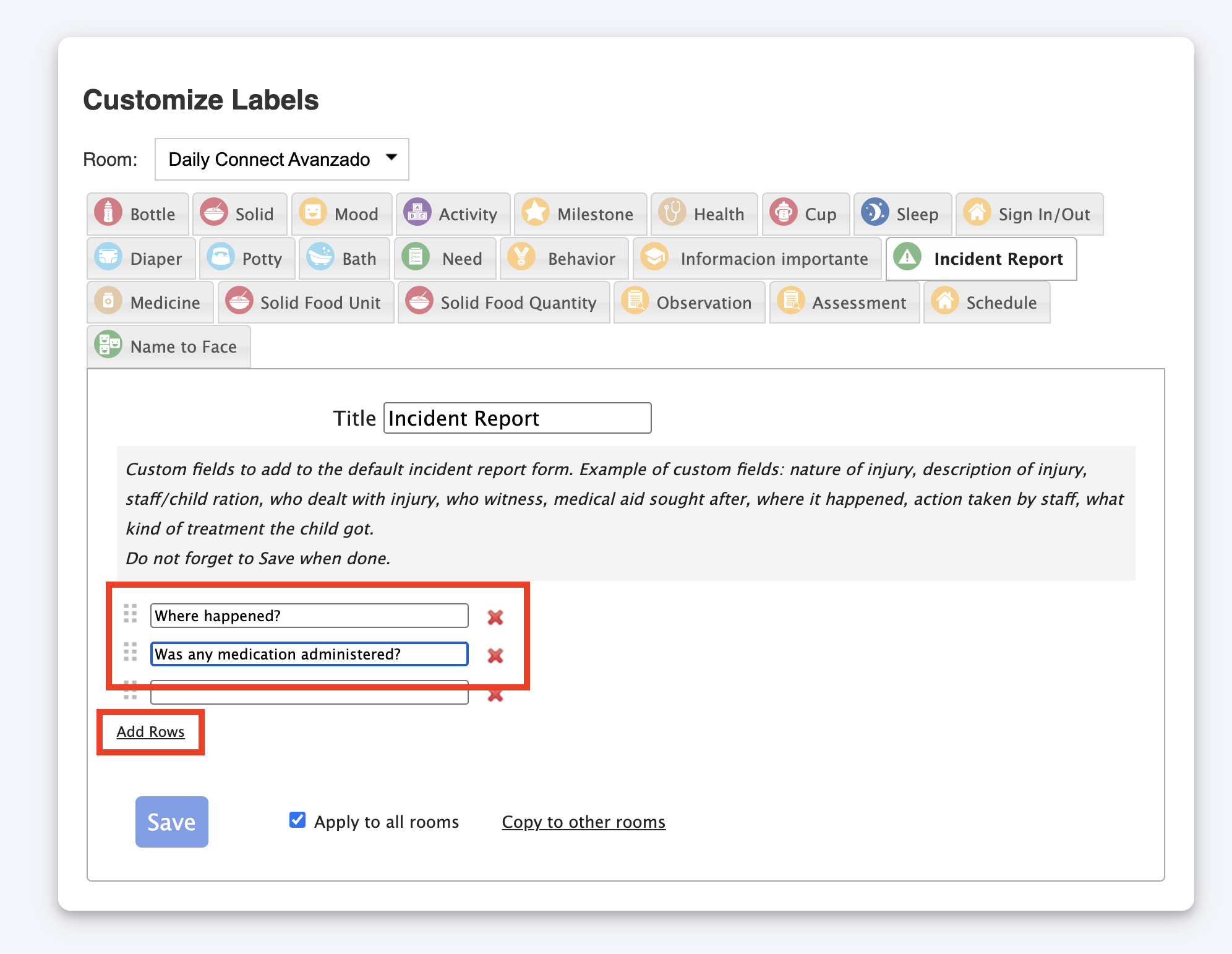
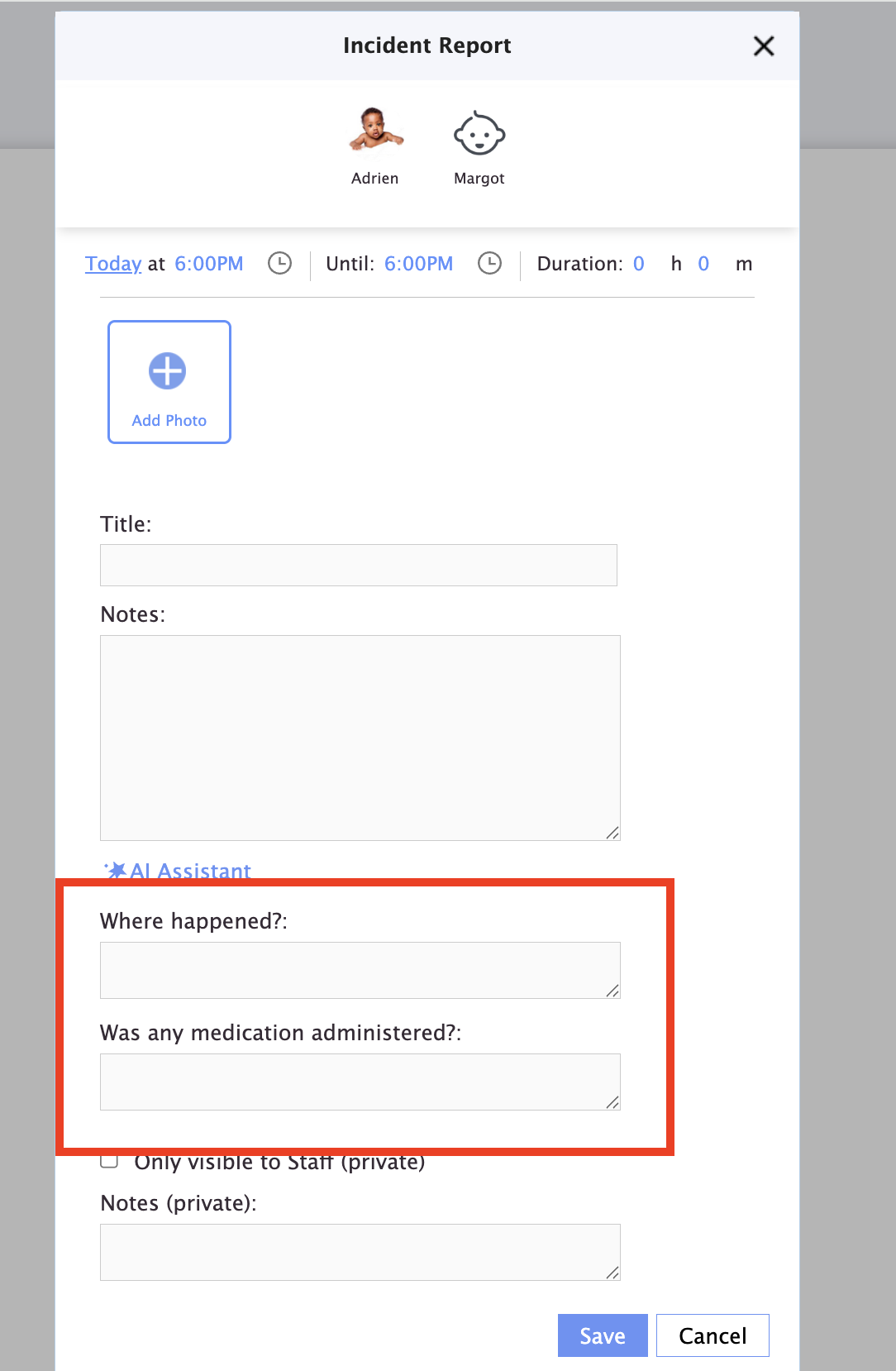
Now you can see your questions added:
Was this article helpful?
That’s Great!
Thank you for your feedback
Sorry! We couldn't be helpful
Thank you for your feedback
Feedback sent
We appreciate your effort and will try to fix the article