1. Log in to your admin account.
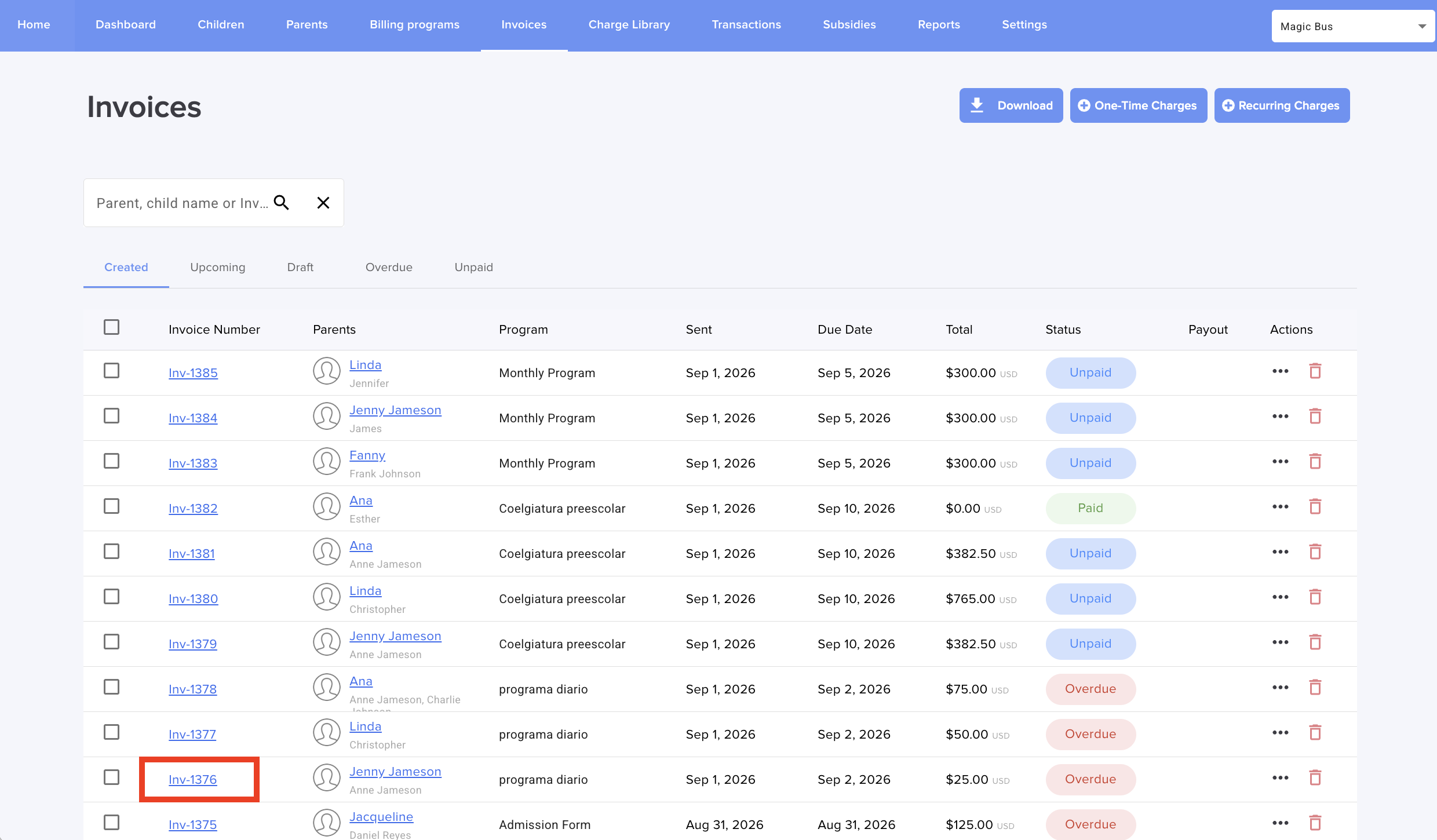
2. Go to Parent Billing > Invoices, and select the invoice that you want to edit:
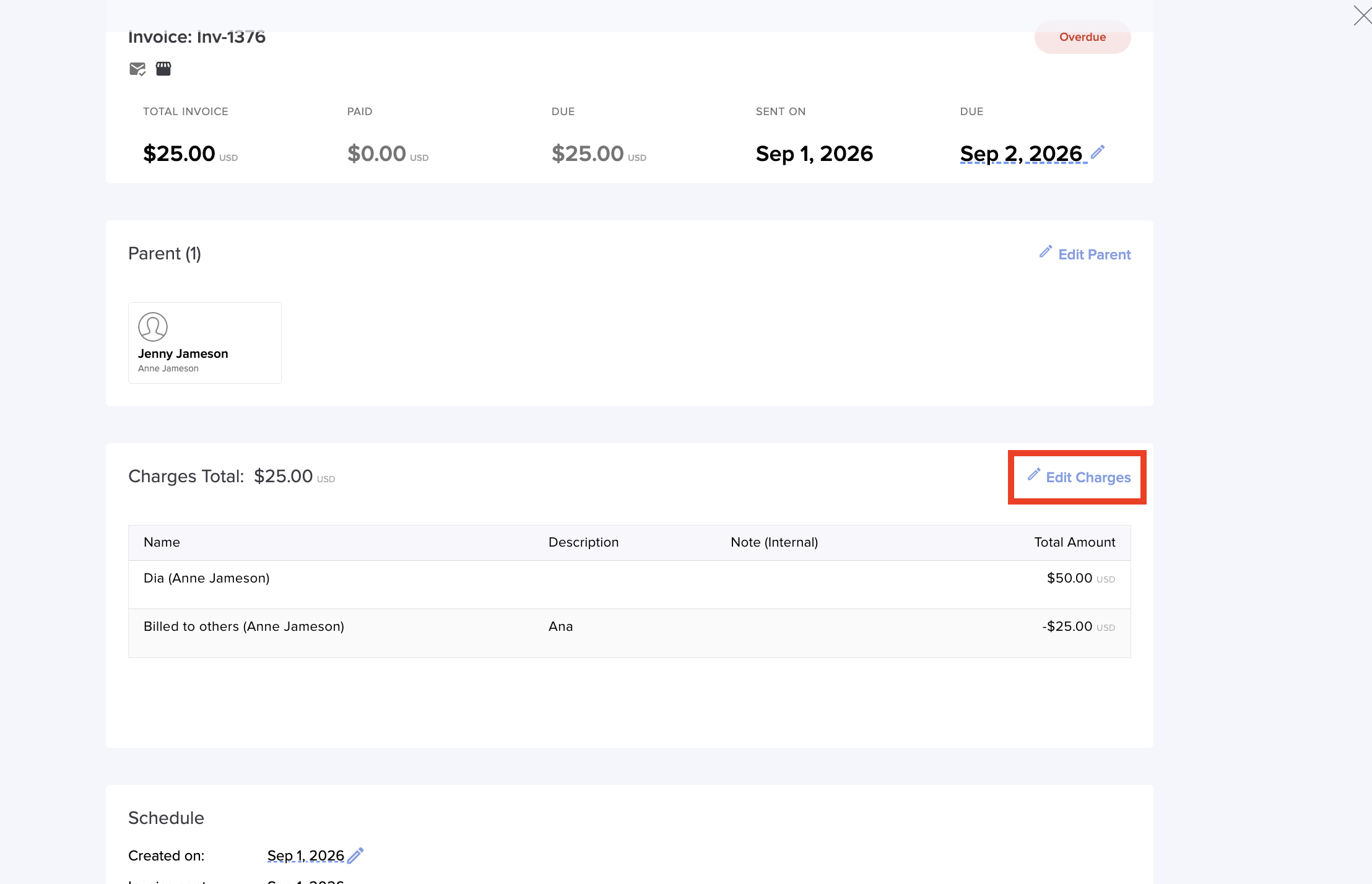
3. Click on the blue pencil to edit charges:
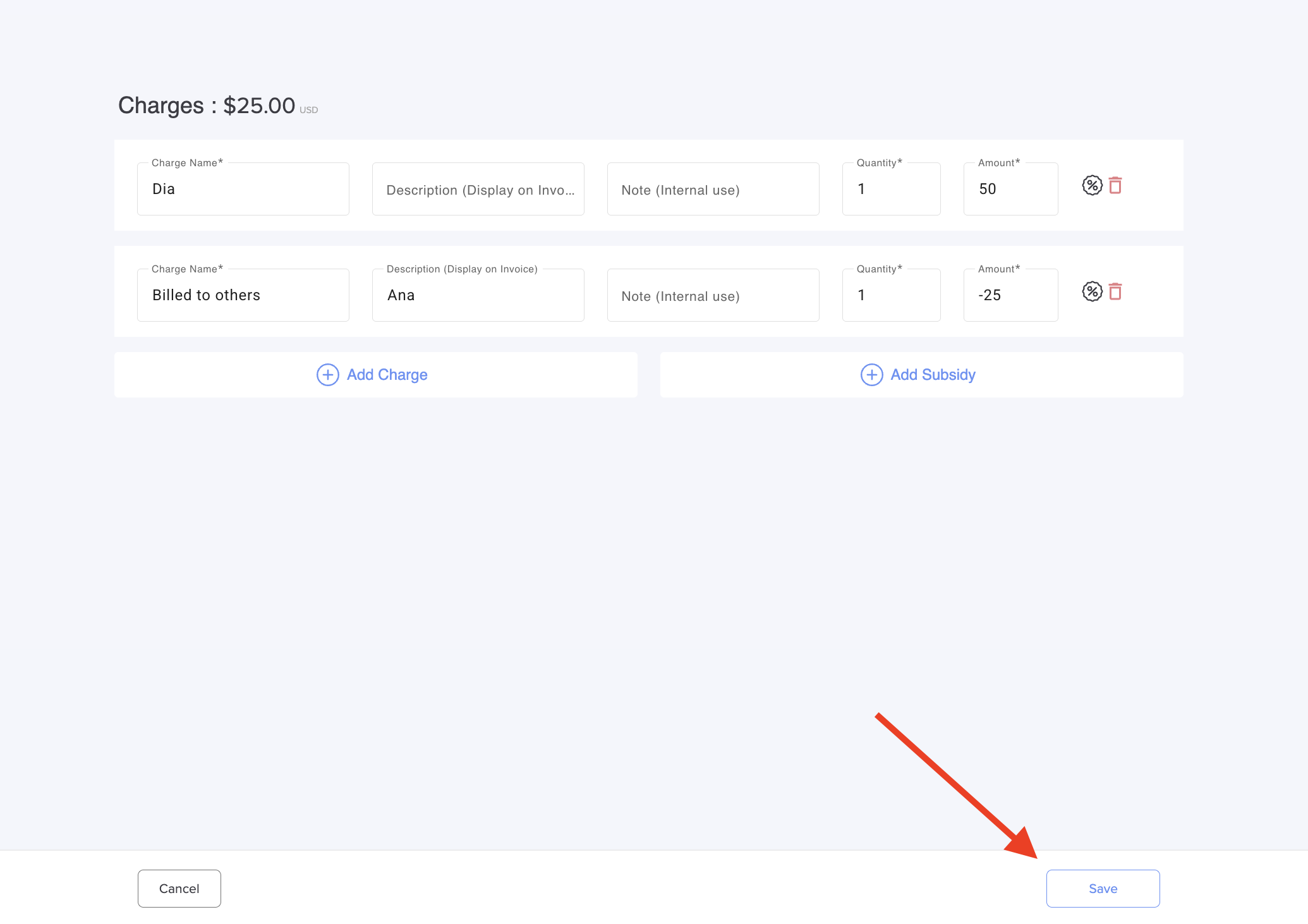
4. Modify what you need and click Save:
5. Enter information about the change you just made so that it is recorded in the system and you can refer back to it later:
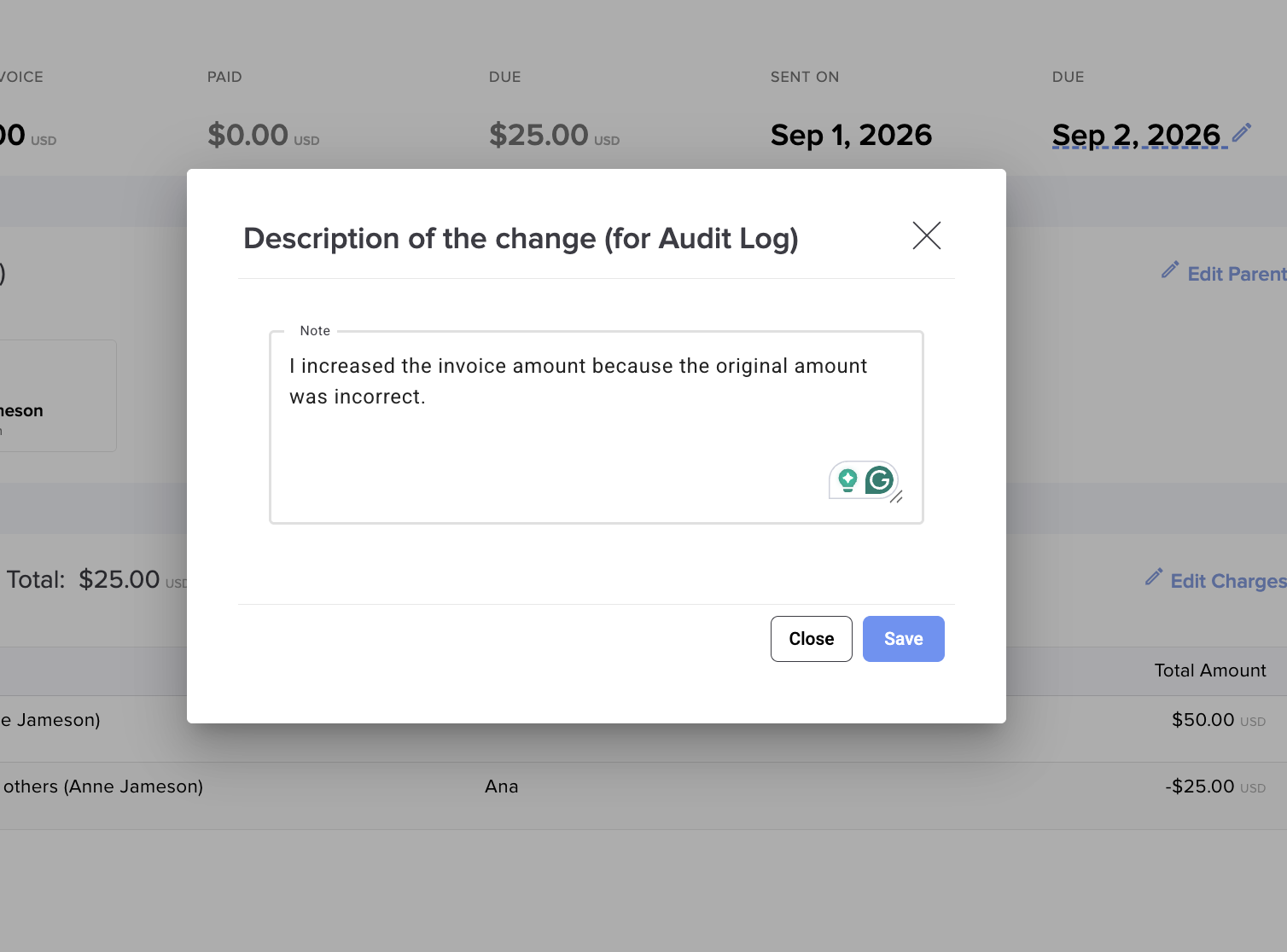
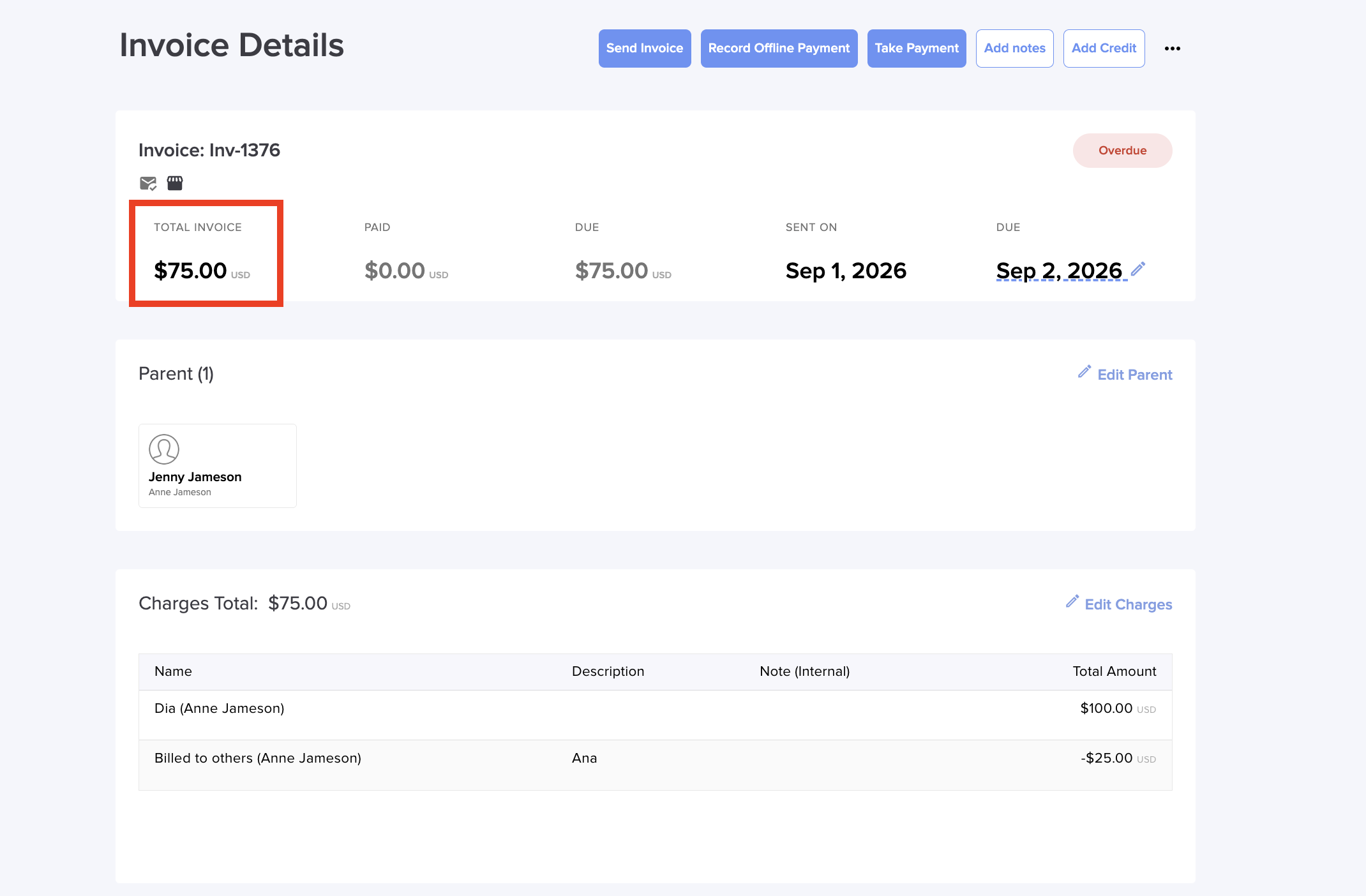
Now you can see the amount modified:
Contact support@dailyconnect.com if you have more questions.
Was this article helpful?
That’s Great!
Thank you for your feedback
Sorry! We couldn't be helpful
Thank you for your feedback
Feedback sent
We appreciate your effort and will try to fix the article