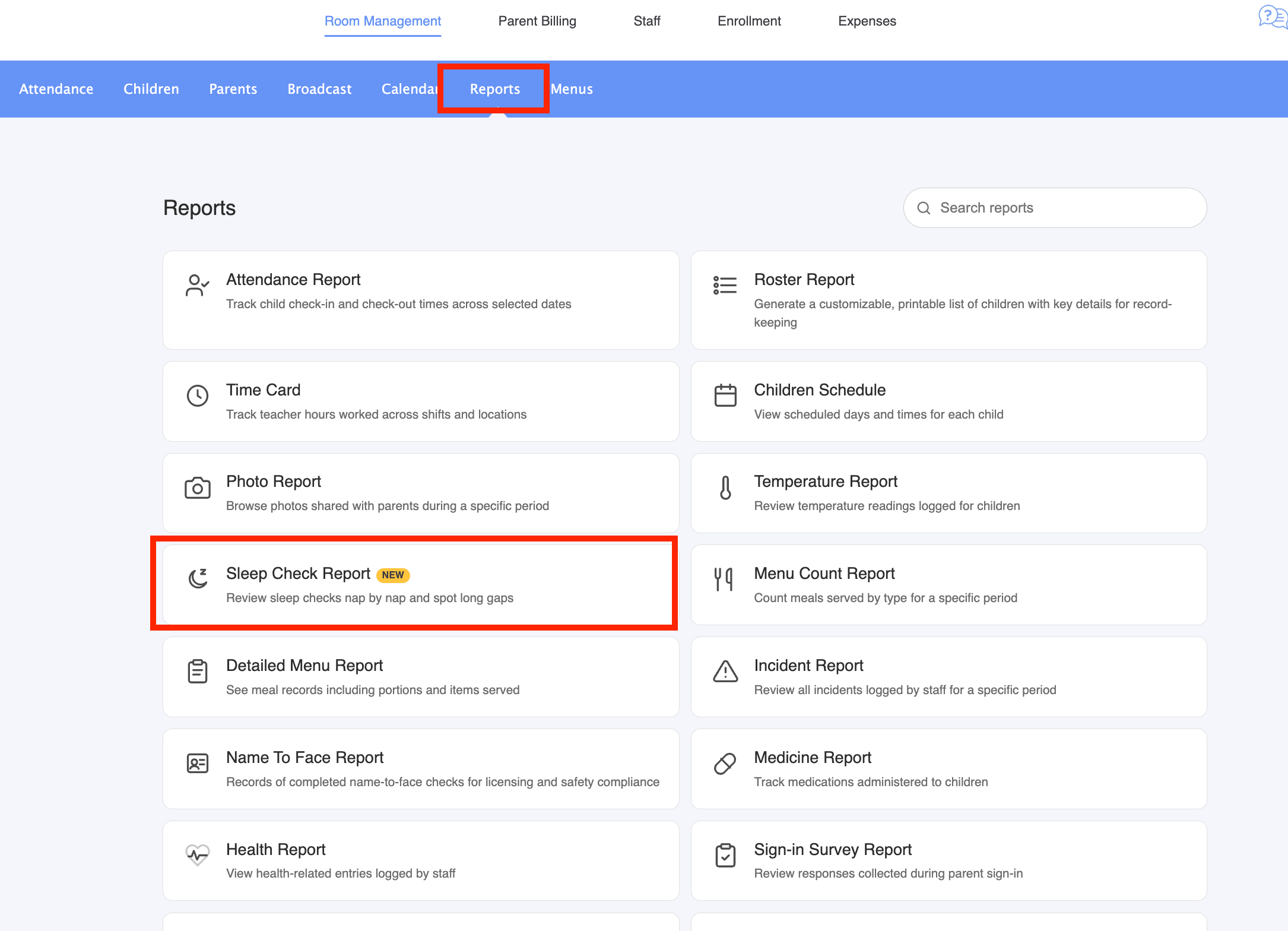
Every sleep check logged by the staff, grouped by nap, with the time between two checks. It helps a childcare show that each sleeping child was checked on time.
Where to find it
Reports > Sleep Check Report New
Staff can also type "sleep" in the search box at the top of the Reports page.
What it shows
- Sleep checks grouped by room, then by day, then by child and by nap.
- For each nap: the sleep start, every check with its time, the staff member and the note, then the wake-up time.
- The time since the previous check on each line ("+10 min"), and for each nap the number of checks and the longest gap.
- Checks logged when no nap was recorded, under No sleep logged.
- A nap with a sleep start but no wake-up, marked Not finished.
Checks expected every 15 min
Wednesday, 21 October, 2026
| Child | Time | Entry | Checked by | Note | Gap |
|---|---|---|---|---|---|
| Emma | Nap from 12:30 to 2:10 (1h40)Checks: 3. Longest gap: 55 min | ||||
| 12:30 | Sleep start | ||||
| 12:40 | Sleep check | Sarah K. | +10 min | ||
| 1:00 | Sleep check | Tom B. | on back | +20 min | |
| 1:55 | Sleep check | Sarah K. | +55 min | ||
| 2:10 | Woke up | +15 min | |||
| Leo | Nap from 12:45Not finishedChecks: 1. Longest gap: 10 min | ||||
| 12:45 | Sleep start | ||||
| 12:55 | Sleep check | Sarah K. | +10 min | ||
| Mia | Nap from 3:00 to 3:40 (40m)No checksChecks: 0. Longest gap: 40 min | ||||
| 3:00 | Sleep start | ||||
| 3:40 | Woke up | +40 min | |||
Options
Print and PDF
Print puts each room on its own page. Export PDF downloads the same report as a PDF, ready to send to an inspector.
Good to know
- It needs a Professional+ plan, like the other activity reports.
- It only shows sleep checks entered for a childcare. Entries made from a parent account are not included.
- A nap that runs past midnight only shows the checks made on the day it started.
- The report does not judge compliance. The gaps depend on when staff logged the sleep start and the wake-up, and the right interval depends on local rules.
Was this article helpful?
That’s Great!
Thank you for your feedback
Sorry! We couldn't be helpful
Thank you for your feedback
Feedback sent
We appreciate your effort and will try to fix the article