Creating lessons for different curriculums can be a time-consuming task, time that could be better spent focusing on your students. To help with this, Daily Connect offers an artificial intelligence tool that allows you to create the lessons you need in just a few seconds.
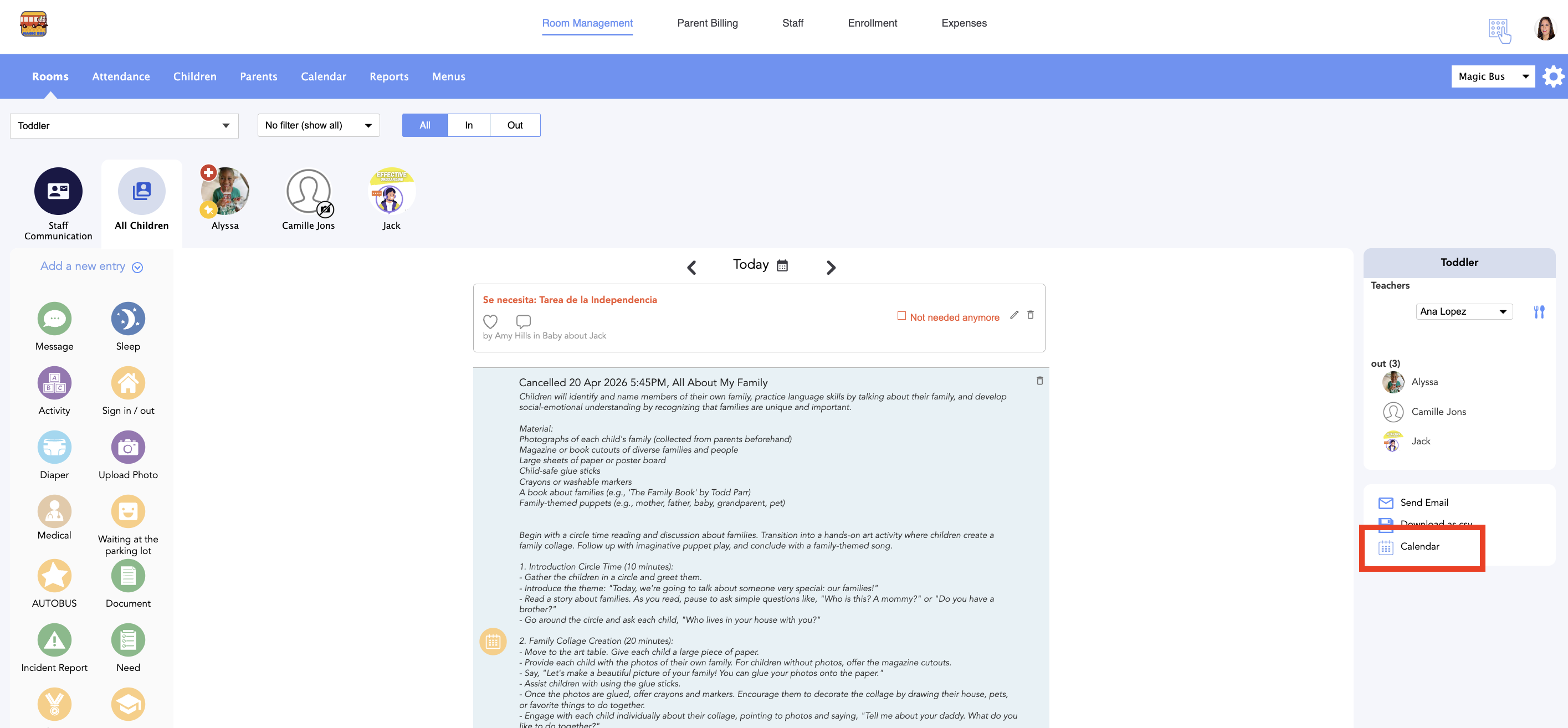
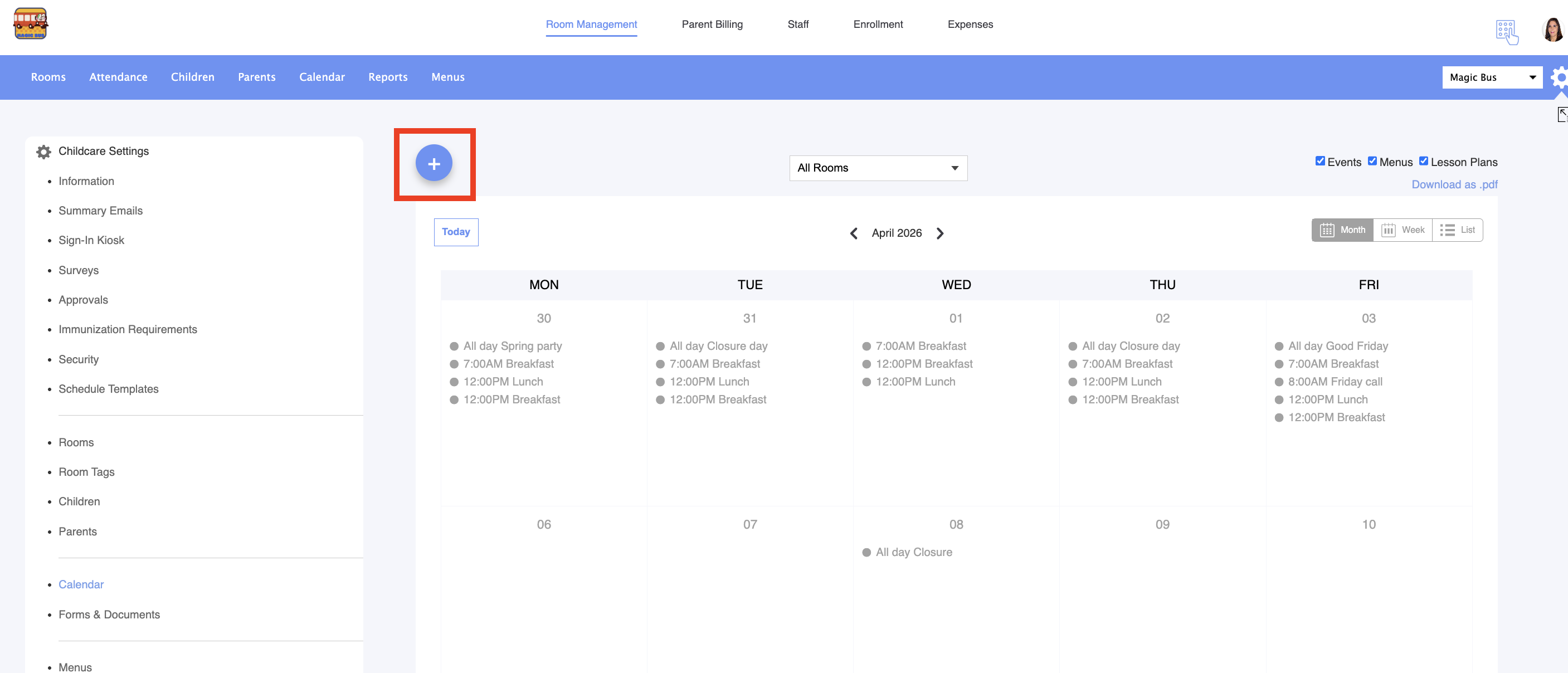
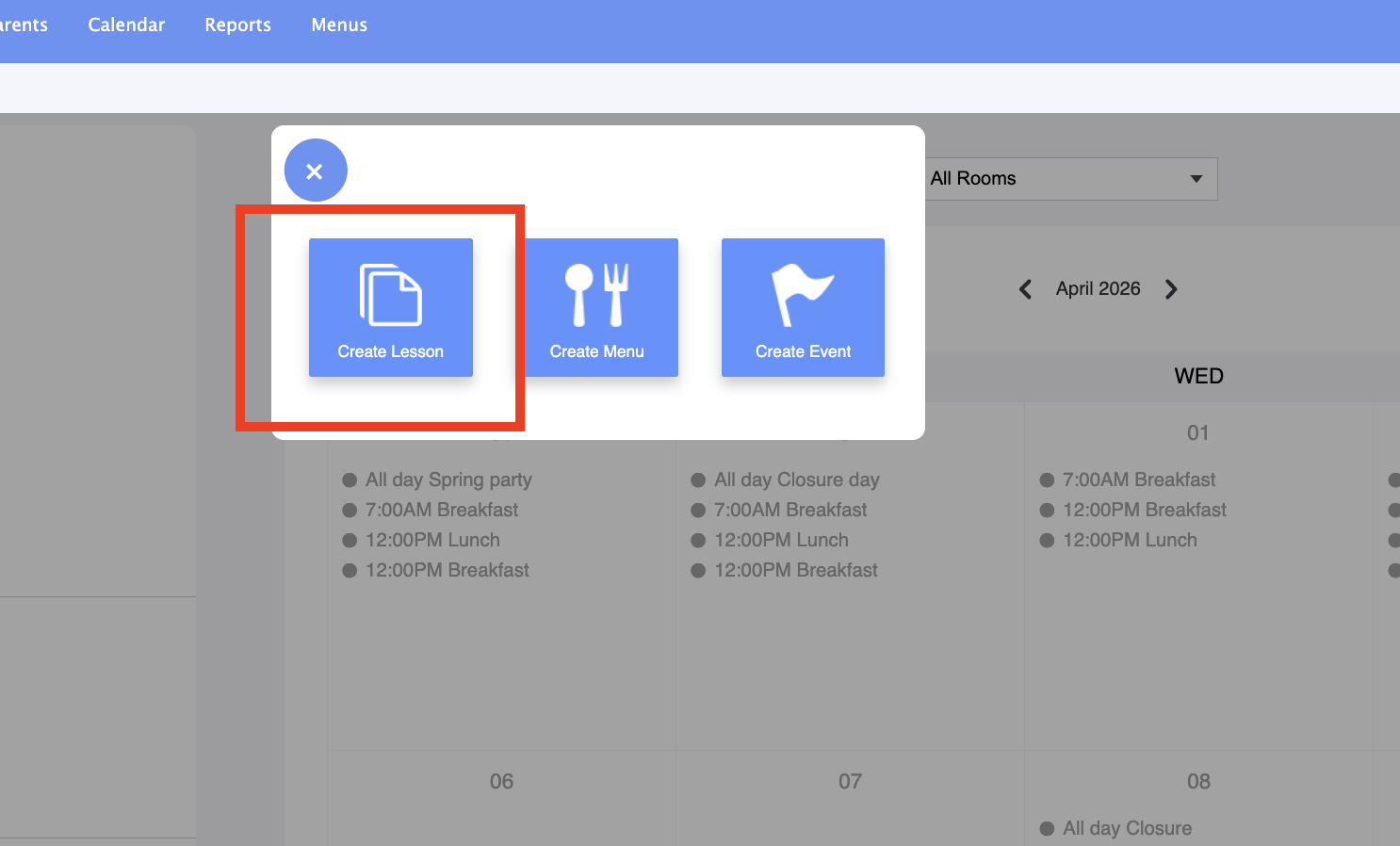
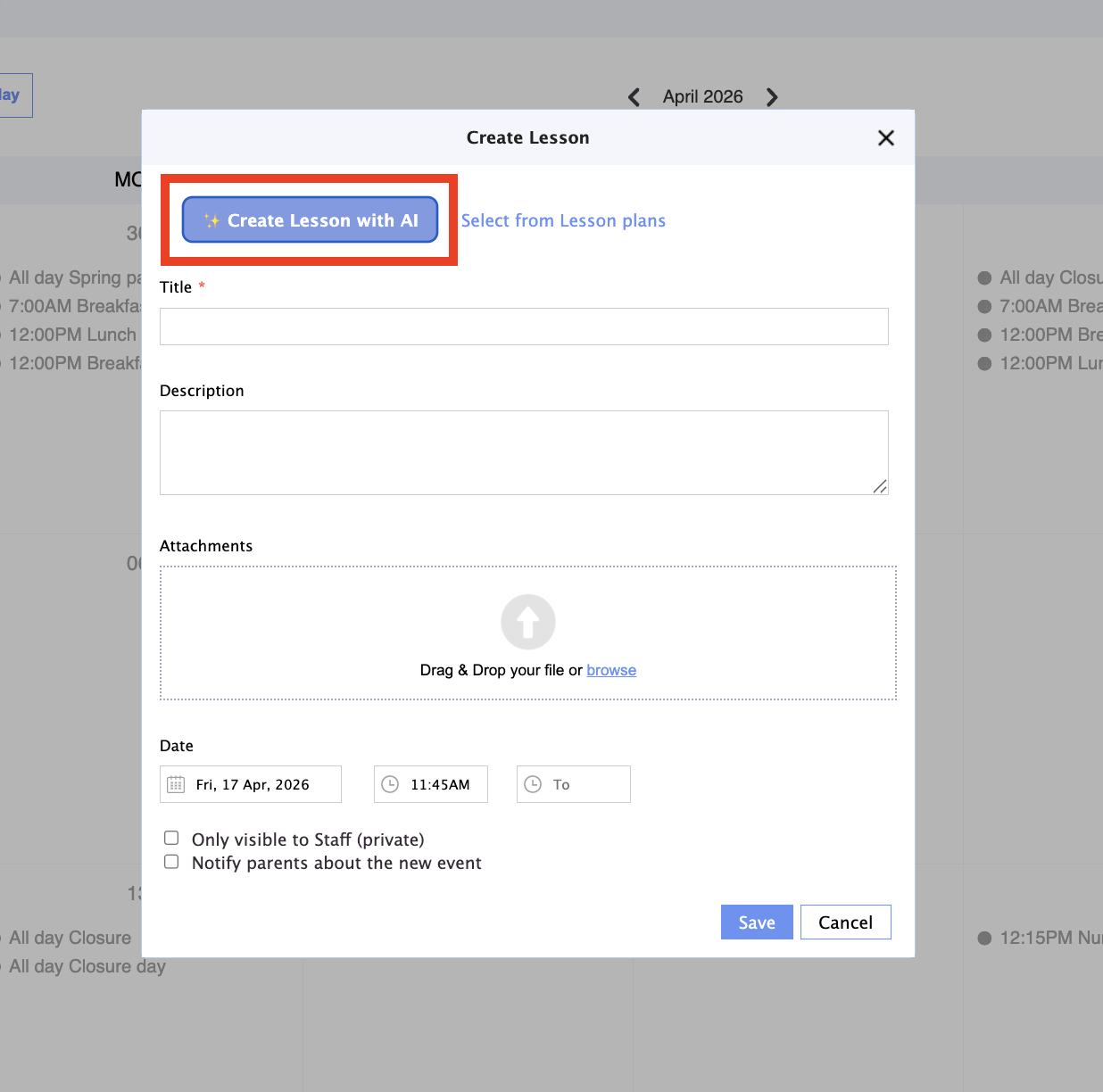
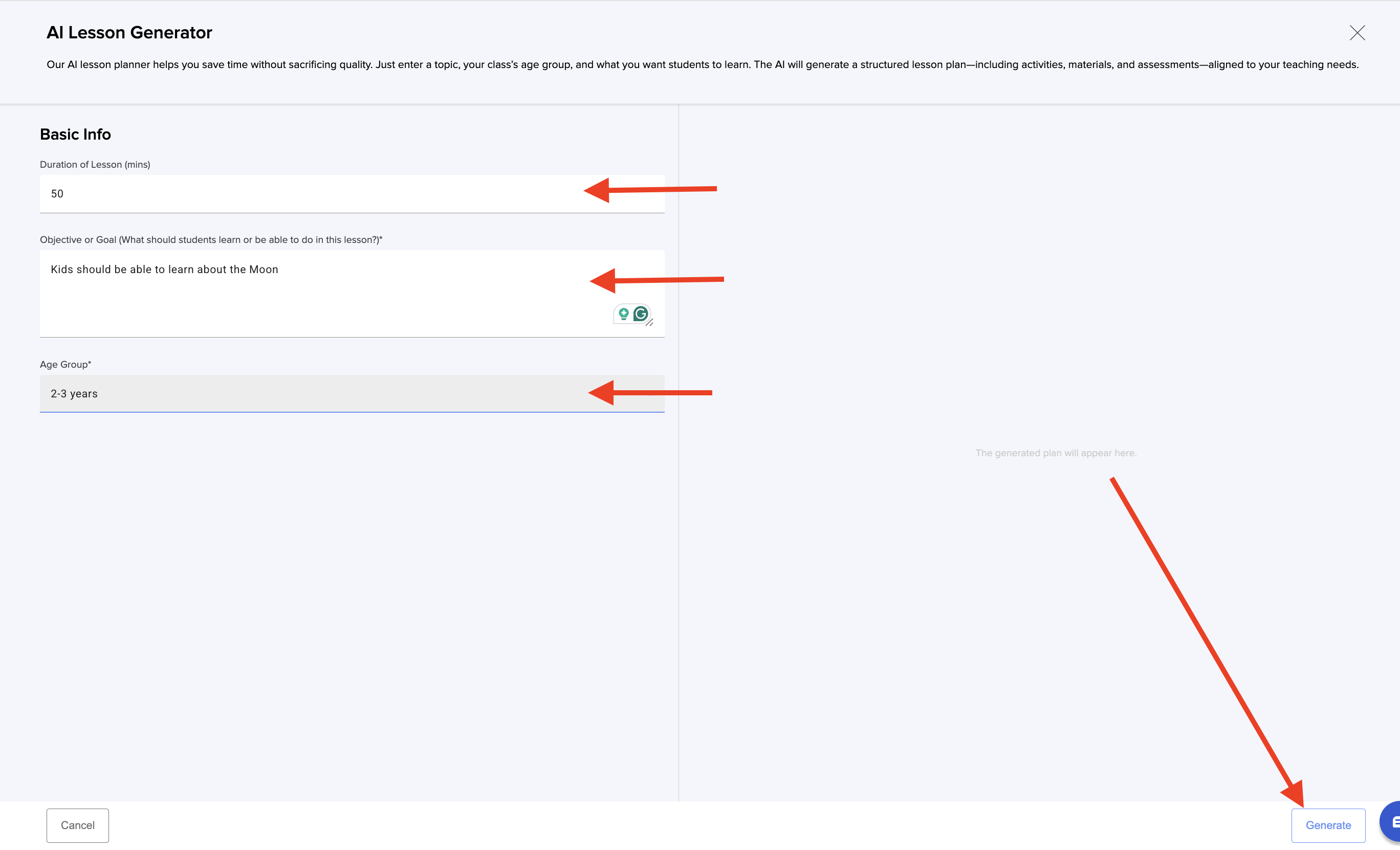
6. Fill in all the information requested: duration, goals and age group. Click Generate:
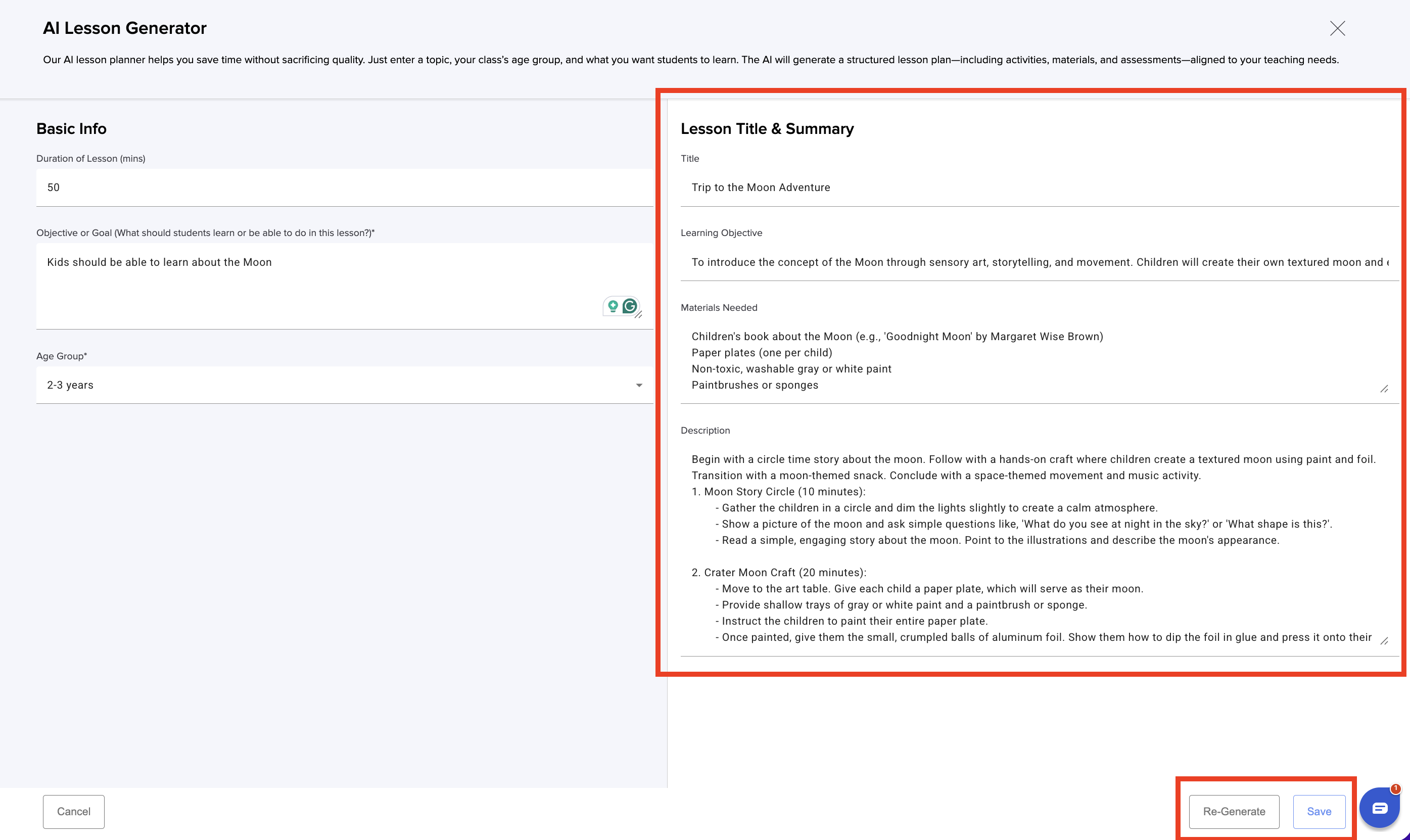
7. Review the lesson generated and click Save. If you want another version click Re-generate:
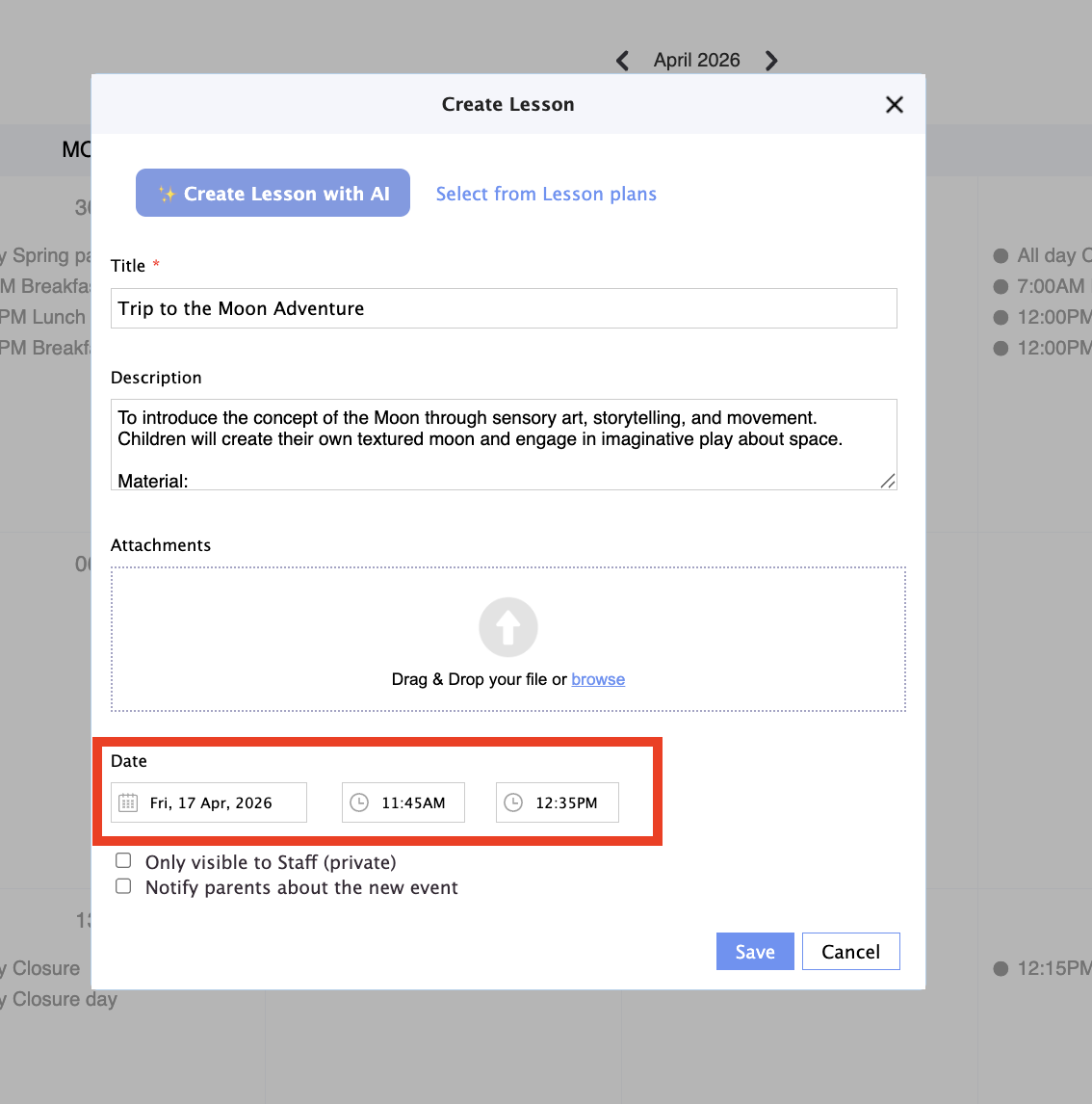
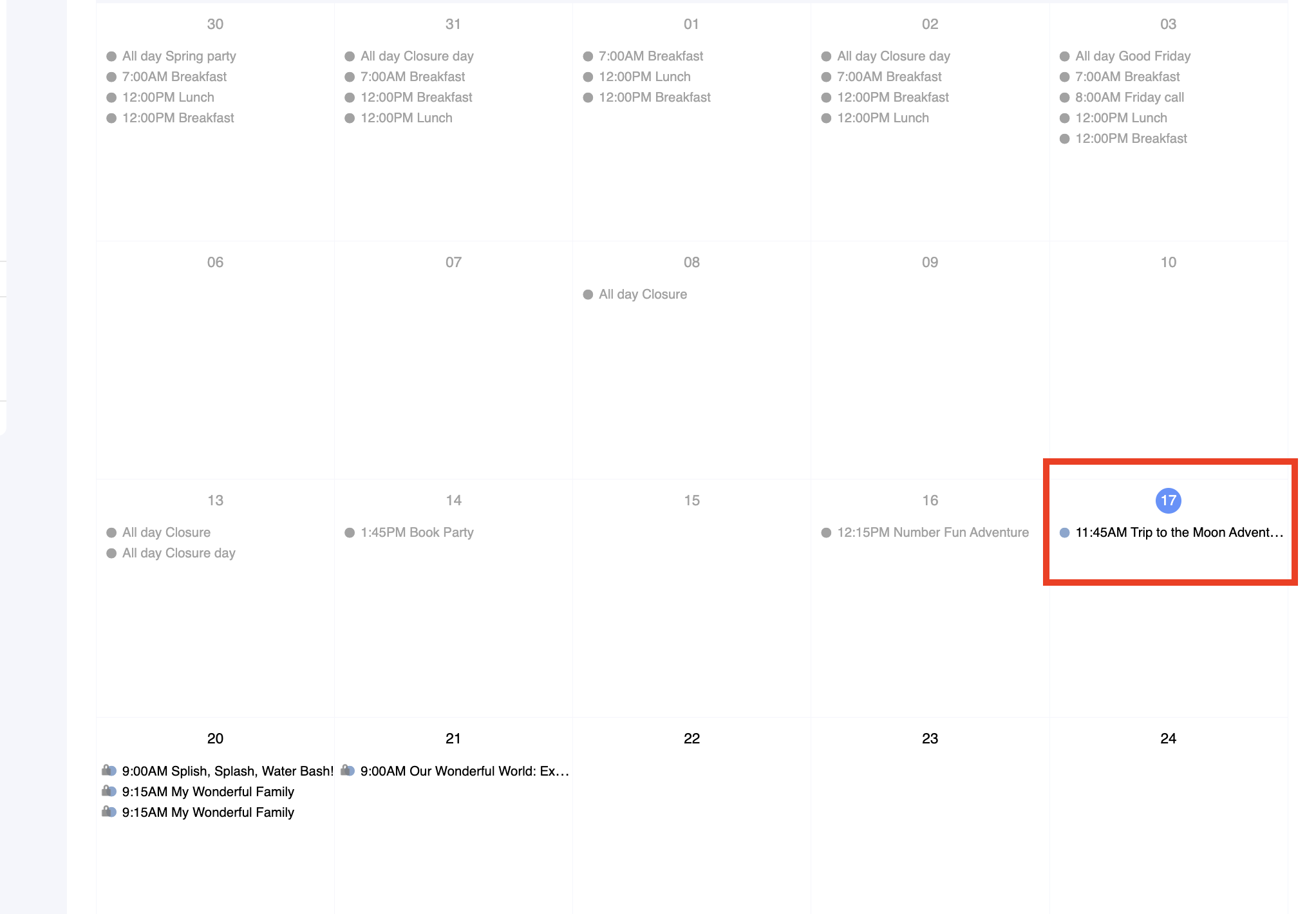
8. Select the day and time when this lesson is scheduled. If you want you can also upluad documents to the lesson calendar entry:
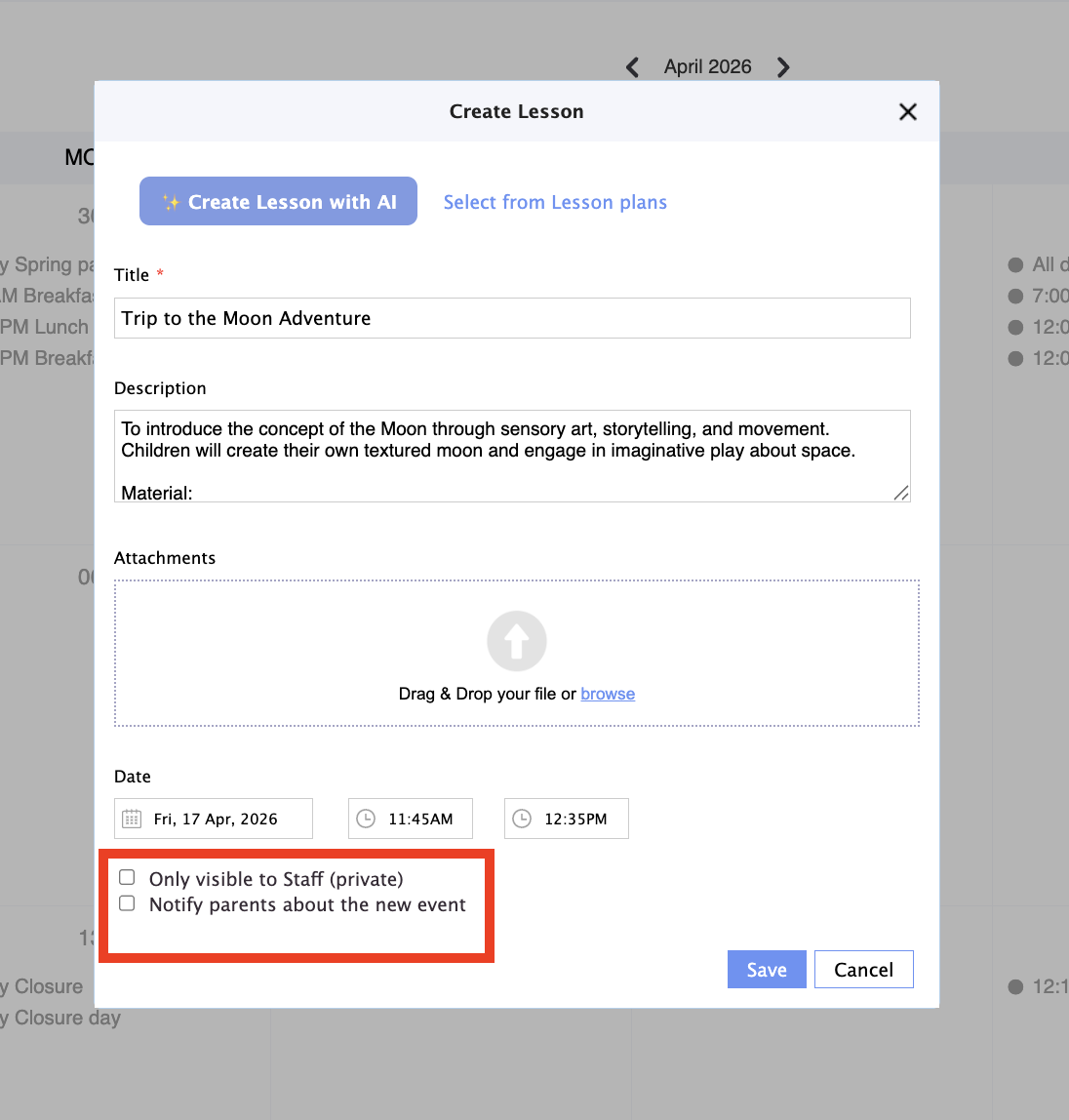
9. Select the option you like most and click Save:
If you have any questions or comments, please get in touch with us at support@dailyconnect.com
Was this article helpful?
That’s Great!
Thank you for your feedback
Sorry! We couldn't be helpful
Thank you for your feedback
Feedback sent
We appreciate your effort and will try to fix the article